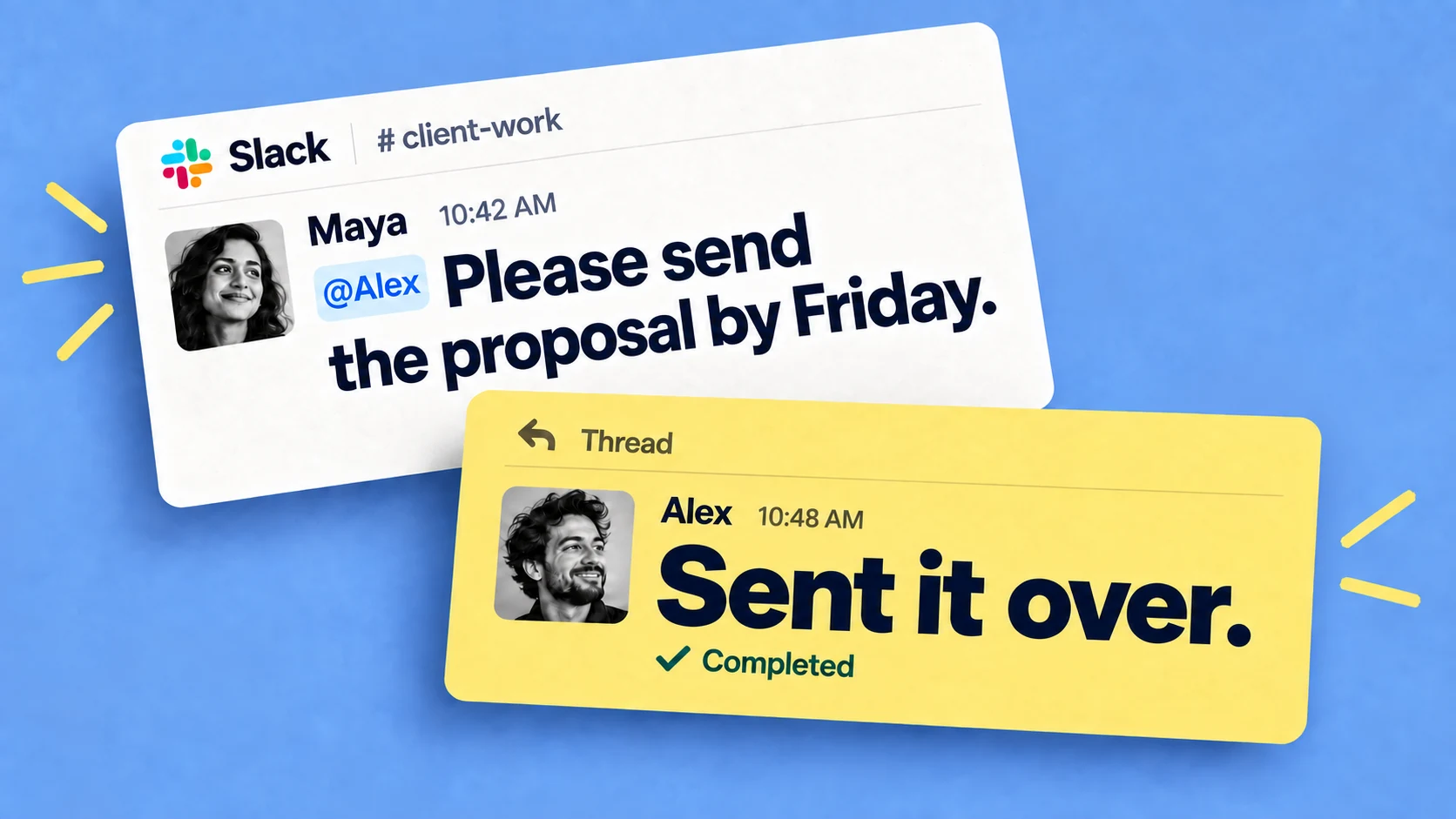

You can run a checklist in Slack for almost any business function at any company, from onboarding a new client to preparing a compliance audit. For most teams, Slack is a convenient place to run one: the people doing the work are already there, and with Chaser each step becomes a Slack task with an owner, a due date, and automatic follow-ups.
The Chaser team maintains a catalogue of sample checklists, each built for a specific workflow and the person who runs it. These are the 84 checklists available so far, grouped by the kind of work they cover.
Marketing, content, and client delivery checklists
- Amazon product launch checklist for ecommerce teams
- App launch checklist for product teams
- Blog post checklist for content teams
- Brand launch checklist for marketing teams
- Client offboarding checklist for agencies
- Content marketing checklist for marketing teams
- Customer onboarding checklist for account managers
- Customer onboarding checklist for SaaS companies
- Ecommerce launch checklist for new store owners
- Email marketing checklist for campaign managers
- Google Ads checklist for paid media teams
- Newsletter checklist for email marketing teams
- Podcast production checklist for podcast teams
- Product launch checklist for product marketing teams
- SaaS onboarding checklist for customer success teams
- SEO onboarding checklist for agencies
- Social media content checklist for marketing teams
- Video production checklist for marketing teams
- Website launch checklist for marketing teams
People and HR checklists
- Contractor onboarding checklist for operations teams
- Employee offboarding checklist for HR teams
- Employee termination checklist for HR teams
- Intern onboarding checklist for HR teams
- New hire onboarding checklist for hiring managers
- New manager onboarding checklist for HR teams
- Remote employee onboarding checklist for distributed teams
- Restaurant employee onboarding checklist for managers
- Sales rep onboarding checklist for sales leaders
- Volunteer onboarding checklist for nonprofit teams
Events and nonprofit checklists
- Conference planning checklist for event teams
- Event planning checklist for event teams
- Event production checklist for event teams
- Fundraising event checklist for nonprofit teams
- Grant application checklist for nonprofit teams
- Trade show checklist for exhibiting teams
- Virtual event checklist for marketing teams
- Webinar checklist for B2B marketing teams
Finance, accounting, and lending checklists
- Accounts payable checklist for accounting teams
- Client onboarding checklist for bookkeeping firms
- Invoicing checklist for finance teams
- Loan processing checklist for lending teams
- Month-end close checklist for accounting teams
- Monthly bookkeeping checklist for small businesses
- Payroll checklist for small businesses
- Tax preparation checklist for accounting firms
- Year-end accounting checklist for finance teams
Healthcare checklists
- HIPAA compliance checklist for healthcare practices
- Medical billing checklist for billing teams
- New patient checklist for clinic teams
Real estate and property checklists
- Airbnb cleaning checklist for property managers
- Open house checklist for real estate agents
- Property management checklist for rental managers
- Real estate agent onboarding checklist for brokerages
- Real estate closing checklist for transaction teams
- Real estate listing checklist for listing agents
- Tenant move-in checklist for landlords
- Tenant move-out checklist for property managers
Operations, retail, and facilities checklists
- Daily cleaning checklist for facility managers
- Equipment maintenance checklist for maintenance teams
- Franchise opening checklist for franchise teams
- Office move checklist for office managers
- Restaurant closing checklist for shift managers
- Restaurant opening checklist for shift managers
- Store opening checklist for retail managers
- Warehouse checklist for shift supervisors
Construction, manufacturing, and fulfillment checklists
- Construction punch list for project managers
- Construction site safety checklist for site managers
- Inventory checklist for warehouse managers
- Order fulfillment checklist for ecommerce teams
- Quality control checklist for small manufacturers
- Shipping checklist for ecommerce teams
- Vendor onboarding checklist for procurement teams
IT, security, and compliance checklists
- Data migration checklist for IT teams
- GDPR compliance checklist for SaaS teams
- Incident response checklist for security teams
- IT onboarding checklist for IT teams
- Server maintenance checklist for IT teams
- SOC 2 compliance checklist for SaaS startups
Project, sales, and business process checklists
- Business proposal checklist for sales teams
- Contract review checklist for in-house teams
- Project closeout checklist for project managers
- Project kickoff checklist for project managers
- RFP response checklist for proposal teams
- SOP checklist for operations managers
Each page has the full step list, including important steps that often get skipped, a short FAQ, and a copy button so you can take the checklist wherever you run it. New checklists are added over time, so check back if yours is not covered yet.
Each checklist can also run as a reusable template in Chaser, so you can set it up once and rerun it whenever the process repeats. This guide explains how to create a reusable checklist in Slack.
You can try Chaser for free and see how it fits the way your team already works in Slack. Get started and add Chaser to Slack, for free.