Enterprise task management software has to work across teams don't all work the same way: Engineering may plan in an issue tracker, marketing may use a content calendar, finance may manage approvals in a separate system.
In many Slack-based enterprises, the place those teams already share is Slack. That makes it a practical home for the tasks and handoffs that cross department boundaries.
This guide explains what to look for in an enterprise task management system, how Slack can support it, and how to handle permissions, reporting, integrations, and rollout. For a wider comparison of tools, see this guide to task management software for teams.
What enterprise task management software needs to handle
Task count is only one part of enterprise scale. The software has to support people with different roles, habits, tools, and access levels. A useful evaluation starts with six practical requirements:
- Easy participation. People should be able to accept, update, and complete a task from a place they already check during the day.
- Cross-team ownership. A request that moves between departments needs a named owner at every stage, along with a visible due date and status.
- Flexible structure. Shared work needs tags, checklists, recurring tasks, custom statuses, and group assignments, while departments retain their own detailed processes.
- Permission controls. Administrators need to understand who can install the app, what it can access, and how channel membership affects visibility.
- Reporting. Project leads need a current view of overdue, blocked, and completed work across teams.
- Connections to other systems. integrations should pass work to the specialist tools used by individual departments.
Security, operations, and leadership also need appropriate controls.
Use Slack for work that crosses departments
Most large companies have several valid ways of managing work. A software team may manage sprints in an issue tracker, while legal uses an approval queue and customer success organizes work around accounts. Replacing all of those processes with one standard board would discard useful detail.
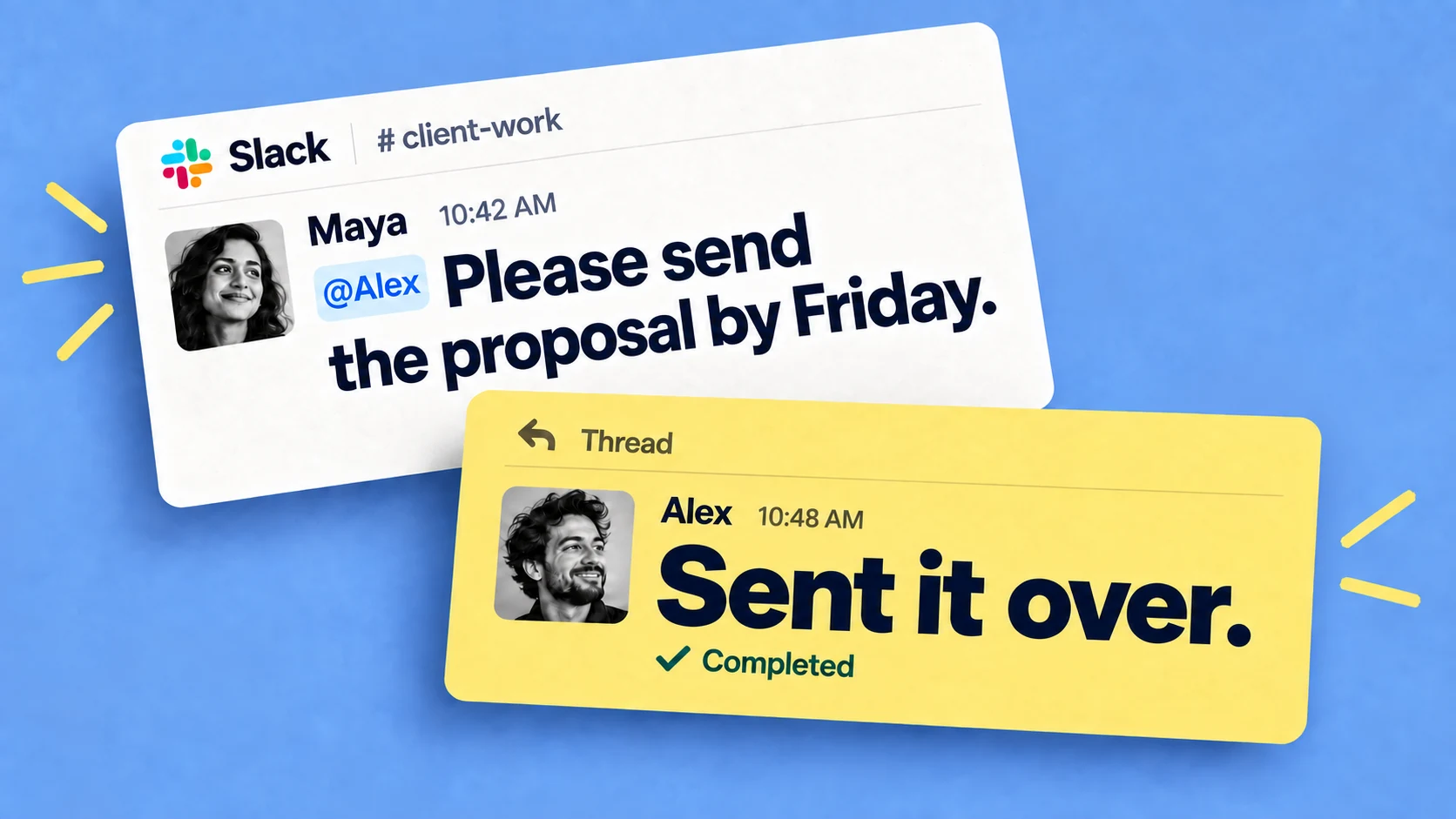
Cross-team work often starts with a request for a review, approval, document, or decision. That request needs an owner and a date. Slack is often where it first appears and where the departments discuss it, so creating the task from that conversation keeps the commitment next to its context.
Consider a product launch involving marketing copy, a security review, and enablement material for customer success. Each team can manage its internal work in its preferred system. A shared launch channel can hold the cross-team tasks, their owners, and a status report that everyone understands. This is the same pattern covered in more detail in the guide to cross-functional collaboration.
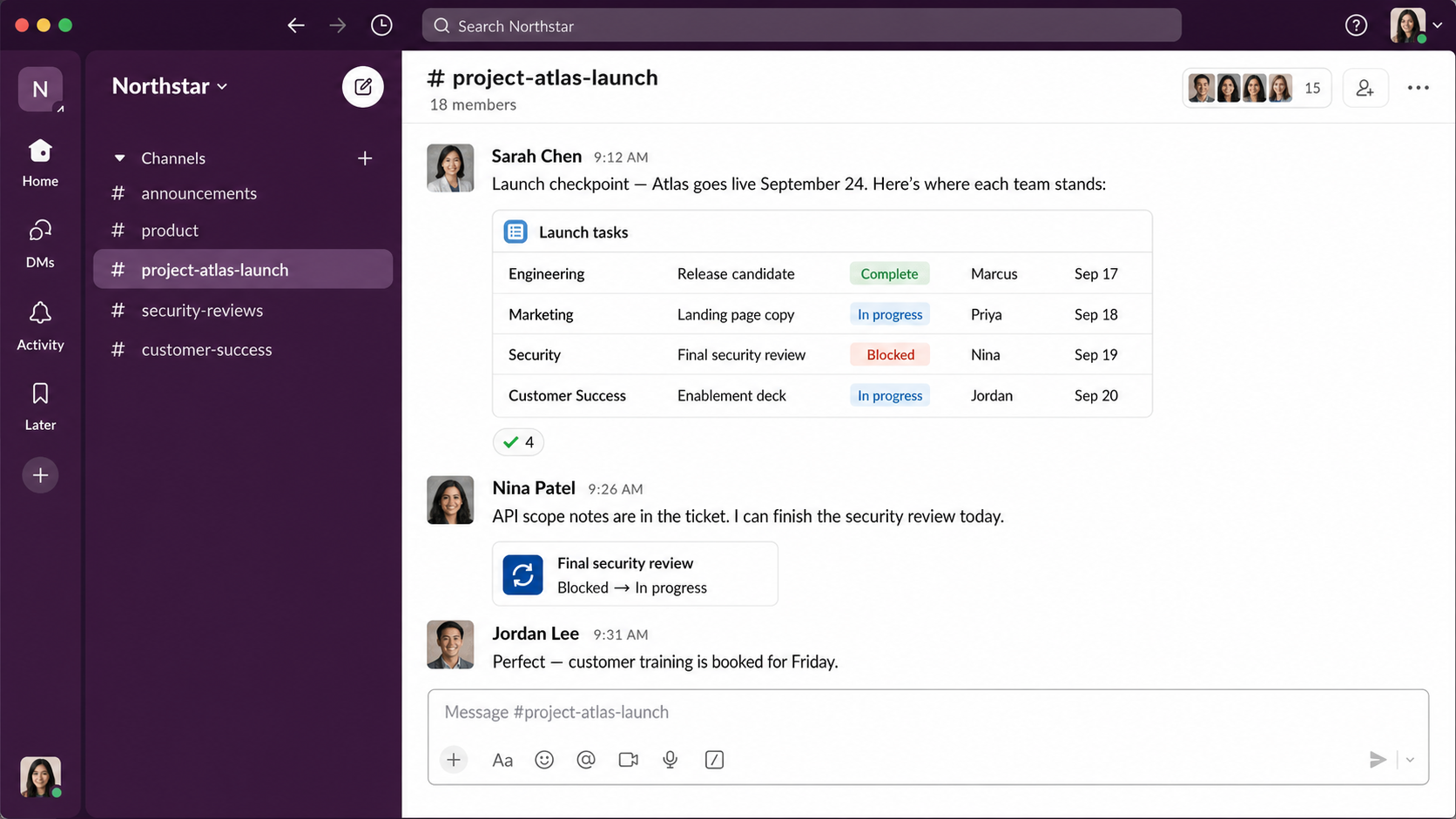
A Slack-based model also reduces duplicate entry at the moment work is assigned. The message already contains the request and context. Turning it into a task preserves that connection and gives it a durable status. This guide to task management in Slack covers the basic workflow.
Build permissions and security into the operating model
When a person uses Chaser through its Claude connection, the connection follows Slack's permission model automatically: Claude can't reach a channel or take an action that the Slack user can't. It also asks for approval before creating, editing, or completing a task. This keeps the person's existing Slack access at the center of the interaction.
Give cross-team work a common shape
Workflows can remain department-specific, but a small shared vocabulary is useful for work that moves between them: use four common statuses: acknowledged, in progress, blocked, and complete. A few tags can identify the initiative, department, or type of request.
Keep department-specific stages in the department's own system. Legal may have several internal review steps, for example, while the shared task simply shows that legal owns the review and when the result is due. This gives other teams useful visibility without asking them to learn the legal workflow.
Include external partners in the same process
Enterprise projects often include outside organizations. Slack Connect lets them collaborate in a shared channel while each organization keeps control of its own workspace. Slack's official Slack Connect guide explains the channel ownership and administrative controls.
Chaser works in Slack Connect channels, so a task can be assigned to an external partner where the discussion is already happening. Chaser states on its pricing page that external connections and single-channel guests only see tasks created in the channel they're in. They can take part without creating another Chaser login.
This works well for a client approval, a supplier document request, or an agency deliverable. The task, due date, reminders, and relevant conversation stay in the shared channel, while internal work remains in internal channels and systems.
Where Chaser fits as enterprise task management software
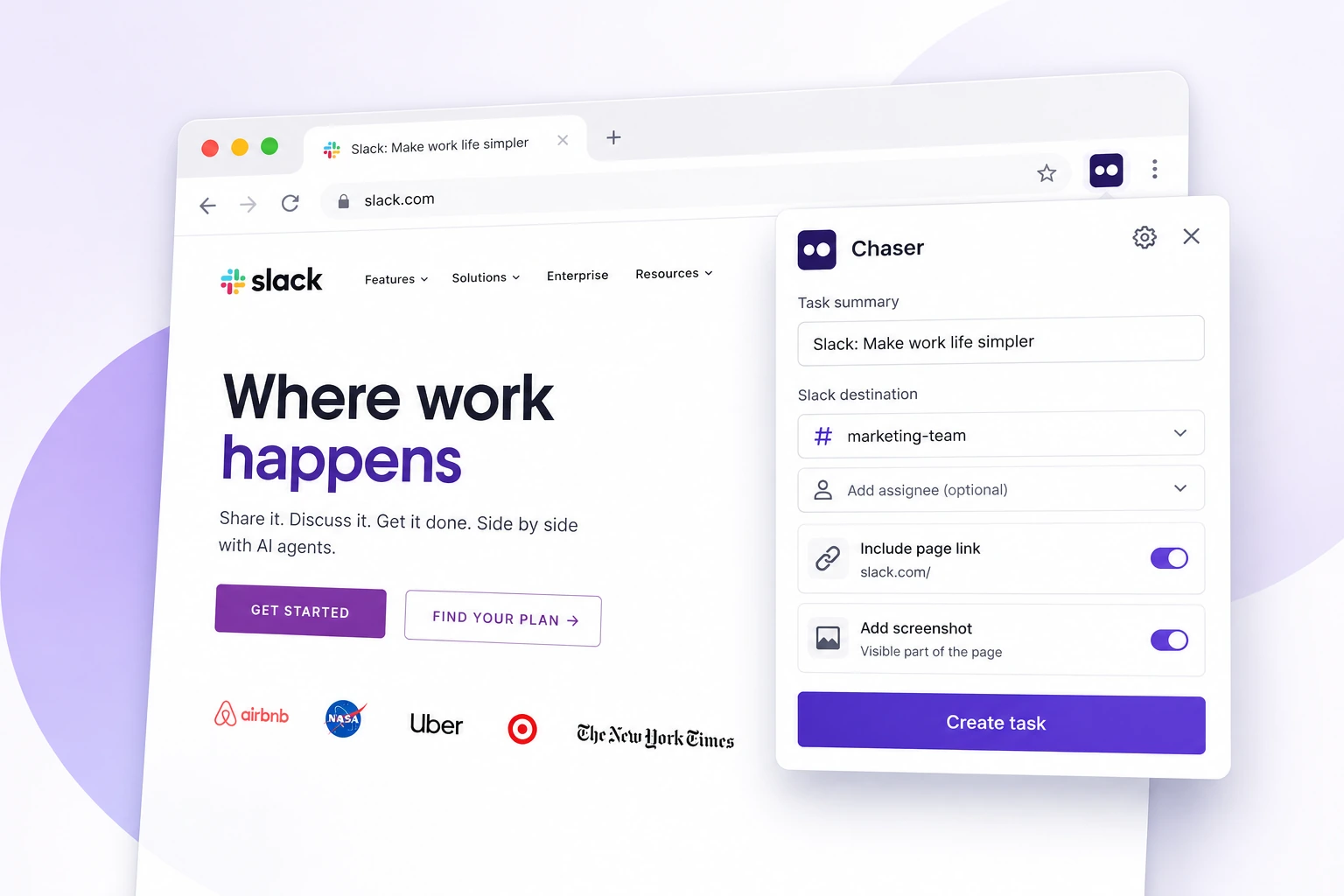
Chaser is a strong fit for an enterprise where Slack is already the common place for cross-team coordination. It turns Slack messages into tasks, then handles reminders and status updates inside Slack.
- Shared task structure. Recurring work, checklists, group assignments, tags, and custom statuses cover common cross-team processes.
- Reporting. Dashboards, scheduled reports, and calendar views give project leads several ways to review current work.
- Connections. Zapier, webhooks, and an API connect tasks with other business systems.
- Work across workspaces. Cross-workspace tasks and Slack Connect support projects involving other organizations.
The everyday interaction remains in Slack, while project leads can use dashboards and reports to see work across teams. Chaser also supports cross-workspace tasks and Slack Connect for work with other organizations. Companies can choose per-seat or full-workspace pricing, which gives administrators two ways to plan a rollout.
This model suits enterprises that want a shared record of commitments across departments while preserving the detailed tools and workflows each department relies on. Chaser's page on cross-functional work in Slack shows how the pieces fit together.
Final thoughts
The best enterprise task management setup reflects how work actually moves through the company. Departments can keep their specialist systems, while shared tasks use a common owner, deadline, status, and follow-up process. When Slack is already where those departments meet, it can give cross-team work a consistent home with less daily effort from each assignee.
You can try Chaser for free and see how it fits the way your team already works in Slack. Get started and add Chaser to Slack, for free.

Josh Martow is the co-founder and CEO of Chaser. Drawing on his experience leading products and teams, he writes about task management, workflow automation, and making Slack work better for growing businesses. His focus is practical: helping teams clarify ownership, cut down on follow-ups, and turn conversations into completed work. More articles by Josh Martow
Send this article to someone who’d like it.