Chaser for larger organizations

Track shared work across departments in Slack.

Give cross-team requests a clear owner, due date, and place to follow up. Chaser keeps the tasks in Slack while departments continue using their own specialist systems.

Free 14-day trial · No credit card required

Work across departmentsInteractive demo
Interactive sample data. Try Tasks or Reporting.
“There’s no learning curve that users have to go through. It’s been one of the easiest things for the team to pick up. In that simplicity is where team adoption thrives.”
TannerVP Enterprise, Bluon

Coordinate the work that belongs to several teams.

A launch needs marketing copy, a security review, and training for the customer team. Each department has its own process, but the requests between them often happen in Slack. Track those shared commitments where the teams meet.

  • Cross-team reviews. Assign the request to the responsible colleague with a due date and a link to the relevant work. Keep questions and progress updates in the same conversation.
  • Company-wide actions. Assign a task to a group, such as completing a survey or reviewing an internal update. Chaser tracks completion per person and follows up with those who still need to act.
  • Repeatable handoffs. Save a checklist for a new customer, vendor, or project. Give each department’s step an owner and a relative deadline so the next handoff starts with the responsibilities defined.

Give the cross-team request a place to stay visible.

Ask the enablement lead to review a launch brief in the shared project channel. Turn the request into a task with an owner and deadline, so the commitment remains visible after the discussion moves on.

The department can keep its detailed work in its existing system. The Chaser task records the shared next step, with a link to the work and a thread for the people coordinating it.

Explore tasks in Slack
# product-launchInteractive demo
Watch the request become an assigned task.

Follow up without collecting every update yourself.

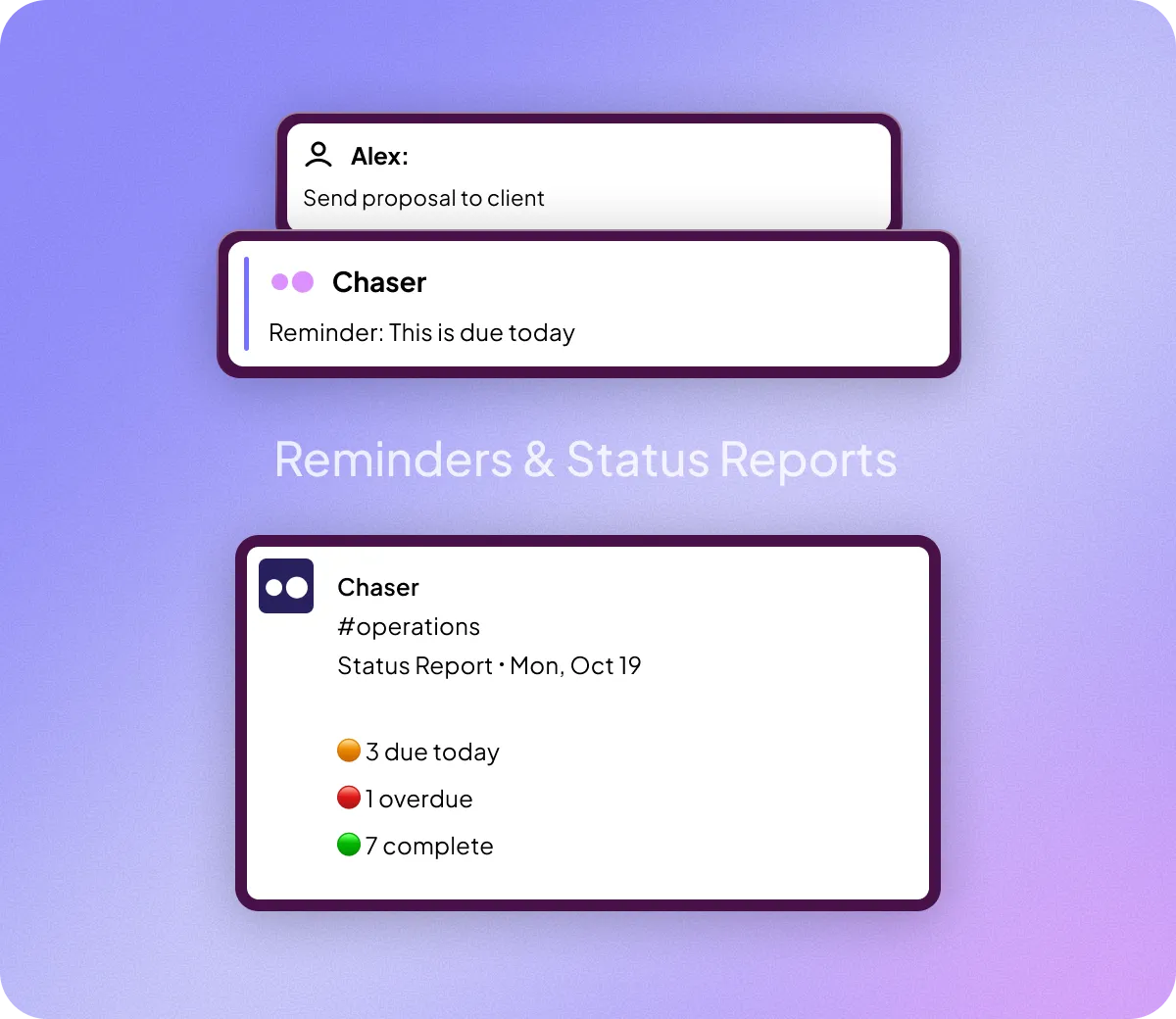
Chaser reminds the assigned person, who can acknowledge, update, or complete the task in Slack. Schedule a channel status report to keep the wider project team informed between meetings.

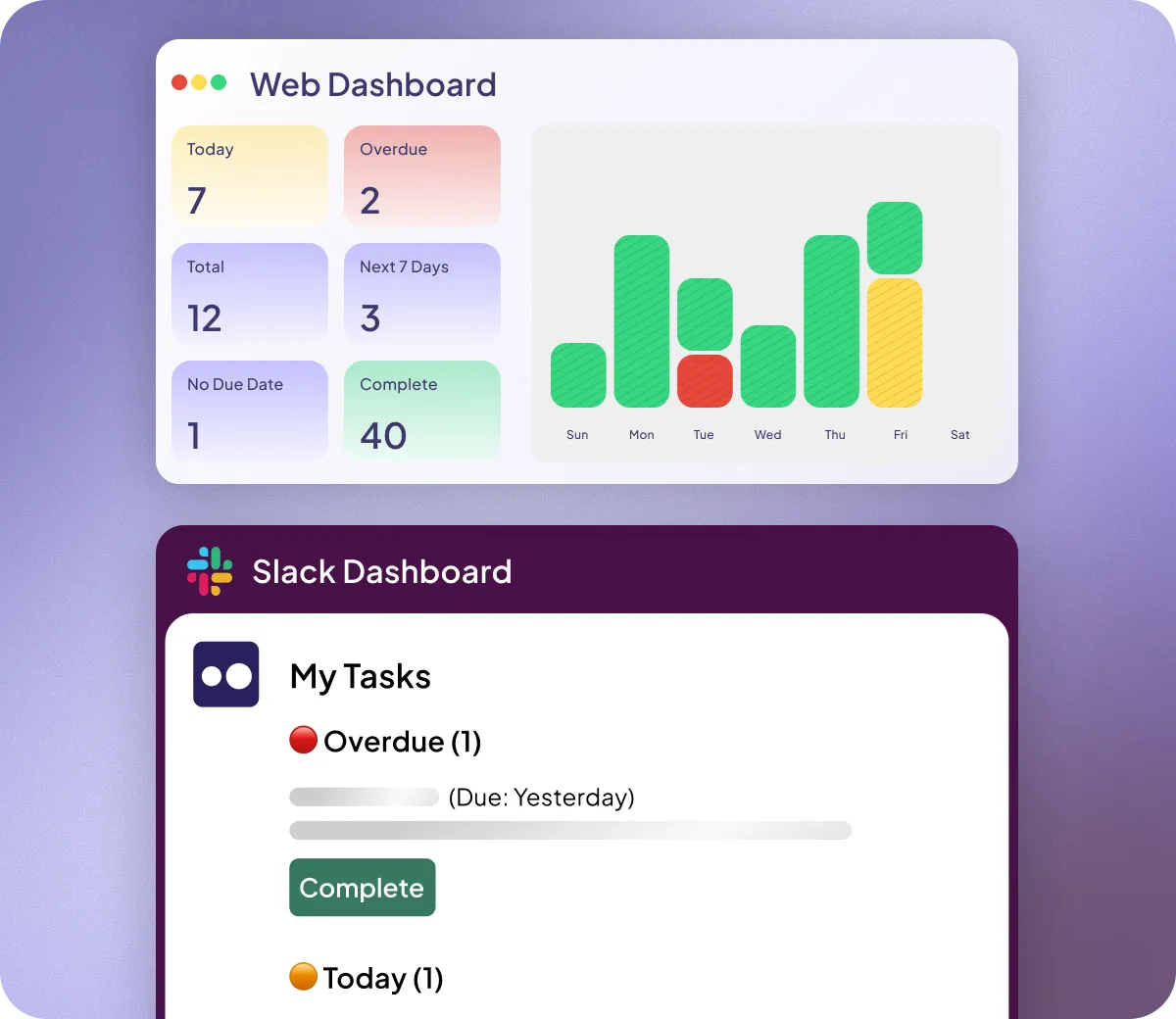
When you need a wider view, review your Chaser tasks across channels in the dashboard. Look at the owners and due dates, then use reporting to examine completed work by channel or person.

How automatic reminders work
# product-launchInteractive demo
Try completing the review or moving it to tomorrow.

Questions before you try it?

More questions? Read the FAQ
Do departments need to move all their work into Chaser?

No. Departments can keep their specialist systems. Use Chaser for the requests, handoffs, and commitments they coordinate in Slack.

Can we start with one team or project?

Yes. Start with a defined set of Slack tasks and review how the team uses it. Chaser offers per-seat and full-workspace pricing; see pricing for the current options.

Can outside partners participate?

Yes, when you work together through Slack Connect. Assign the partner’s task in the shared channel where the collaboration happens.

How can our team evaluate the setup?

Book a demo to walk through your intended workflow and questions about installation, access, and rollout. Involve the people who handle your organization’s app review before choosing the setup.

Try Chaser on a shared project.

Start with a real cross-team request, or book a demo to walk through your organization’s workflow.

Free 14-day trial · No credit card required

See Chaser in action in 90 seconds

Free 14 day trial, no credit card.