What is special about task management software for teams, as opposed to, say, your personal Apple Reminders? For one, the list of tasks is shared. Ownership and status have to be visible to everyone and the tool only helps if the whole team, including the people who dislike trackers, actually uses it.
What to look for in task management software for teams
Feature pages blur together quickly, so it helps to name what shared work actually requires of a tool:
Shared access. Anyone involved can open the list and see what's assigned, in progress, and overdue, without asking anyone.
Clear ownership. Every task shows who's responsible, including when several people share one piece of work.
Discussion on the task. Questions, decisions, and files sit with the work itself, where the next person can find them.
Follow-up. Something surfaces stalled tasks and reminds the owner, so a manager doesn't have to.
A tool everyone can use.
The best task management software for teams
Tool
Best for
Key consideration
Chaser
Teams that coordinate in Slack
Fast task capture, automatic follow-up and team visibility inside Slack
Asana
Mixed departments, easy to read
Per-seat cost grows with the team
Monday.com
Visual, process-shaped workflows
Boards need an owner to stay tidy
ClickUp
Replacing several tools with one
Takes real setup and upkeep
Trello
Small teams with a simple queue
Thin reporting and workload views
Notion
Doc-heavy teams
Light reminders and notifications
Jira / Linear
Engineering teams
Too much structure outside engineering
Shared spreadsheet
Short, stable lists at no cost
No reminders or follow-up
1. Chaser
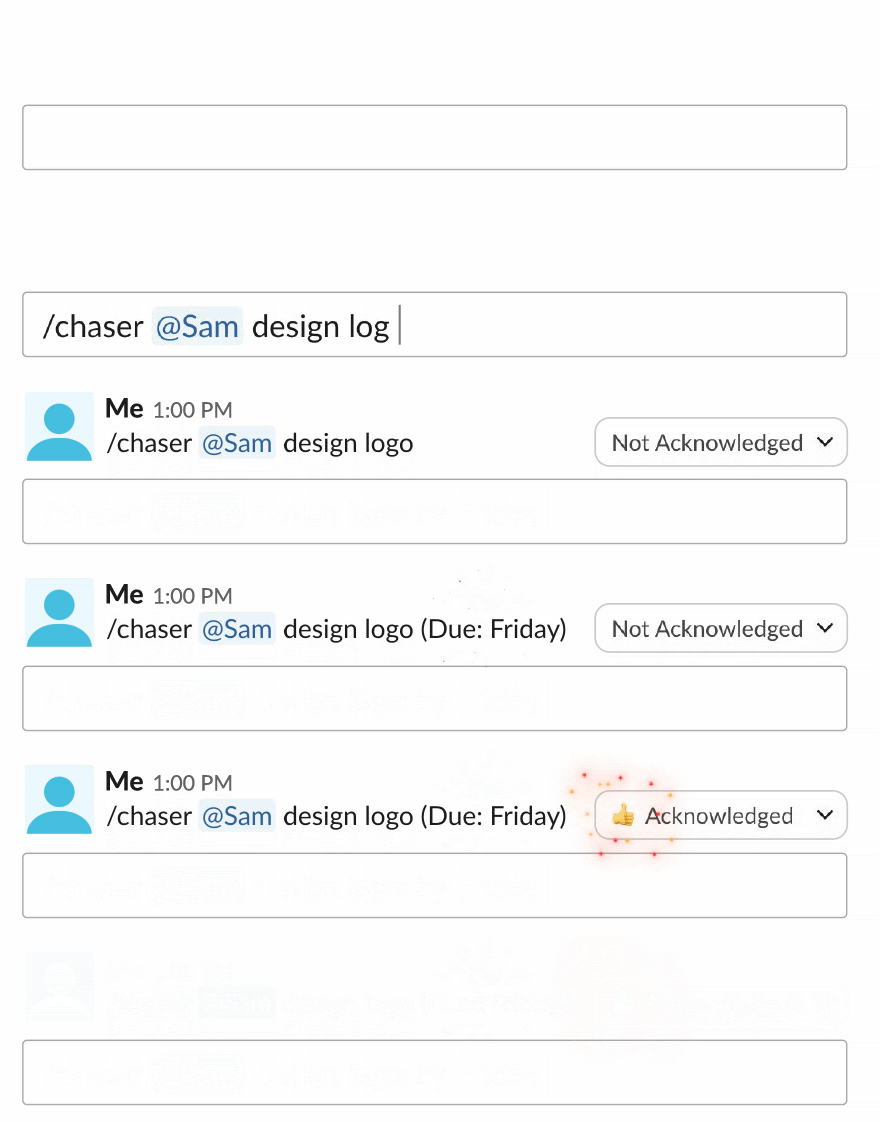
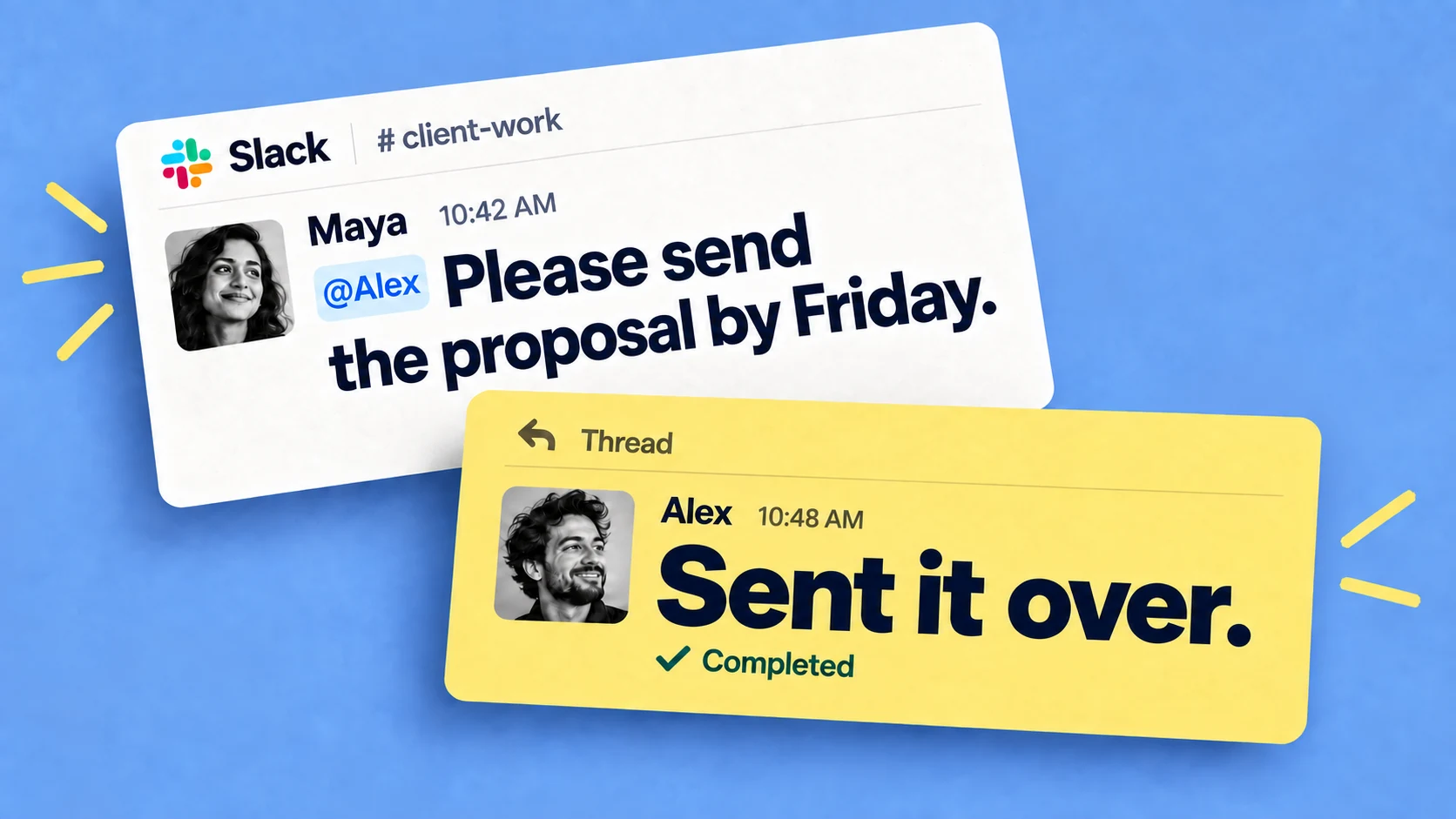
Chaser is task management that runs inside Slack. Any message can become a task with an owner and a due date, from the message menu or with a /chaser command, so the request and the tracked task are the same thing.
The team features map closely to the list above: one task can go to a whole group in a channel and be tracked per person until everyone's finished.
Scheduled status reports post to the channel, and a dashboard inside Slack shows everything open across the team — the features page has the full rundown.
Because it works over Slack Connect, you can also assign tasks to clients or vendors in a shared channel without them signing up for anything, and the same mechanism helps with cross-functional work, where each department keeps its own tools but everyone shares Slack.
Chaser is the best option for the everyday work of assigning, tracking, and finishing tasks, since nobody has to open anything beyond Slack. There's a fuller walkthrough in this guide to task management in Slack. Free and paid plans, with a free trial.
2. Asana
Asana is the mid-weight standard for shared work. Tasks live in projects you can view as lists, boards, or timelines, every task takes an assignee and a due date, and comments with @mentions keep the discussion attached to the task. It's readable enough that mixed departments tend to pick it up quickly — in ZDNET's testing it's the tool the reviewer keeps returning to for cross-team work, partly because it needs so little training.
Per-seat cost adds up as the team grows. If you're weighing it against Monday.com, this comparison of Asana and Monday walks through how the two differ.
3. Monday.com
Monday.com organizes work into colorful boards with columns you define — status, owner, due date — and builds dashboards on top. Teams with a visual, process-shaped workflow such as a content calendar or a hiring pipeline tend to like it, and its automations handle the routine moves between columns.
All that flexibility means someone has to decide how the boards are structured, and big boards take effort to keep readable. If it turns out to be more platform than your team needs, this rundown of Monday.com alternatives covers the lighter options.
4. ClickUp
ClickUp bundles the most into one product: tasks and docs, plus extras like time tracking and whiteboards. For a team that wants to replace three separate tools with one subscription, that's the pitch, and pricing is competitive for what's included.
Getting it configured takes real time, though, and someone has to keep it tidy afterward. Teams that just need a shared task list often find ClickUp heavy, in which case this survey of ClickUp alternatives is worth a look.
5. Trello
Trello is the simplest board tool: cards in columns, dragged left to right as work moves. Anyone can read a Trello board in ten seconds, the free tier covers a lot, and for a small team that wants a visible queue it may be everything you need.
It thins out when you need reporting, workload views, or several projects in one place. This comparison of Asana and Trello looks at both tools from that angle.
6. Notion
Notion is a shared workspace of documents and databases, so a team can keep its task board on the same page as the spec and the meeting notes. For doc-heavy teams like product or content, having tasks next to their context is the draw, and several people can edit the same page at once without getting in each other's way.
Reminders and notifications are lighter than in the dedicated trackers, and the freedom of the tool means someone has to keep the structure consistent or every project ends up organized its own way.
7. Jira or Linear
For engineering teams, the trackers built around issues, sprints, and backlogs match how software is planned and shipped. Jira is the configurable incumbent; Linear is the faster, more opinionated alternative that many startups prefer.
Outside engineering they're more structure than most work calls for, which is why companies often pair them with a lighter tool for everyone else, plus a channel where the two groups coordinate.
8. A shared spreadsheet
For a small, stable list a Google spreadsheet can work fine: shared editing, comments on cells, and a full view of the work at no cost. Teams tend to outgrow it around the point where updating the spreadsheet becomes somebody's job.
How to choose
A software team can use Jira or Linear for sprint planning and Chaser to keep cross-functional requests, follow-ups and Slack-based work visible.
Mixed departments usually do best with Asana or Monday.com, which most people can read without training.
ClickUp or Notion can hold tasks, docs, and more in one tool, provided someone owns the setup.
A small team with a short list can run on Trello or a spreadsheet.
A team whose coordination already happens in Slack can keep the tracking there with Chaser.
Also, just ask your team, including the person most likely to ignore a new tool, If the answer is they are not going to open a new tool, for someone whose work you need to see, the shared view won't stay accurate no matter which tool you buy.
Final thoughts
The options above all cover the fundamentals of shared access, ownership, and discussion on the task. The deciding question is which one your specific group of people will still be using in three months, so weigh how much each tool asks of them at least as heavily as its feature list.