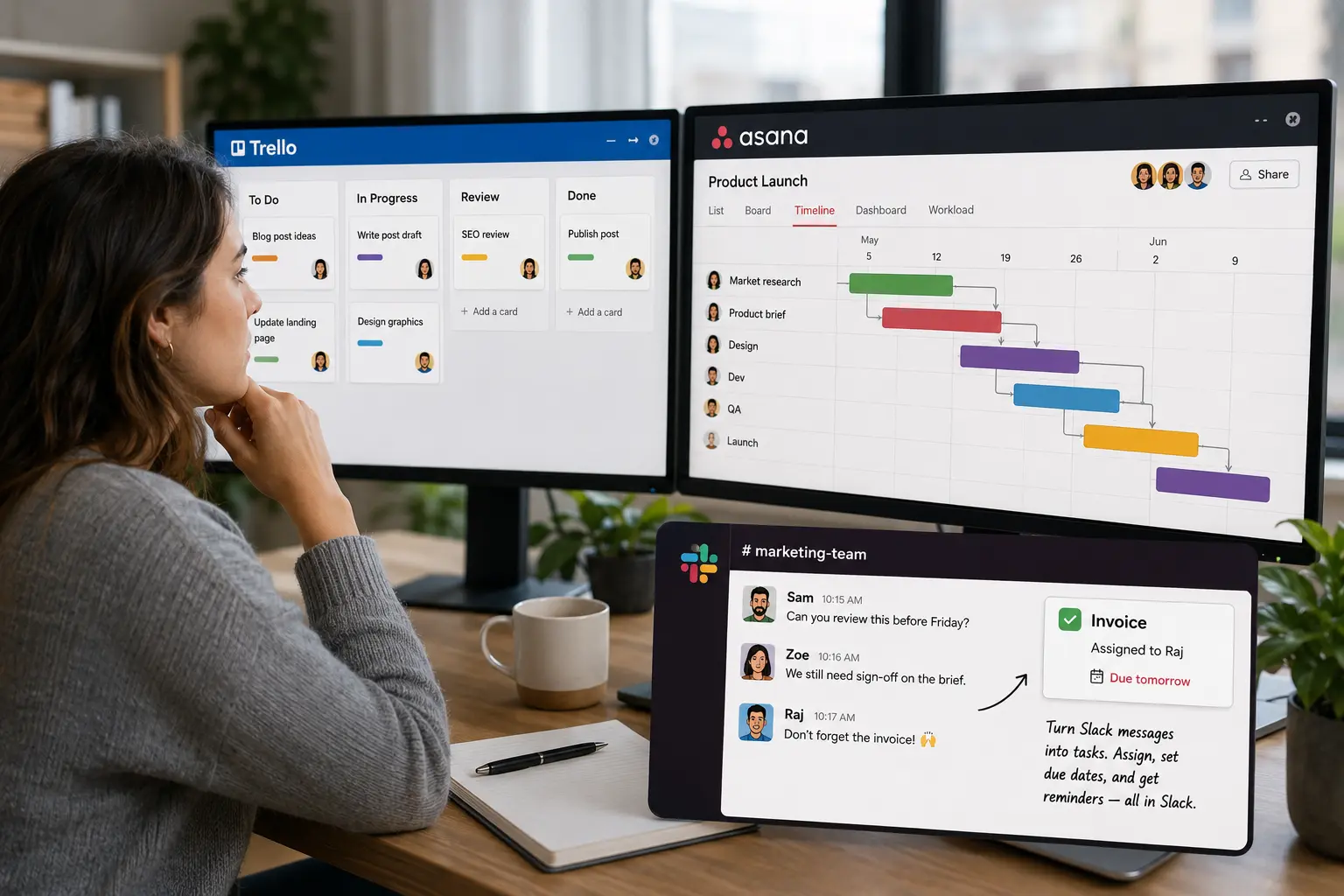
Trello is a Kanban board — owned by Atlassian since its 2017 acquisition — built around cards you drag between columns. Asana is a broader work-management platform with projects, timelines and reporting.
This post compares the two: what each does well, where each one falls short, and how to choose the best one for teams that work in Slack.
Where Trello works well
Trello's strength is that the board is instantly legible: columns for stages, cards for the work, drag a card right as it moves along. It needs little training and sets up in minutes. It works well for anything that flows through clear stages — a content calendar, a hiring pipeline, a simple sprint board, a personal to-do list.
The limits show up as the work gets more involved:
- No native task dependencies.
- Timeline and table views sit on higher-tier plans rather than at the centre of the product.
- Reporting is light.
- Automation runs through a built-in bot called Butler, with usage caps on the lower plans; deeper features come from add-ons Trello calls Power-Ups.
There's also a maintenance cost to any board: it only reflects the work while someone keeps dragging the cards. Teams usually start shopping for something else when they need more structure than columns can express, or when the board no longer matches what people are actually doing and they've stopped checking it.
Where Asana fits
Asana is aimed at coordinating work that's bigger than a single board. It has real task dependencies, so one task can be marked as waiting on another, and a timeline view that shifts the schedule when things move. Managers can watch several projects at once through portfolios, see who's overloaded with workload views, and pull reporting across all of it. Tasks carry subtasks, custom fields, owners and due dates.
The downsides are: Asana takes longer to set up, takes a team longer to learn, and its paid plans generally run higher per seat than Trello's. For a small team that wanted a tidier task list, that's a lot of overhead. For a team running cross-functional projects with handoffs and deadlines that depend on each other, it's the point of the product. If you're weighing Asana against the wider field, our rundown of Trello alternatives covers Monday, ClickUp, Notion and the rest alongside it.
How to choose between them
Question that help to narrow it down faster:
- How complex is the work? Dependencies, multiple linked projects and detailed reporting point to Asana. Work that flows through clear stages doesn't need any of that, and Trello will feel lighter to live with.
- Do you want a visual board, or a reliable record of tasks? If the board itself is the point — something to stand around in a planning meeting — Trello is built for exactly that. If you mainly need to know what's assigned and what's late, either works, and other factors get to decide.
- Who has to use it? The more people involved, and the less time they'll give to learning a tool, the more Trello's simplicity matters. Asana's depth is wasted if half the team won't open it.
- What does it cost across the team? Per-seat pricing adds up, and the free and paid tiers differ in what they actually allow. Check the current plans against your real headcount, including the occasional collaborators.
(If the work is mostly your own rather than a team's, check our roundup of task management software for individuals covers that case)
When your team uses Slack
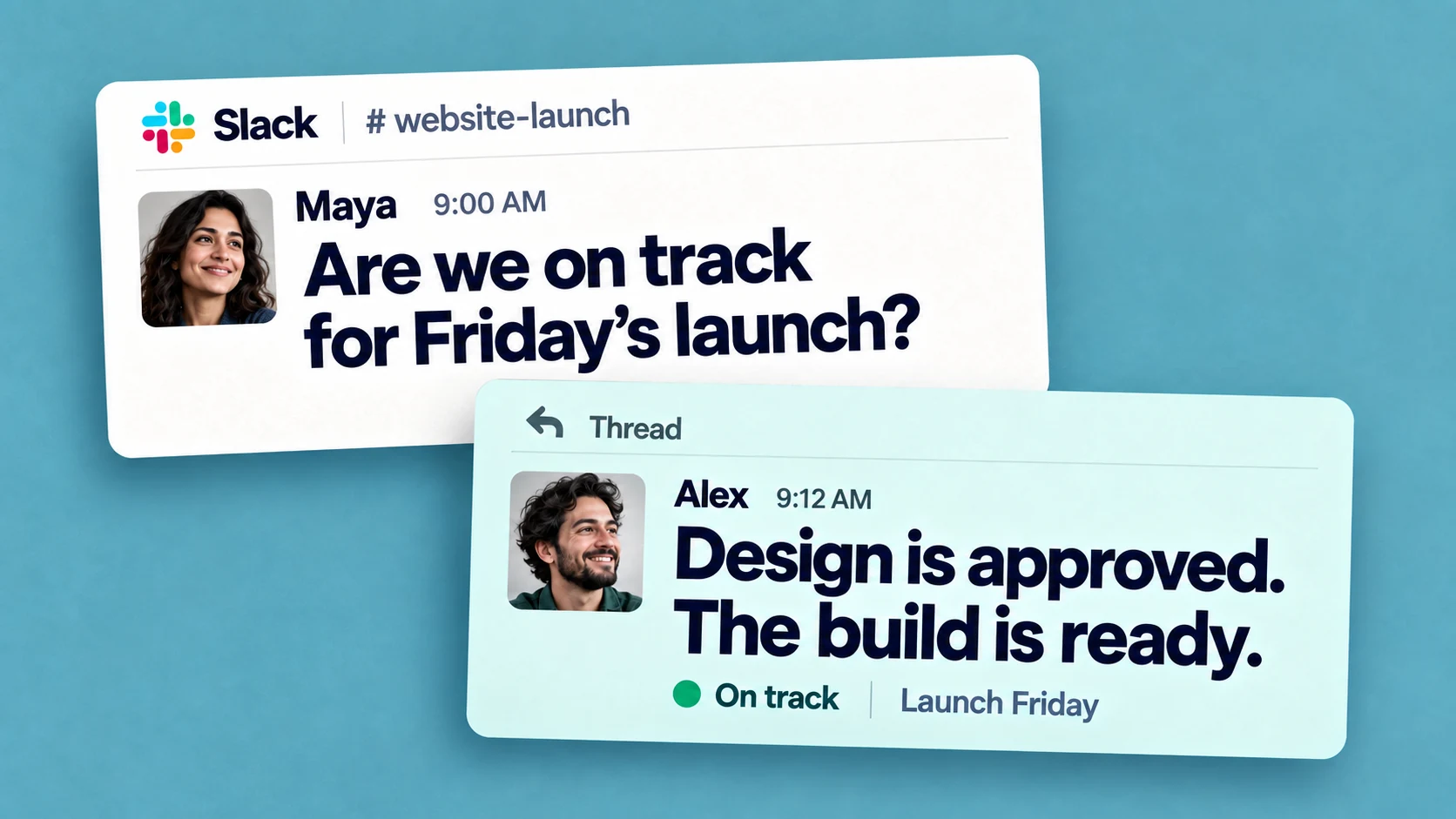
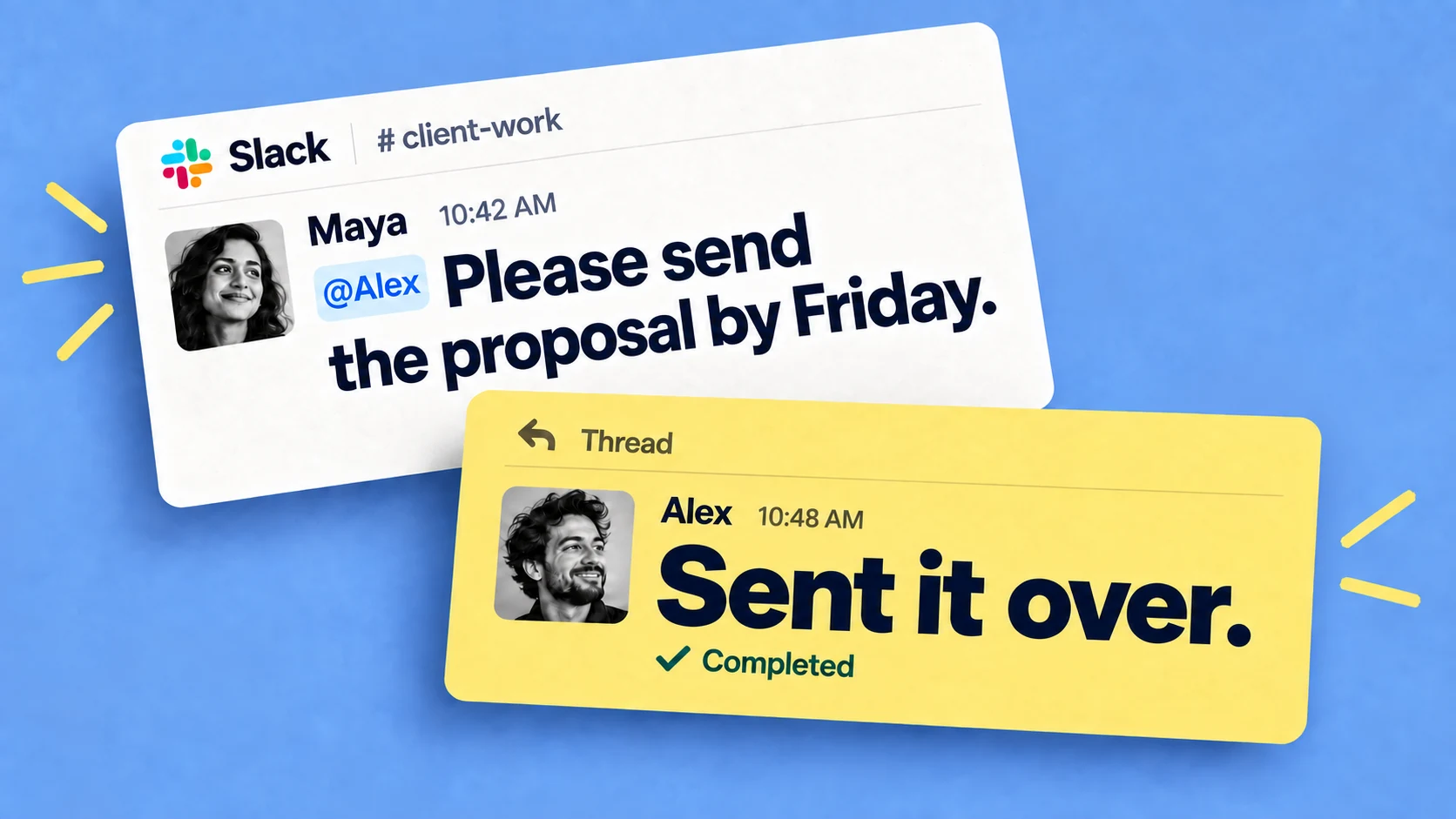
Both tools live outside the place where a lot of teams actually coordinate. The request arrives as a Slack message :
- "can you review this before Friday?"
- "we still need sign-off on the brief"
- "don't forget the invoice"
... and then someone has to leave the conversation, open Asana or Trello, and enter the task. When that second step gets skipped, the request stays a message in a channel and the board shows last week's picture of the work.
Part of this is the cost of switching tools at all. Harvard Business Review found people flip between apps and websites around 1,200 times a day, roughly four hours a week spent reorienting — the same drag we went into in our piece on context switching. None of this makes Asana or Trello bad tools. It means that for a Slack-heavy team, getting the work into the board at all is often the step that fails, before the choice of board even matters.
Keeping the tool up to date
Teams that abandon a board usually abandon it because it stopped matching what the team was doing, and keeping it current was a chore on top of the actual work. A few habits help with any tool:
- Capture a task where it's decided, so it doesn't depend on someone re-entering it later.
- Make updates cheap. The more clicks it takes to mark something done, the less often anyone does it.
- Use reminders, so following up doesn't rest on one person's memory.
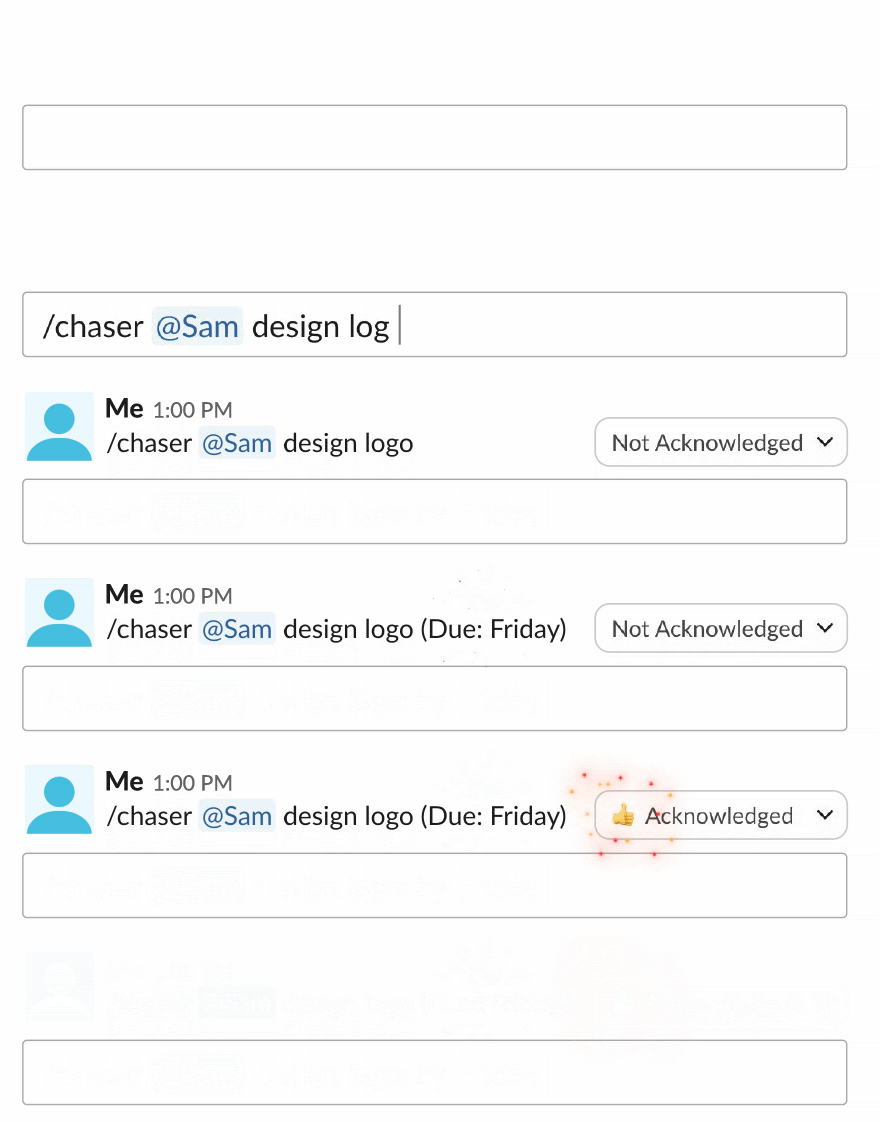
If your team lives in Slack, there's also the option of tracking the work right inside Slack instead of in a separate board. That is what Chaser for Slack does: you turn a Slack message into a task with an owner and a due date without leaving the conversation, everything shows up on a dashboard inside Slack, and Chaser reminds the assignee automatically so you're not the one chasing. It handles recurring tasks and reusable checklists too.
Final thoughts
There's no single winner in Asana vs Trello. Trello suits simple, visual work that anyone can pick up in a minute. Asana is worth its extra setup once the work is complex enough to need dependencies, timelines and cross-project reporting. And if your team already runs its day in Slack, it's worth deciding where the work gets captured before deciding which board displays it, since the tracker that stays current is the one people don't have to remember to open.
If that's your team, you can try Chaser for free and see how it fits the way you already work in Slack. Get started and add Chaser to Slack, for free.

Josh Martow is the co-founder and CEO of Chaser. Drawing on his experience leading products and teams, he writes about task management, workflow automation, and making Slack work better for growing businesses. His focus is practical: helping teams clarify ownership, cut down on follow-ups, and turn conversations into completed work. More articles by Josh Martow
Send this article to someone who’d like it.