
Notion alternatives at a glance
| Alternative | Best for | Key consideration |
|---|---|---|
| Coda | Docs with connected tables and automations | Complex docs take time to learn and maintain |
| Confluence | A governed company wiki | Limited database-style workflows |
| ClickUp | Projects, docs, and reporting in one app | A broad interface with substantial setup |
| Asana | Structured project delivery | Team knowledge needs a separate home |
| Airtable | Structured records and operational workflows | Long-form writing is secondary |
| Monday.com | Visual workflows and dashboards | Boards need regular administration |
| Trello | Simple Kanban boards | Light reporting and planning |
| Obsidian | Personal notes stored on your device | Team collaboration takes more setup |
| AppFlowy | Open-source and self-hosted workspaces | A smaller ecosystem and more technical upkeep |
| Chaser | Task follow-up inside Slack | Turns Slack conversations into assigned tasks with automatic follow-up and shared visibility |
The 10 best Notion alternatives by use case
1. Coda: closest for docs with structured data
Coda is the first option to test if your team likes writing on a page and embedding structured workflows beside the text. Its tables support connected views and automations. A product brief can sit above a table of launch tasks, and edits to that table can update every connected view in the doc.
2. Confluence: best for a managed team wiki
Confluence organizes knowledge into spaces and pages, with permissions available at the site, space, and page levels. That structure works well for a larger company that needs separate areas for engineering documentation, HR policies, and customer support procedures. Page history, templates, content owners, and admin controls give the wiki a clear operating model.
3. ClickUp: best for projects and docs in one platform
ClickUp is a practical replacement when a team used Notion for project tracking and kept documentation beside the work. It combines project tasks with Docs, while dashboards and time tracking cover reporting. Dependencies and workload planning give project managers more structure than a Notion database assembled from a template.
This guide to ClickUp alternatives compares the lighter and more structured directions.
4. Asana: best for structured project delivery
Asana gives each task an owner and places tasks inside projects that can be viewed as a list or board, with a timeline available for scheduled work. Dependencies and workload views make it a good fit for campaigns and launches with several contributors.
Chaser's guide to task management software for teams covers Asana alongside several of the tools here.
5. Airtable: best for databases and operational workflows
Airtable suits teams whose most important Notion pages are really databases, such as a content pipeline or a list of customer requests linked to accounts. Records can connect across tables, and the same data can appear in several visual layouts or a custom interface.
6. Monday.com: best for visual workflows and dashboards
Monday.com turns a workflow into a board with columns for ownership, status, dates, and other fields. Automations can update a status, notify a teammate, or move an item when a condition is met. The result is easy to scan, especially for recurring processes such as a hiring pipeline or production schedule.
See this breakdown of Monday.com alternatives.
7. Trello: best for a simple board
Trello is useful when the active Notion setup is one database viewed as a board. Cards move between columns, and each card can carry a checklist and due date, with comments below. Most people can understand the board after looking at it for a minute.
This guide to Trello alternatives covers what to consider.
8. Obsidian: best for local personal notes
Obsidian stores notes as Markdown-formatted plain text files in a folder on your device. Backlinks and a large plugin ecosystem make it a strong personal knowledge base. The files remain readable outside the app and can be backed up with tools you already use.
10. Chaser: best if you use Slack
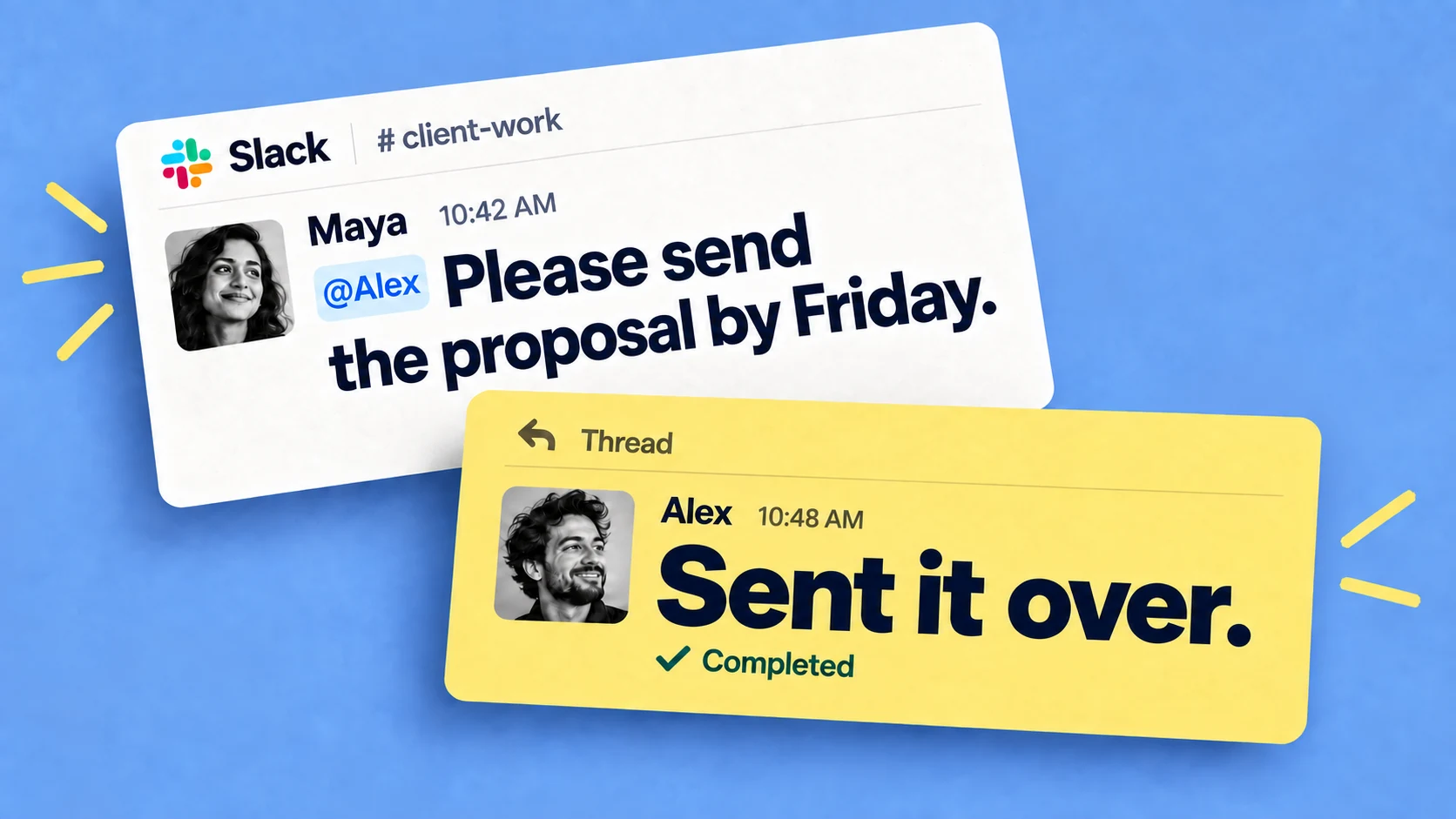
Chaser fits teams that used Notion mainly to track action items discussed in Slack. A Slack message can become a task with an assignee and due date, and Chaser follows up automatically until the assignee marks it complete. Open work is visible on a dashboard inside Slack. Repeating tasks, checklists, and scheduled reports are covered on the Chaser features page.

Chaser works naturally alongside Slack Canvases, so teams can keep shared knowledge in each channel and turn the related action items into tracked tasks with owners and due dates.
Final thoughts
Choose the replacement around the work your team actually does in Notion. Coda and AppFlowy cover a similar mix of pages and databases, while the other options become stronger by focusing on a narrower job.
If your team works in Slack, you can try Chaser. Get started and add Chaser to Slack, for free.