

A small business owner might spend the morning answering a customer, approving an invoice, and organizing tomorrow's delivery. Useful apps make those jobs easier to handle: the customer has a next step, the invoice is recorded, and someone knows what to prepare.
Start with the part of your day that needs the most help. Perhaps client details live in several inboxes, meeting times take too long to agree, or requests get lost between conversations. Choose an app for that specific problem, then try it with the people who will use it.
These nine apps cover common business needs. We publish Chaser, which handles team tasks in Slack; the other tools cover documents, communication, finances, customers, design, scheduling, and account access.
The nine apps at a glance
You do not need all nine. Keep the tools your team already uses well and look for gaps in the way work moves between them.
| App | What it helps with |
|---|---|
| Google Workspace | Business email, documents, calendars, and shared files |
| QuickBooks Online | Bookkeeping, invoices, expenses, and financial reports |
| Slack | Team conversations organized by project or topic |
| Chaser | Assigned tasks, checklists, and automatic follow-ups in Slack |
| HubSpot CRM | Customer records, sales activity, and deal progress |
| Canva | Presentations, social posts, and other everyday design |
| Zapier | Repeated handoffs between apps |
| Calendly | Booking meetings from your availability |
| 1Password | Shared business credentials and access controls |

1. Google Workspace: email, documents, and shared files
Google Workspace brings business email, calendars, documents, spreadsheets, file storage, and meetings into one environment. It is a useful foundation when people need to work from the same information.
For a client-service team, that might mean a consistent folder for every account: the brief, working files, meeting notes, and final deliverables. Clear names and sensible sharing permissions help the next person find what they need without asking the original author.
Give someone responsibility for administering accounts and permissions. Include document ownership in your handover process so important work stays accessible when responsibilities change.
2. QuickBooks Online: bookkeeping and invoicing
QuickBooks Online supports bookkeeping, invoicing, expenses, and financial reporting. Features vary by plan and location, so choose with the person responsible for your accounts.
A good first project is the invoice process. Agree on who creates an invoice, who checks it, when it goes to the customer, and who follows up. Give incoming expenses a consistent route into the books too.
Have your bookkeeper or accountant review the account setup, tax settings, and bank connections before you rely on the reports. The software is most useful when everyone supplies the information the accounts need.
3. Slack: a shared place for team conversations
Slack organizes communication into channels, direct messages, and threads. A channel for each active project gives people a place to ask questions and find decisions, while threads keep individual discussions together.
Start with a small set of channels and explain what belongs in each. Link the project brief where the team can find it, agree on response expectations, and decide how an agreed action becomes an assigned task.
The Slack Marketplace connects conversations with other business tools. Our guide to Slack apps for team productivity is a useful next read if you want files, calendars, or customer updates closer to the conversation.
4. Chaser: follow through on tasks in Slack
Chaser adds assigned tasks, deadlines, automatic reminders, and shared progress to Slack. It is useful when requests arrive in conversation and several people contribute to the result.
Take a new client kickoff. The account manager needs the signed brief, someone prepares the agenda, and another teammate sets up the account. A Chaser checklist turns those steps into tasks with owners and dates. Each person can acknowledge and complete their work in Slack, while Chaser handles the follow-ups.
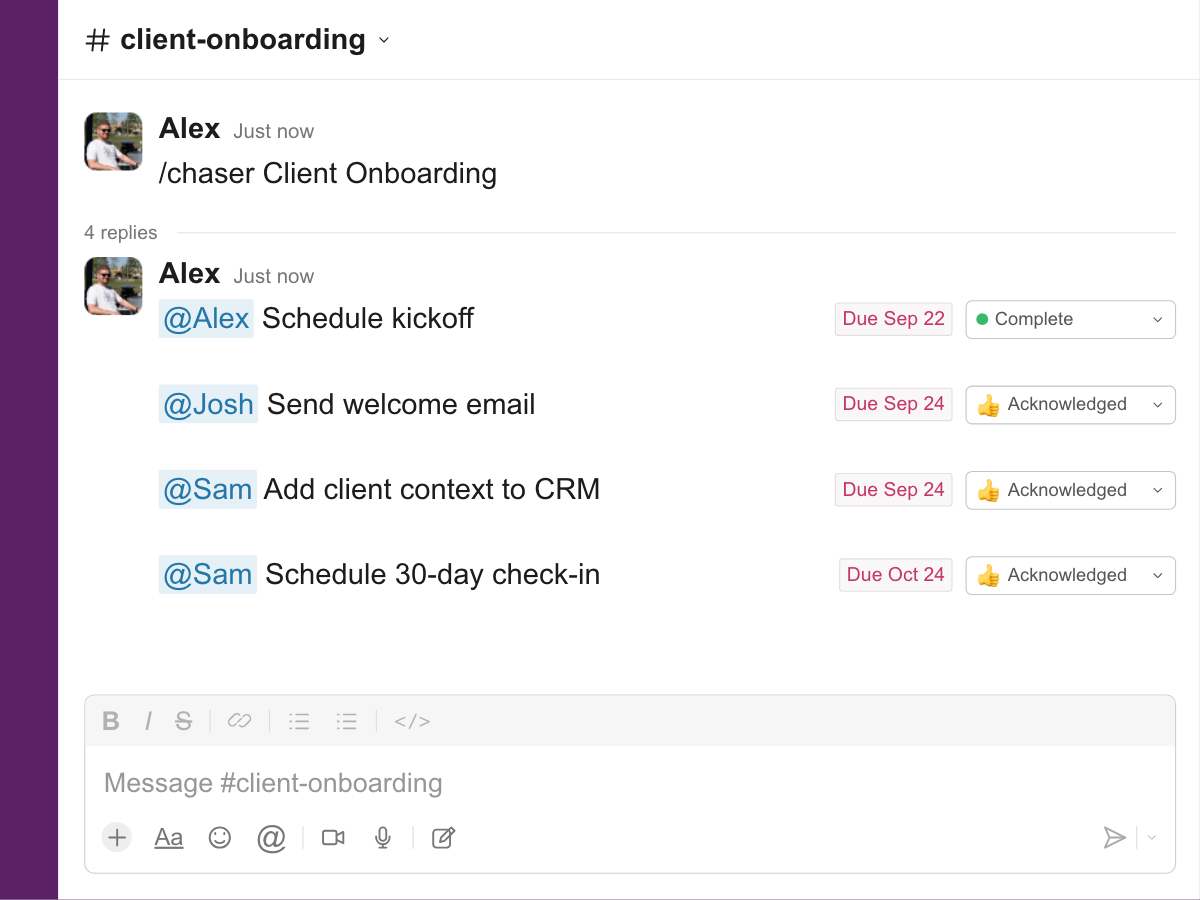
You can also create a task from an individual request or use recurring tasks for regular responsibilities. Dashboards and channel reports help a manager review what is open and what needs attention.
For a broader comparison, see our task management software guide. Teams coordinating staff and volunteers can also explore project management for nonprofits.
5. HubSpot CRM: customer records and next steps
HubSpot CRM helps a team organize contacts, companies, deals, and customer activity. It becomes useful when more than one person needs to understand the same opportunity or account.
Keep the initial setup manageable. Choose pipeline stages that describe real progress, give every opportunity an owner, and record the next agreed action. A colleague should be able to open the record and understand what happened and what comes next.
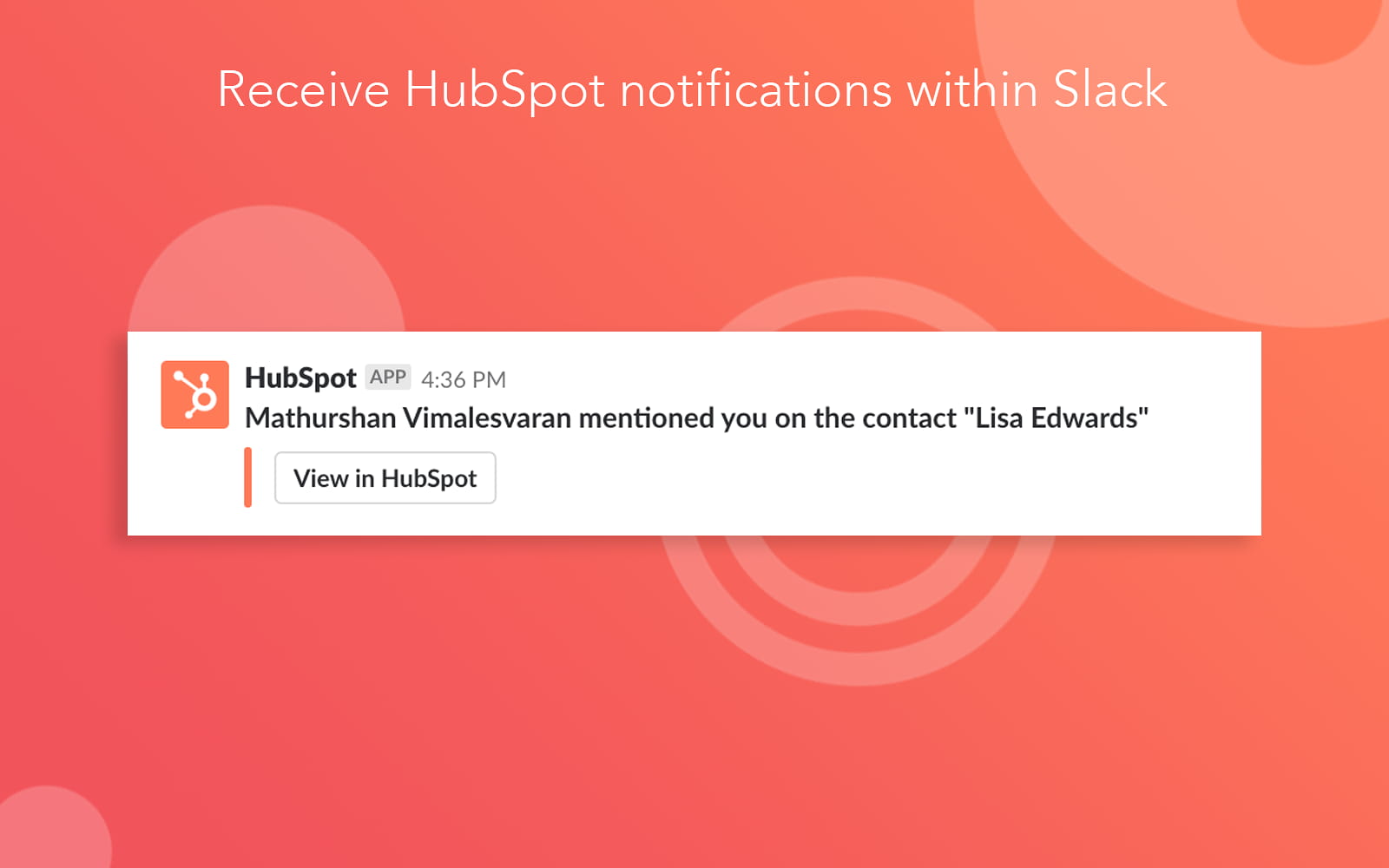
If your team uses Slack, HubSpot's Slack integration can bring CRM notifications into the conversation. Keep the customer record as the shared reference and make it clear who handles the next step.
6. Canva: everyday marketing and design
Canva provides tools and templates for presentations, social posts, documents, and other business materials. It can help a small team produce the things it needs regularly without starting each design from an empty page.
Prepare a few templates for recurring work: a proposal cover, a social post, and a client update, for example. Keep the approved logo, colors, and writing guidance with them. Teammates then have a practical starting point and know what should stay consistent.
Choose the collaboration and brand features you need, and check the usage terms for any assets you publish.
7. Zapier: repeated handoffs between apps
Zapier connects apps through automated workflows. It is useful when an event in one system should create a record or notify a team in another.
For example, a new inquiry from your form tool could appear in the right Slack channel with a consistent summary and a link to the source. A named person can then review the request and decide what happens next. Our Slack workflow automation guide has more ways to approach these handoffs.
Start with one clear trigger and result. Test it with sample data and assign someone to check failures or changes to the connected apps. An automation still needs an owner.
8. Calendly: easier meeting scheduling
Calendly lets people book a meeting from the availability you share through a scheduling link. That can reduce the back-and-forth involved in arranging discovery calls, consultations, or interviews.
Set up one common meeting type first. Choose its duration, available hours, and the information you need from the guest. Connect the calendars that determine your availability, then set appropriate buffers and notice periods.
Try the link as an invitee before sharing it. Check that the description explains the meeting and that the booking leaves you enough time to prepare.
9. 1Password: shared business credentials
1Password for businesses helps teams manage credentials through shared vaults and access controls. Give people access according to their responsibilities, and use each service's individual user accounts and permissions where available.
Start by identifying business accounts whose credentials are scattered across messages or documents. Organize the appropriate items into vaults, designate administrators, and include access changes in onboarding and offboarding. Removing access to a vault is separate from changing access to the underlying business service.
The FTC's cybersecurity guidance for small businesses is a useful companion when setting up account security.
A few combinations to start with
Choose around the work your business does most often:
- An agency or client-service team: Slack for discussion, Google Workspace for working documents, and Chaser for assigned deliverables. Add the accounting tool that supports your invoicing process.
- A business with an active sales pipeline: HubSpot for customer history, Calendly for the next meeting, and Google Workspace for proposals. Give each opportunity an owner and a next action.
- A small operations team: Google Workspace for shared process documents, QuickBooks for financial records, and 1Password for managed credentials. Add task tracking where recurring work involves several people.
Try a complete process before adding more subscriptions. Follow one customer inquiry from arrival to response, or one client project from brief to delivery. Check whether people can find the information, understand their responsibilities, and see what is finished.
When comparing costs, use the plan that includes the features you actually need, the number of people who need access, and the billing period. Include the time someone will spend administering the setup. A few well-used apps are a strong foundation for a small team.