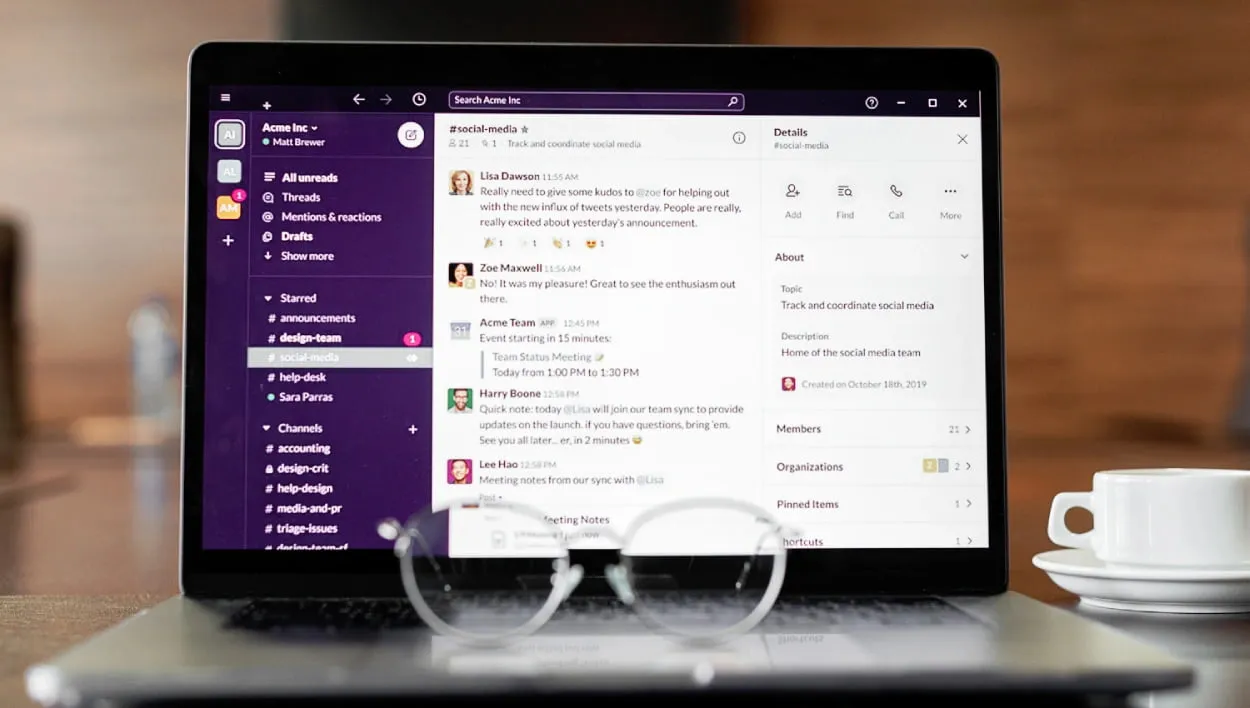
Slack is your organization's central system for team communication. It's where conversations happen, game-changing decisions start, and projects take shape. But to truly unlock its potential from a simple chat tool into a productivity powerhouse, you need the right integrations.
The Slack App Directory is massive, with over 2,500 apps. So, finding the perfect apps to streamline your workflows can feel like searching for a needle in a haystack.
That’s why we put together a list of the top 17 Slack apps and team productivity tools for 2026.
If you’re running a fast-growing team, these apps will help you automate Slack tasks, enhance collaboration, and keep your projects moving forward. All without leaving your virtual head office, Slack.
The Top 17 Slack Apps for Maximum Team Productivity in 2026
1. Chaser
Chaser is a powerful Slack project and task management app that seamlessly integrates with Slack to transform conversations into actionable tasks with minimal effort.
By integrating Chaser directly into your Slack channels, you can eliminate the need to switch context, keeping teams focused and efficient.
Here’s how it works
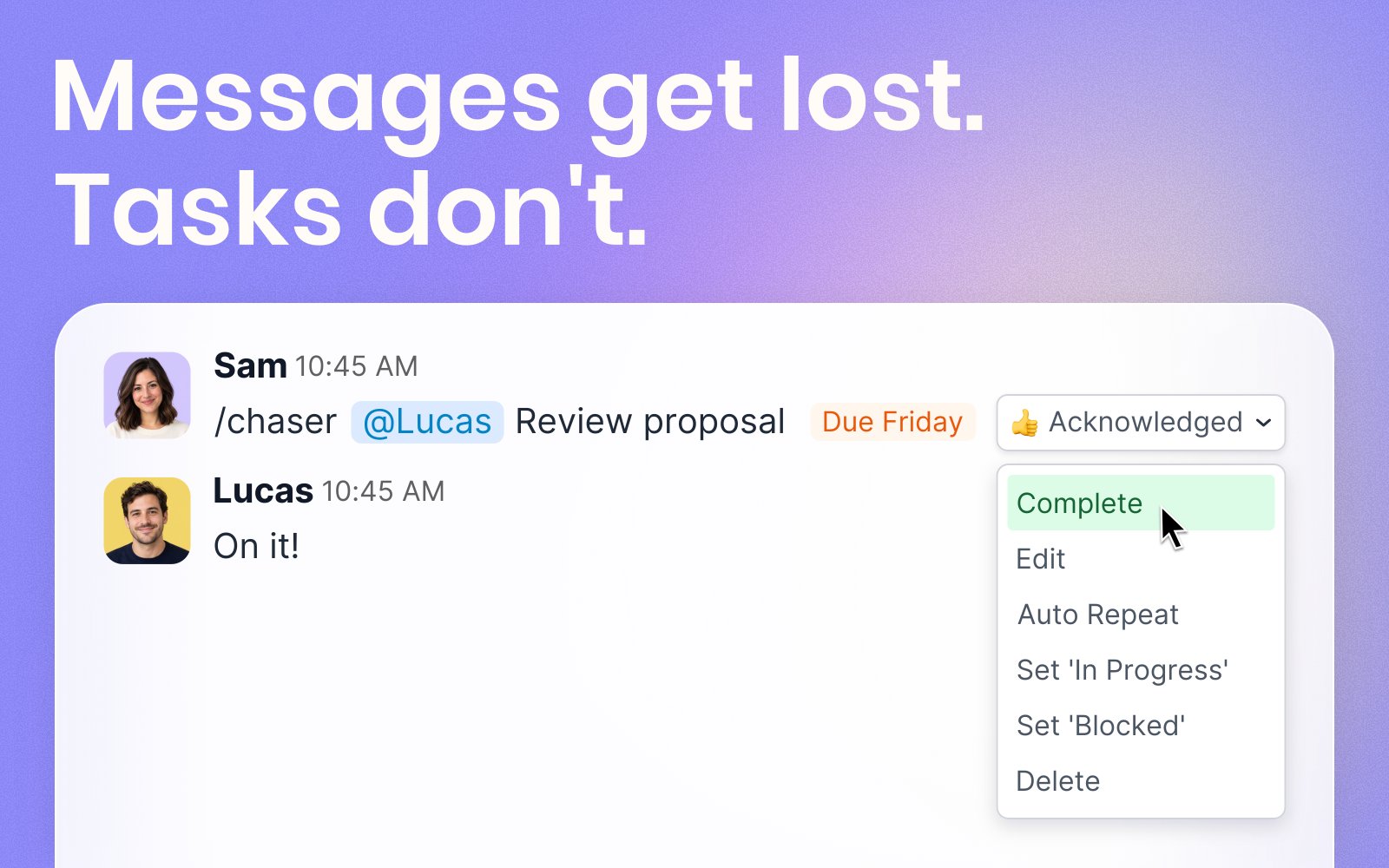
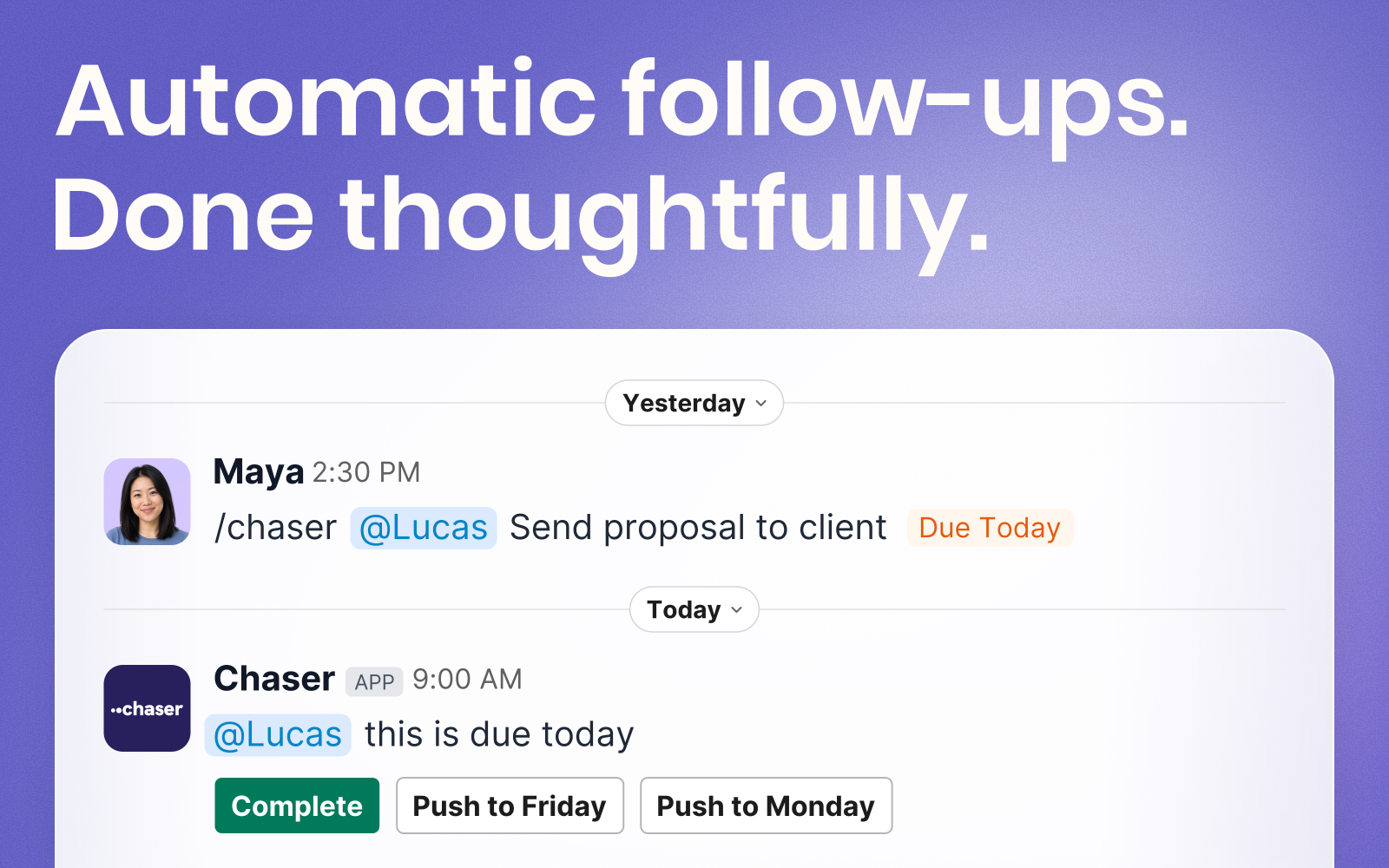
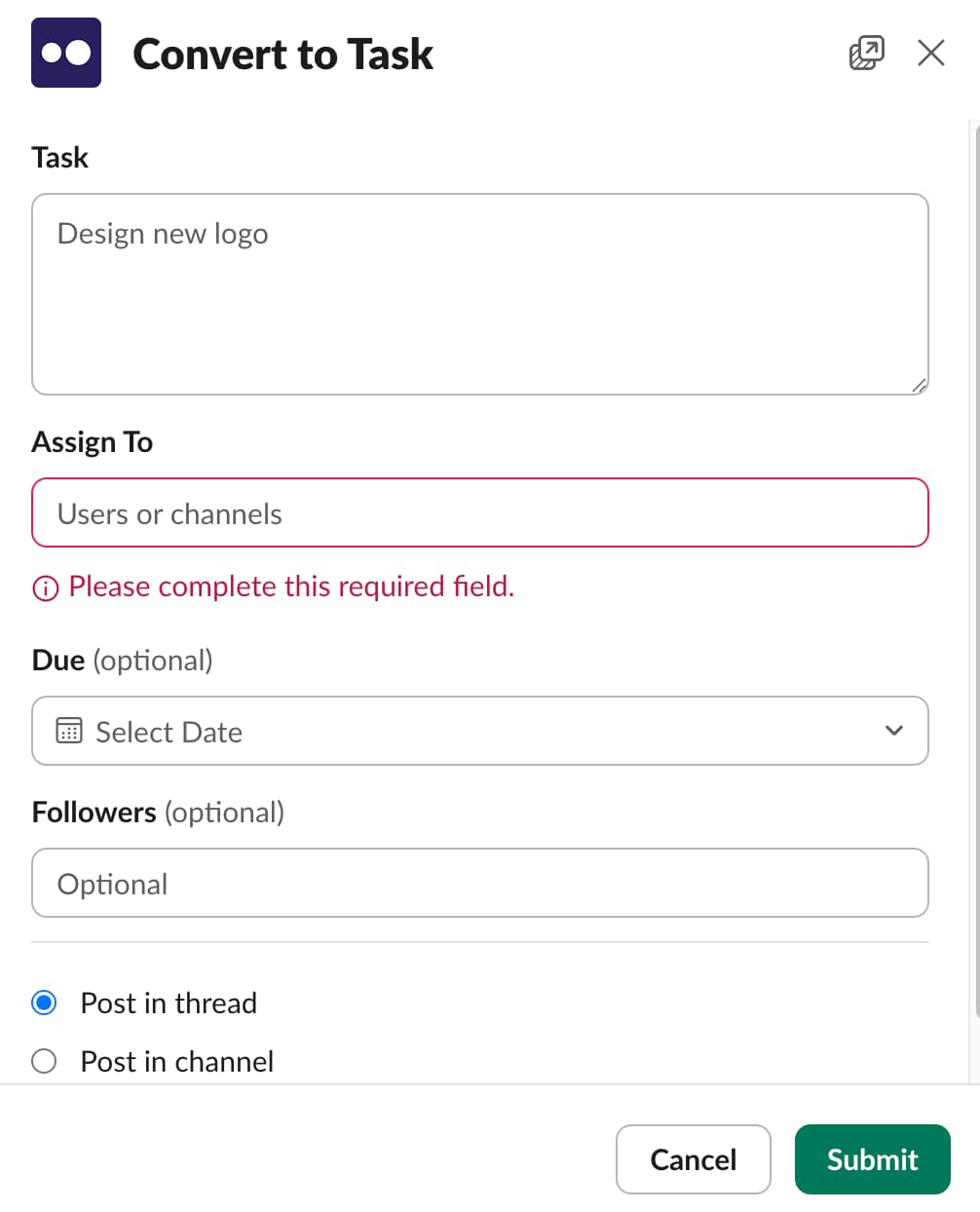
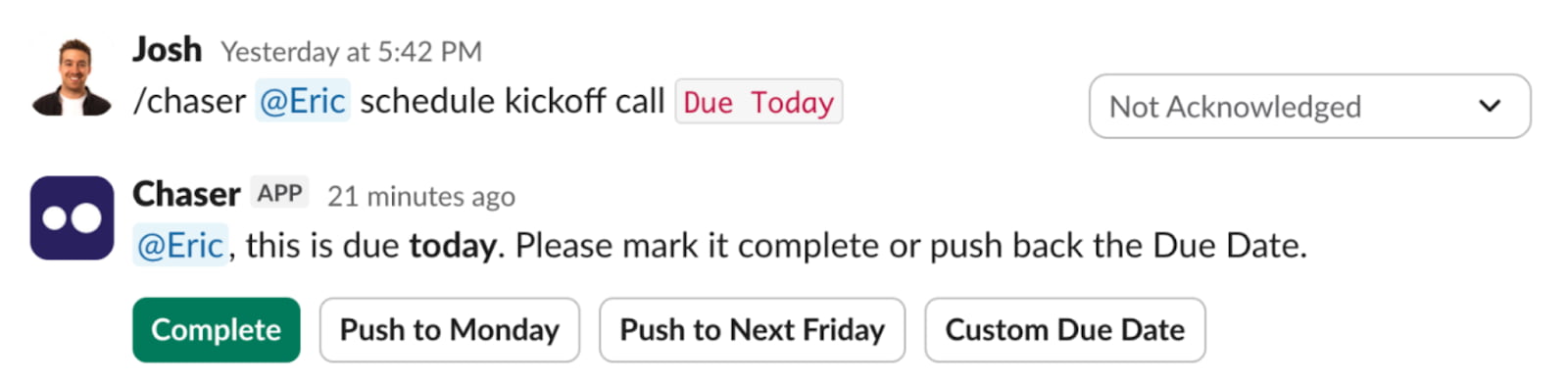
Use a simple /chaser command and turn messages into tasks. Assign, provide context, and set deadlines, all in one message. From there, automated reminders and progress updates do the heavy lifting to keep tasks on track, making it easy to follow up without manual oversight.
For example, a marketing agency might use Chaser to convert client requests from a shared channel into clearly defined tasks, assign responsibilities to specific team members, and get real-time updates on their completion status. This process completely reduces friction for task and project management. The risk of missed deadlines is gone with automated follow-ups that keep things easy for you and your team.
Chaser doesn’t just simplify task management; it also makes collaboration and transparency easier. Everyone in the Slack channel can have visibility, from team members to external stakeholders.
Whether you’re managing a fast-paced startup, a creative agency, or a remote team, Chaser provides the tools to keep your projects organized and your team productive. With Chaser, project management becomes a natural part of your team’s workflow, enhancing communication and ensuring nothing falls through the cracks.
Pricing: $7/user/month
2. Zapier
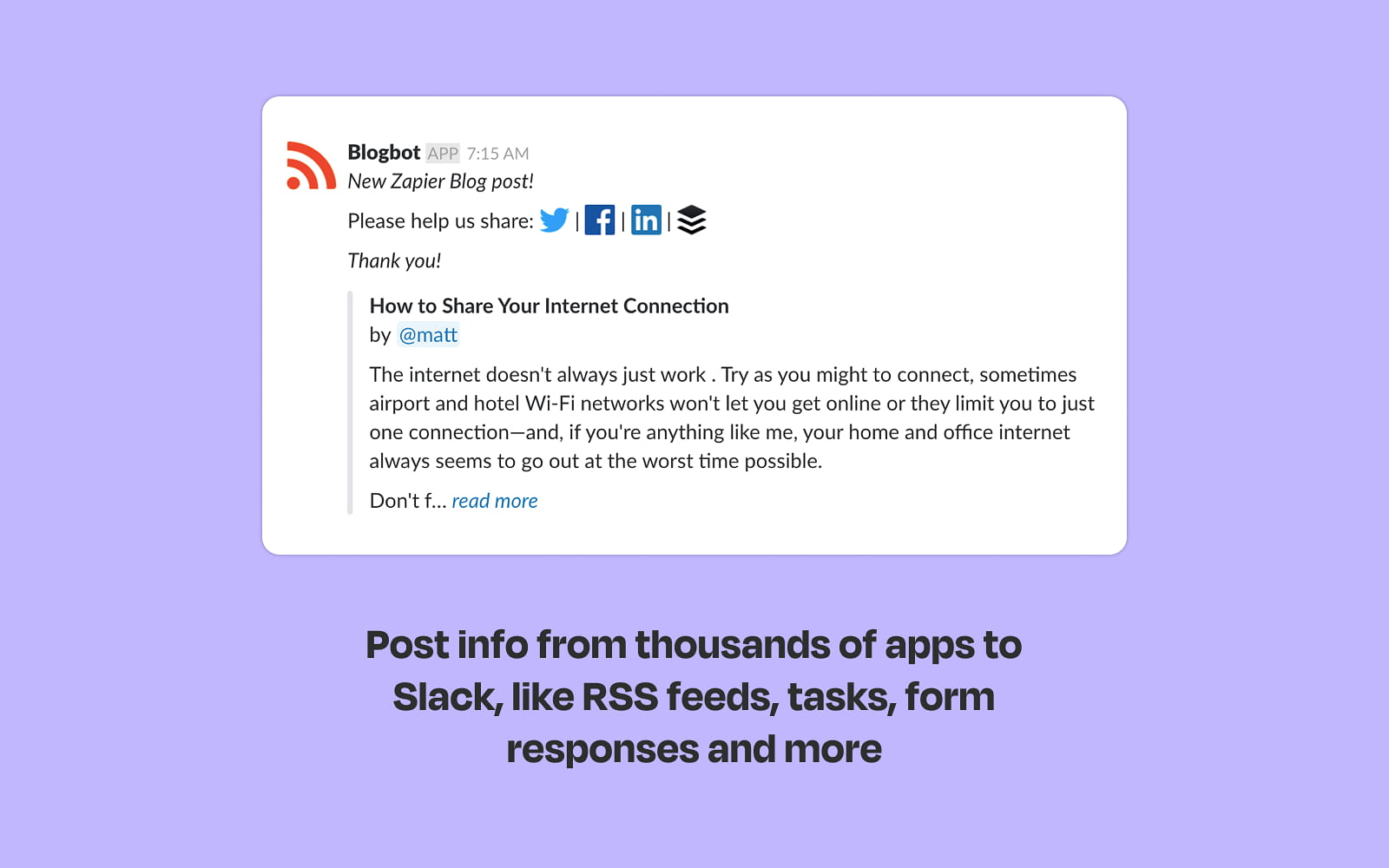
Zapier is the ultimate automation tool that connects Slack with thousands of other web apps. It’ll boost team productivity by eliminating repetitive tasks across different software in your organization. For example, a startup can create a Zap that automatically posts a message in a #sales channel whenever a new lead lands in the CRM. Like Chaser, this tool will help you eliminate administrative and manual tasks within your team.
Why It’s a Top Productivity App: Zapier is a top productivity app for teams because it automates workflows and saves time on repetitive tasks.
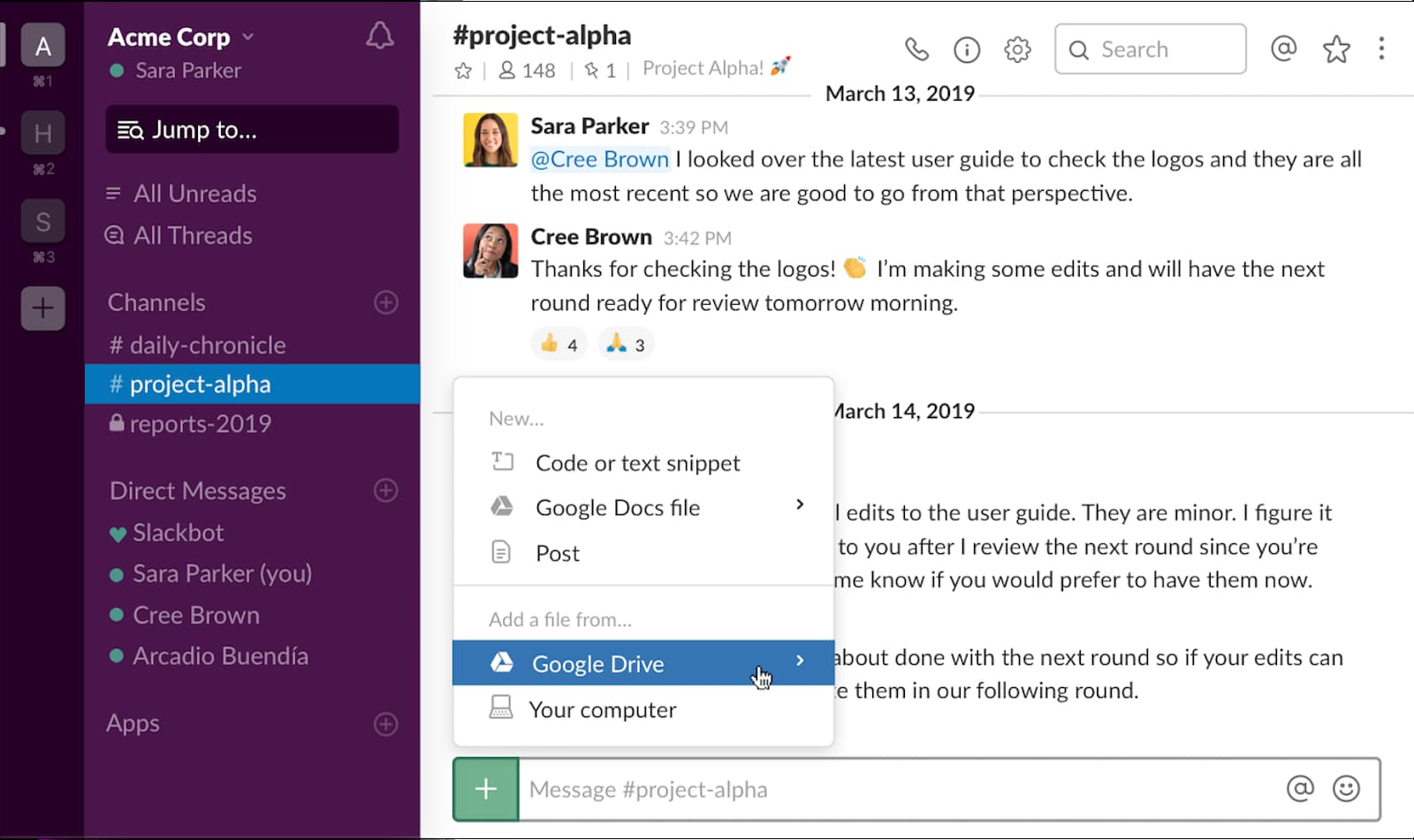
The Google Drive app for Slack streamlines file sharing and collaboration, a must for any remote or hybrid team. Your team can create, share, and comment on Docs, Sheets, and Slides directly within Slack. For example, a content team can share a draft Google Doc in their channel, receive notifications for comments and edit suggestions in the thread, and approve changes instantly, speeding up the entire feedback loop.
Pro Tip: Once your team finishes in Google Docs, use /chaser commands to assign your web team to get the documents live on the website—all within Slack.
Why It’s a Top Productivity App: This Slack app boosts team productivity by centralizing file collaboration and communication. Easier workflows make better teams.
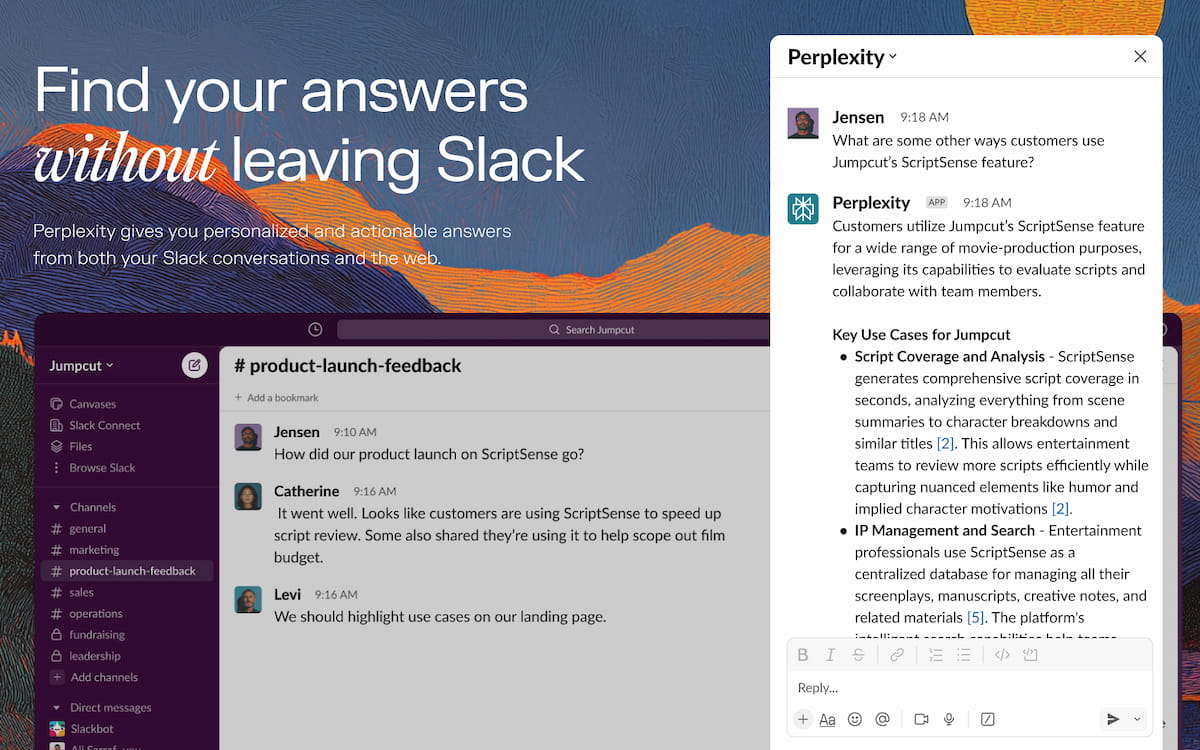
Perplexity is an AI-powered answer engine that acts as a research assistant right inside Slack, providing concise, sourced answers to complex questions. It helps teams quickly access information without disrupting their workflow by searching the web. A B2B tech team, for example, can ask Perplexity to summarize the latest trends in cloud computing.
Why It’s a Top Productivity App: Perplexity can provide instant answers with cited sources directly in Slack.
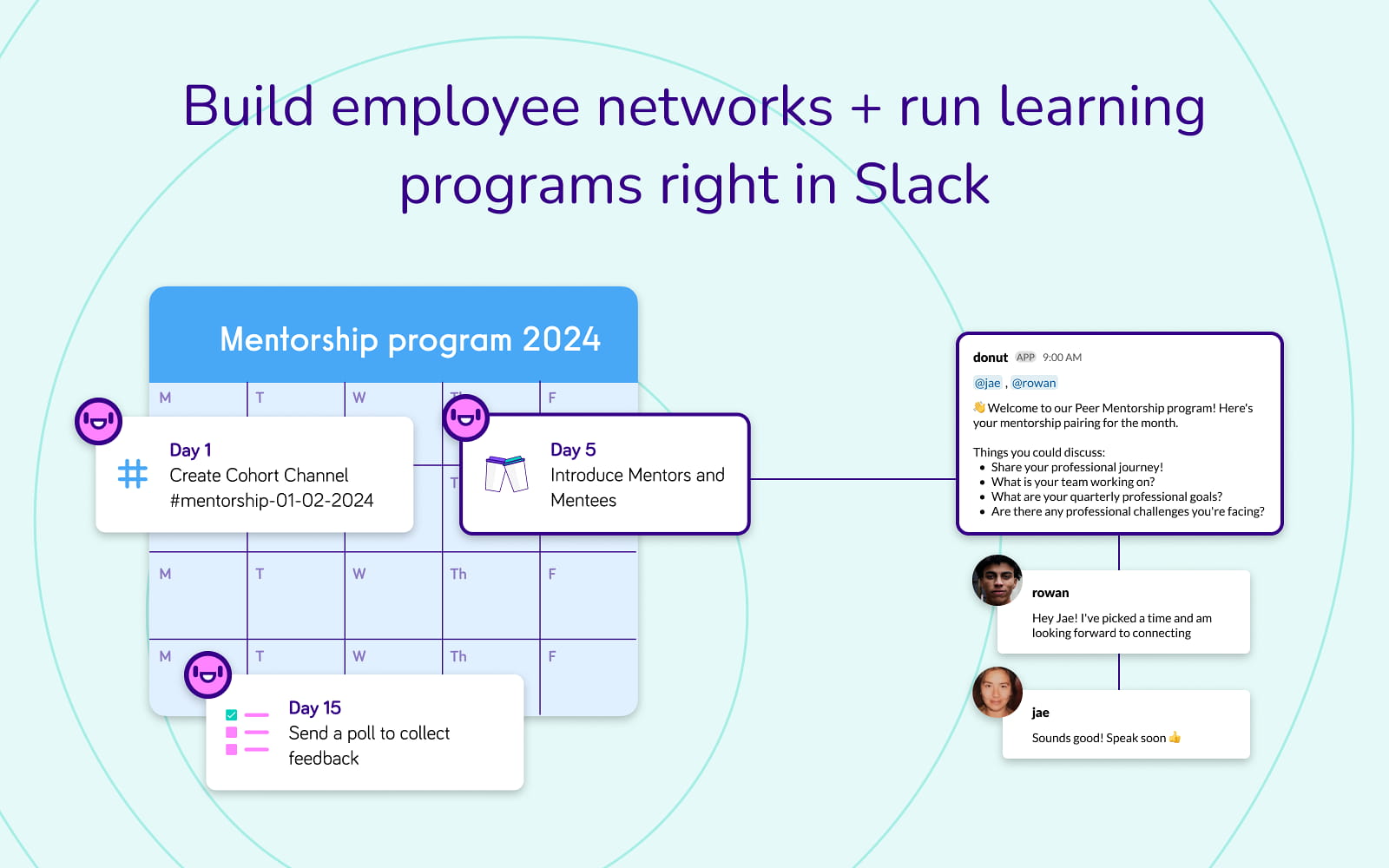
Donut is a culture-building app that helps team members in your organization or department connect. While Slack is a great “virtual office”, these connections are vital for remote and hybrid teams. It pairs colleagues for virtual coffee chats, introduces new hires, and encourages peer-to-peer recognition. A non-profit could use Donut to randomly pair staff from different departments for a monthly 15-minute chat, helping break down silos that can easily form on Slack.
Why It’s a Top Productivity App: Donut is a top productivity app for Slack teams because it strengthens team bonds and fosters a positive organizational culture, both of which are essential for effective teamwork in Slack.
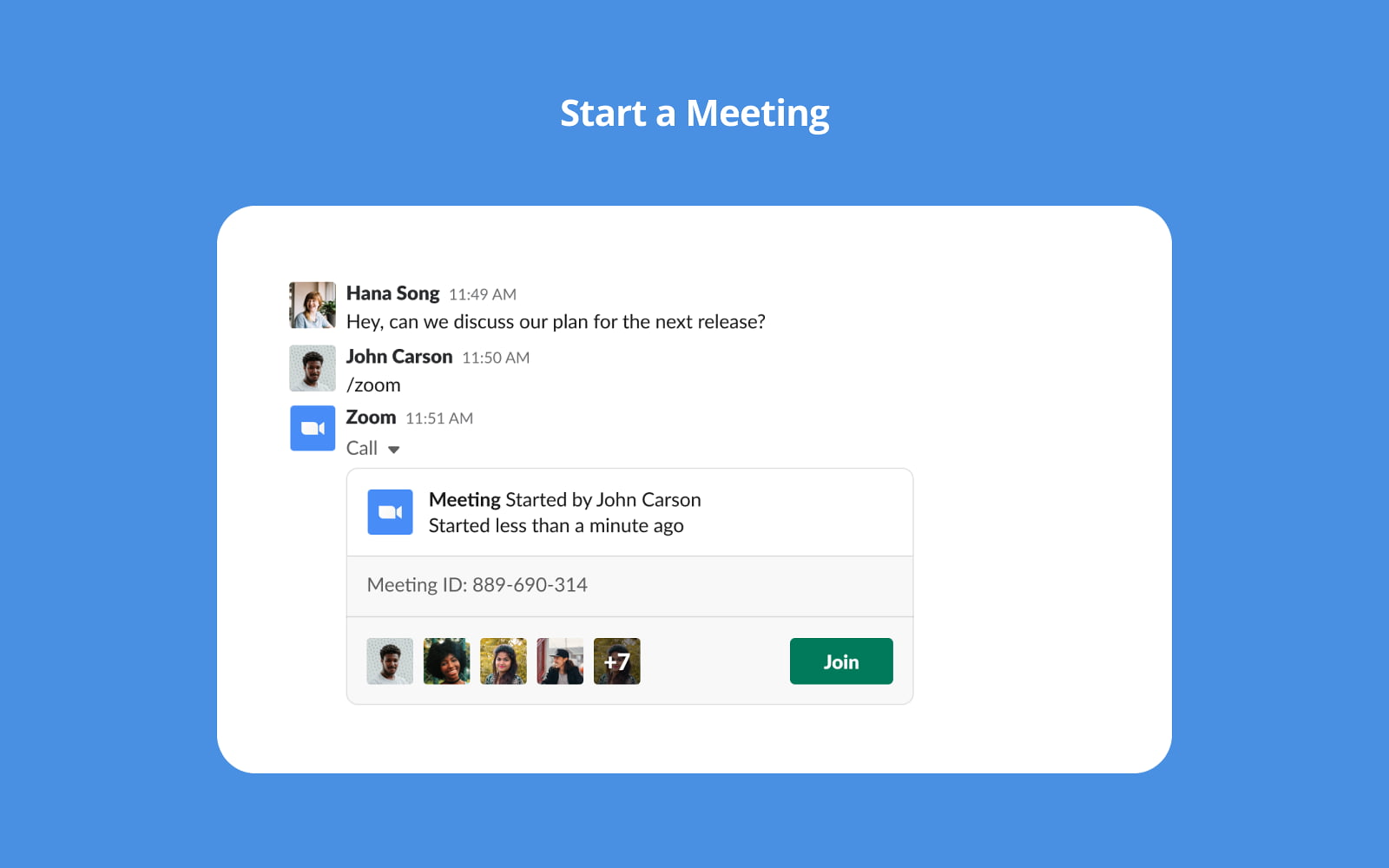
We all use Zoom if we use Slack. The Zoom integration for Slack allows teams to start and join video meetings instantly from any channel or direct message. This integration removes the friction of scheduling and sharing meeting links. It can also help with reminding team members when important meetings are happening.
Why It’s a Top Productivity App: This seamless integration boosts team productivity by enabling real-time collaboration, which is why it stands out as one of the top Slack apps on this list.
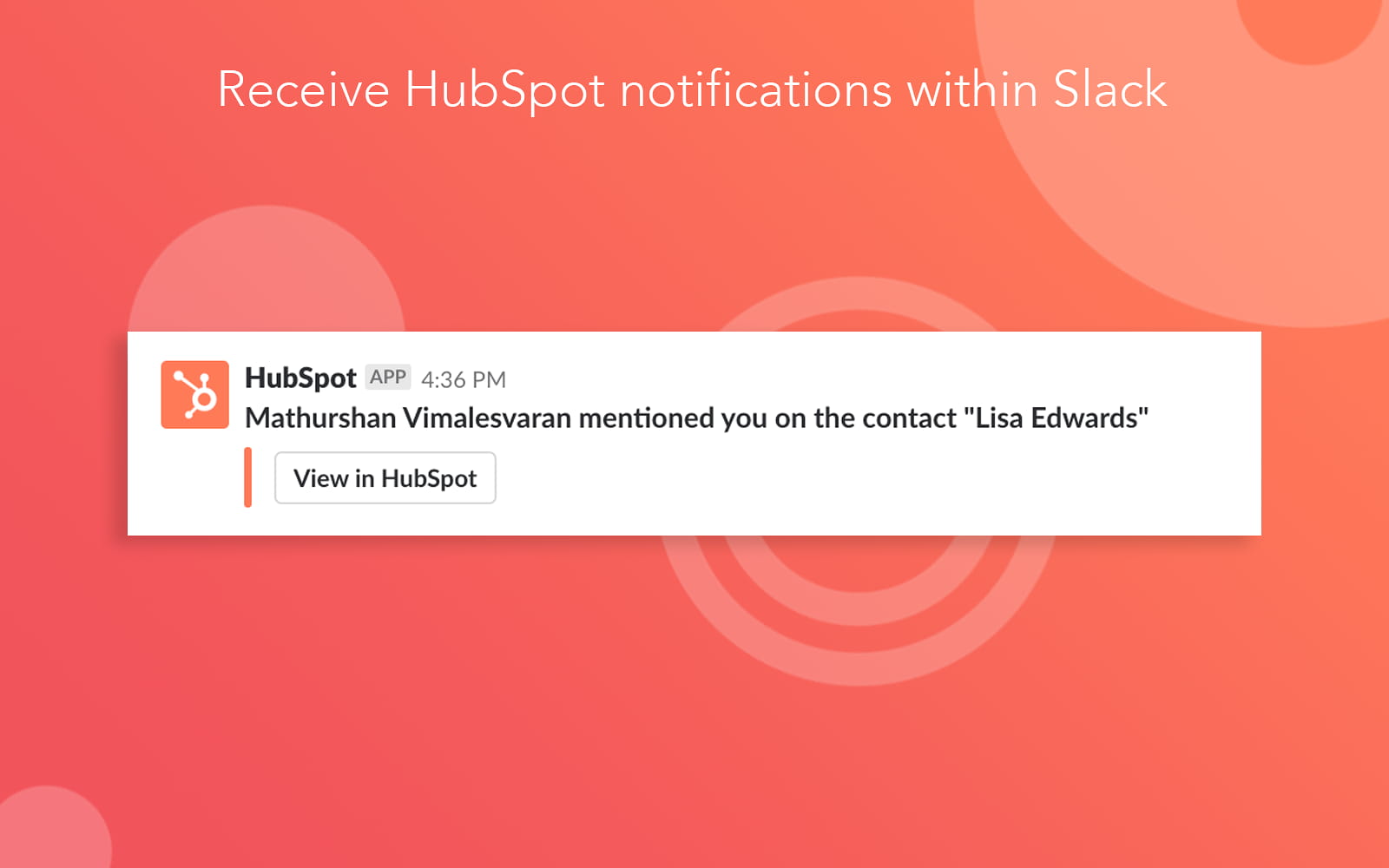
The HubSpot app for Slack bridges the gap between your marketing, sales, and customer service teams by bringing CRM data directly into your communication hub. It allows users to receive HubSpot notifications, create tasks, and search for contacts without leaving Slack.
Why It’s a Top Productivity App: This app enhances team productivity by streamlining communication and providing quick access to CRM insights, making it an essential tool for collaboration and efficiency.
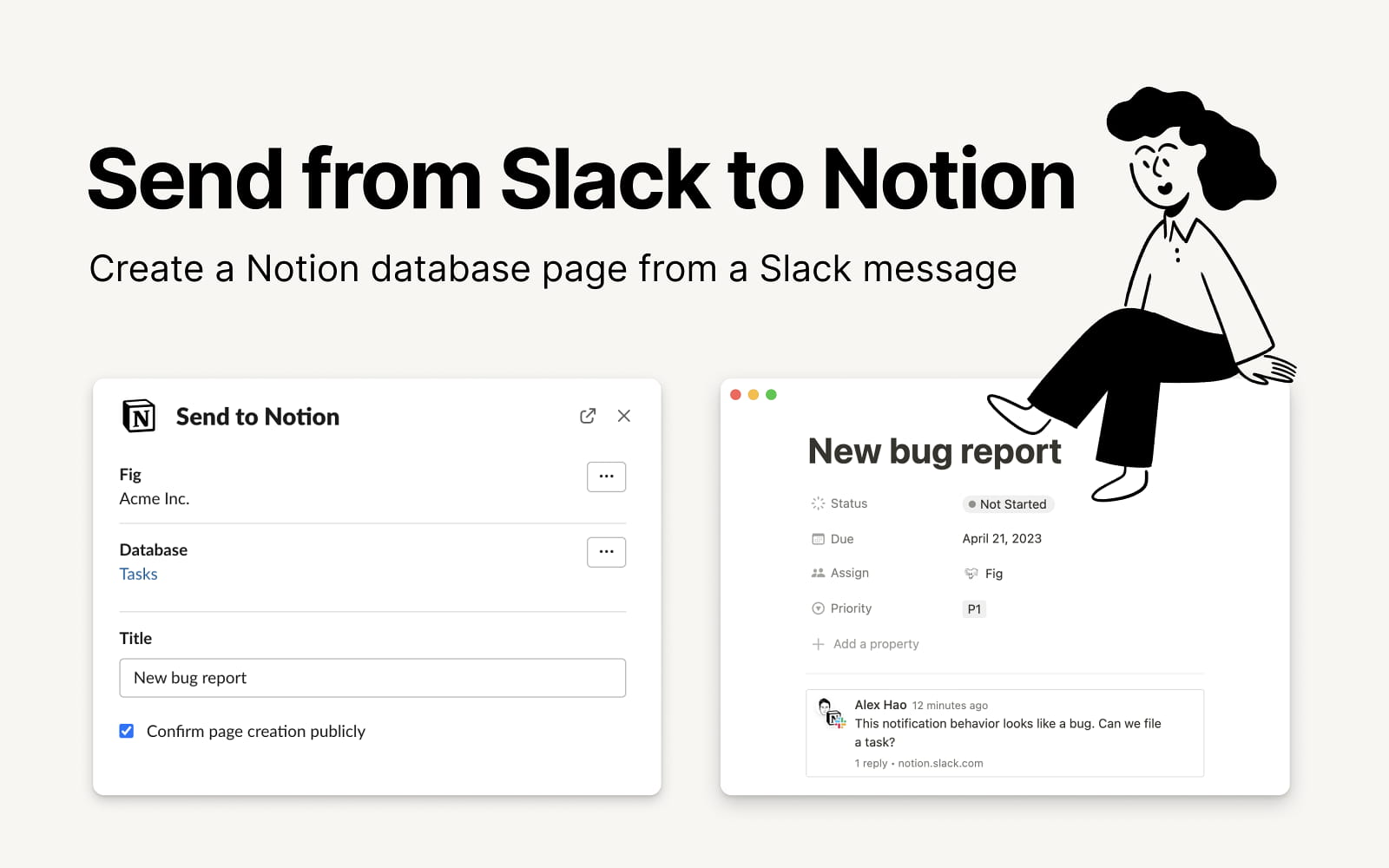
Notion is popular for advanced project planning, with features such as Gantt charting. This integration brings your team's workspace and documentation directly into your Slack channels.
Why It’s a Top Productivity App: This integration is great because it makes it easy to get visibility into your Notion systems that may handle customer success or sales workflows.
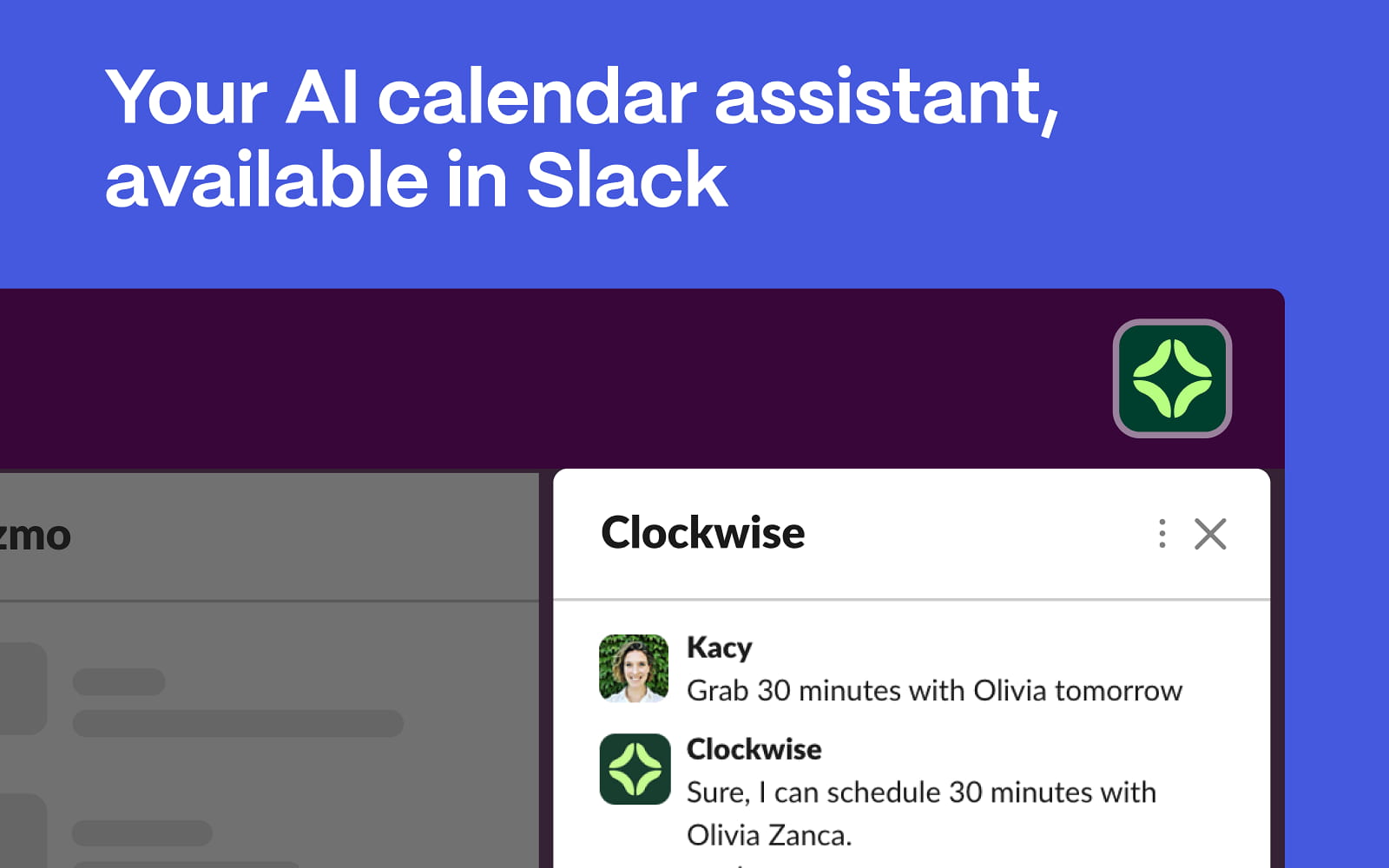
Clockwise is an intelligent calendar assistant that optimizes your team's schedule to create more ‘Focus Time’, long blocks of uninterrupted work. It automatically resolves scheduling conflicts and reorganizes meetings to reduce disruption.
Why It’s a Top Productivity App: Clockwise makes this list as a top Slack app because it seamlessly integrates with your calendar to boost productivity by prioritizing uninterrupted Focus Time for better team efficiency.
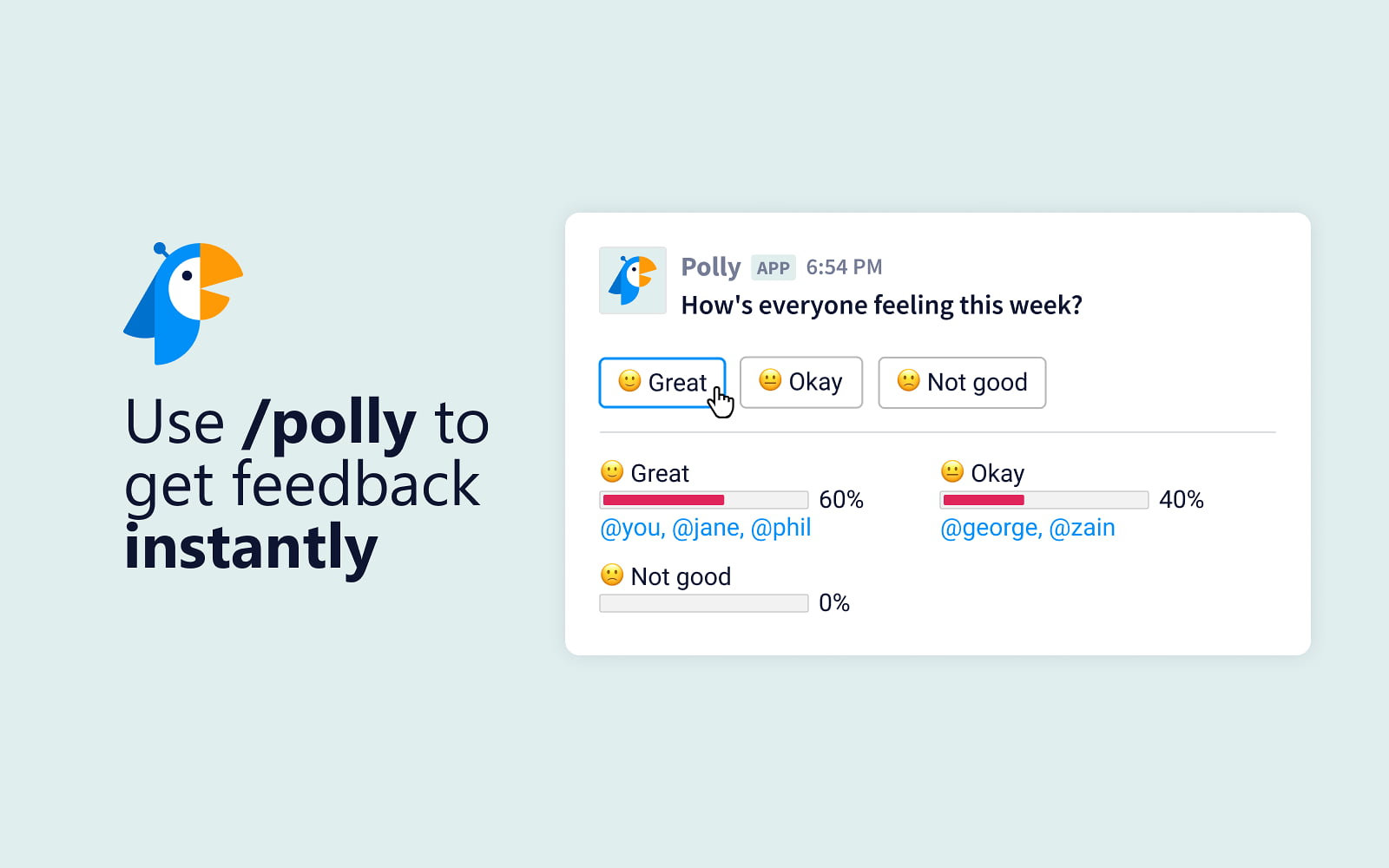
Polly makes it easy to create and send polls, surveys, and quizzes within Slack, helping teams gather quick feedback and make data-driven decisions. It's an effective tool for everything from team lunch polls to post-project retrospectives. A team lead at a marketing agency could use Polly to send a quick, anonymous survey after a major campaign launch to gather feedback on what went well and what could be improved, fostering a culture of continuous improvement.
Why It’s a Top Productivity App: Polly is included in this list because it streamlines feedback collection and fosters team collaboration, making it an essential tool for boosting productivity.
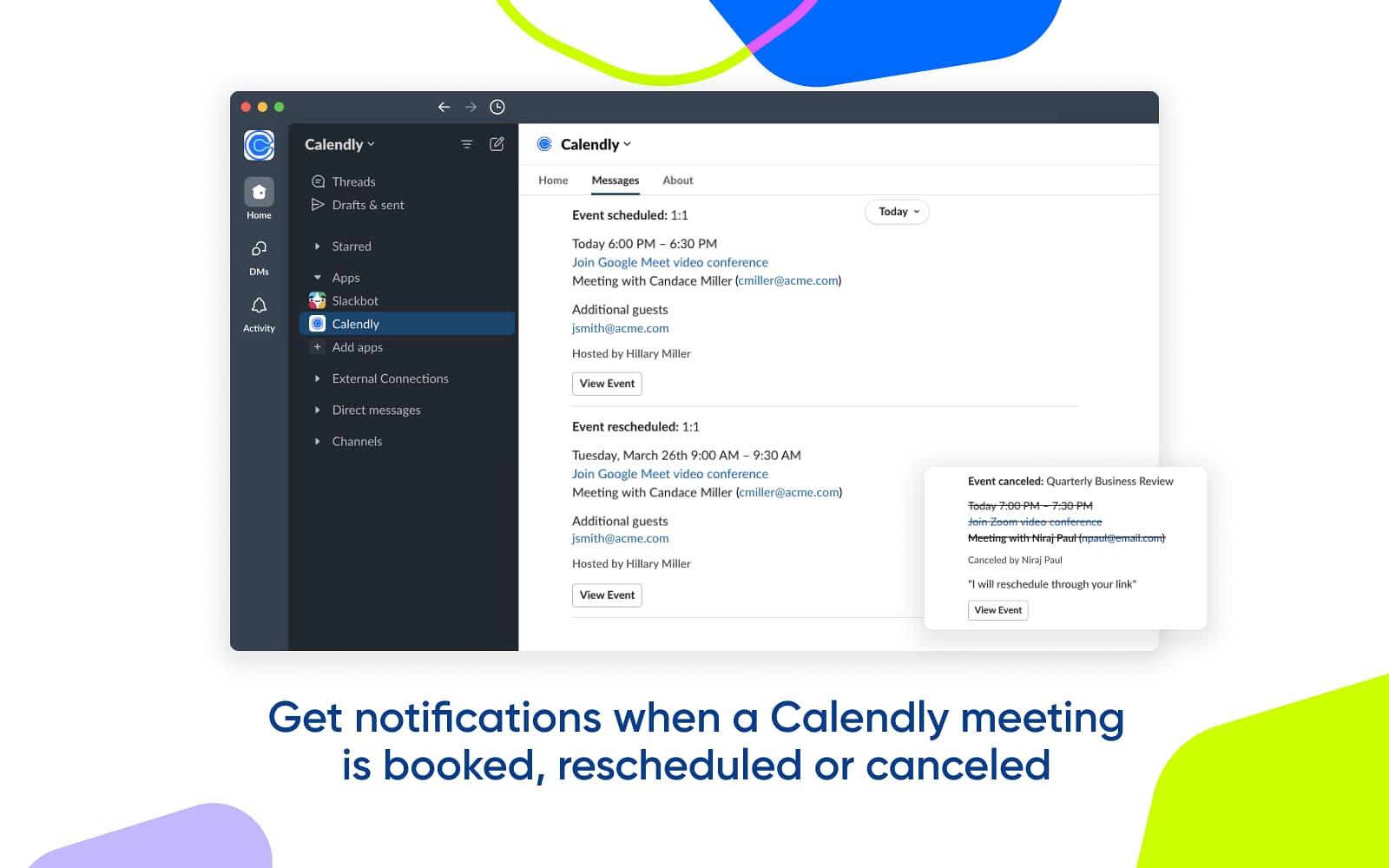
The Calendly app for Slack simplifies scheduling by allowing you to share your availability and book meetings without the back-and-forth emails. It streamlines coordination both internally and with external partners. A marketing manager may want to discuss the marketing assets an agency sent over in a Slack Collab channel. They can share their Calendly link directly in a Slack Connect channel with a potential partner.
Pro Tip: You could skip the meeting altogether and use /chaser to assign the marketing agency feedback within Slack Collab channels. The agency can acknowledge, set due dates, and respond, all within Slack.
Why It’s a Top Productivity App: Calendly boosts team productivity by eliminating scheduling friction, allowing teams to focus more on collaboration and less on administrative tasks.
Pricing: Free to use (requires a Calendly account)
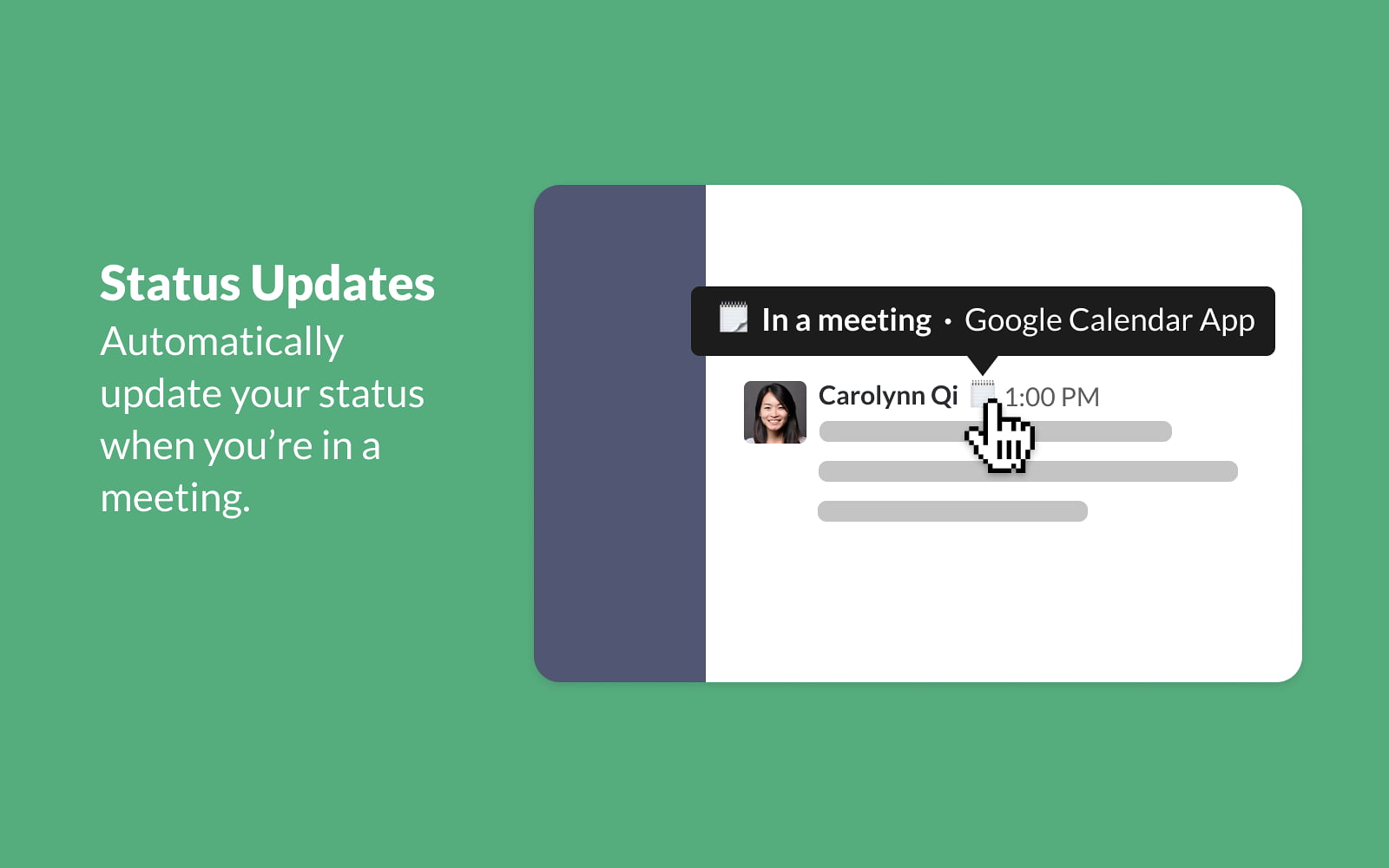
The Google Calendar app for Slack helps your team stay on top of their schedules by delivering event reminders and daily summaries. If you have trouble setting meeting times or want to keep on top of calendar appointments, this is a great productivity integration to consider.
Why It’s a Top Productivity App: Its seamless integration with schedules and timely reminders makes Google Calendar an essential tool for enhancing team organization and productivity.
For development teams, the GitHub integration for Slack is a must-have. It brings real-time updates from your repositories, such as new commits, pull requests, and issues, to your designated channels. This insight helps collaboration and visibility on code changes, where your devs like to communicate, within Slack.
Why It’s a Top Productivity App: This Slack app streamlines communication and keeps everyone aligned on development progress, making it an essential tool for productive collaboration.
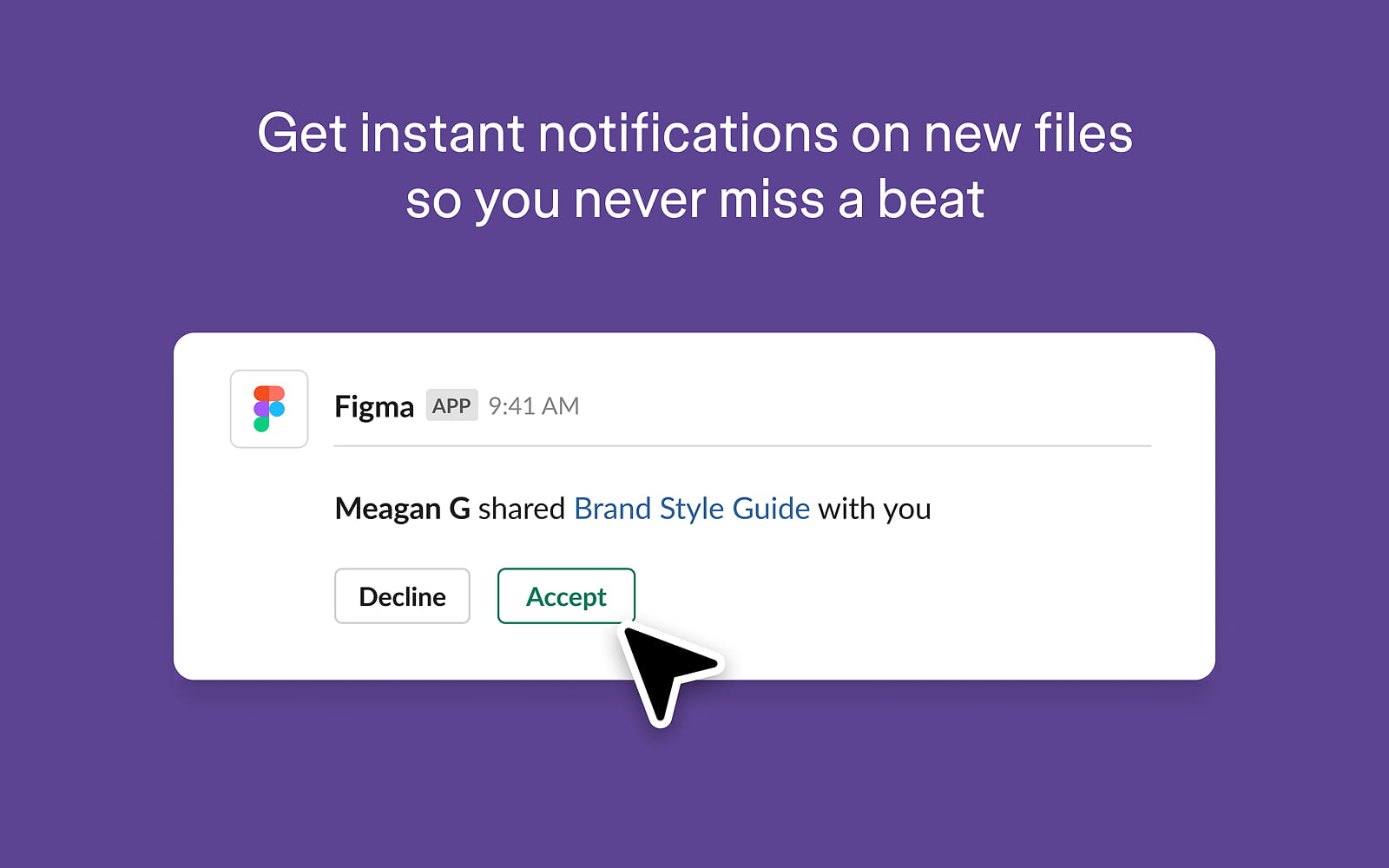
The Figma app for Slack connects your design team's workflow directly to your communication channels. It sends notifications for new comments and file updates, ensuring designers and stakeholders stay in sync.
Why It’s a Top Productivity App: Figma is a top Slack app for team productivity because it streamlines collaboration between designers and stakeholders, reducing turnaround times and keeping everyone aligned.
The Dropbox app for Slack simplifies file sharing by allowing you to import, view, and share Dropbox files directly within Slack conversations. Easily access important documents and files from Dropbox, without leaving Slack.
Pro Tip: If assets in Dropbox require updates, easily assign team members directly in Slack using Chaser. For example, /chaser @Mark please update sales assets #1 & #2 by Friday, and let Chaser handle the task management.
Why It’s a Top Productivity App: Its seamless integration and ease of file sharing make Dropbox an essential tool for enhancing collaboration and ensuring team productivity.
Pricing: Free to use (requires a Dropbox account)
If you’re up to speed with AI apps, the ChatGPT app for Slack brings the power of OpenAI's language model into your team's workspace. Use it to help as a productivity tool within Slack. It can help draft emails, summarize long threads, and brainstorm ideas on any topic.
Why It’s a Top Productivity App: Its ability to streamline communication, enhance creativity, and save time makes ChatGPT an essential tool for boosting team productivity.
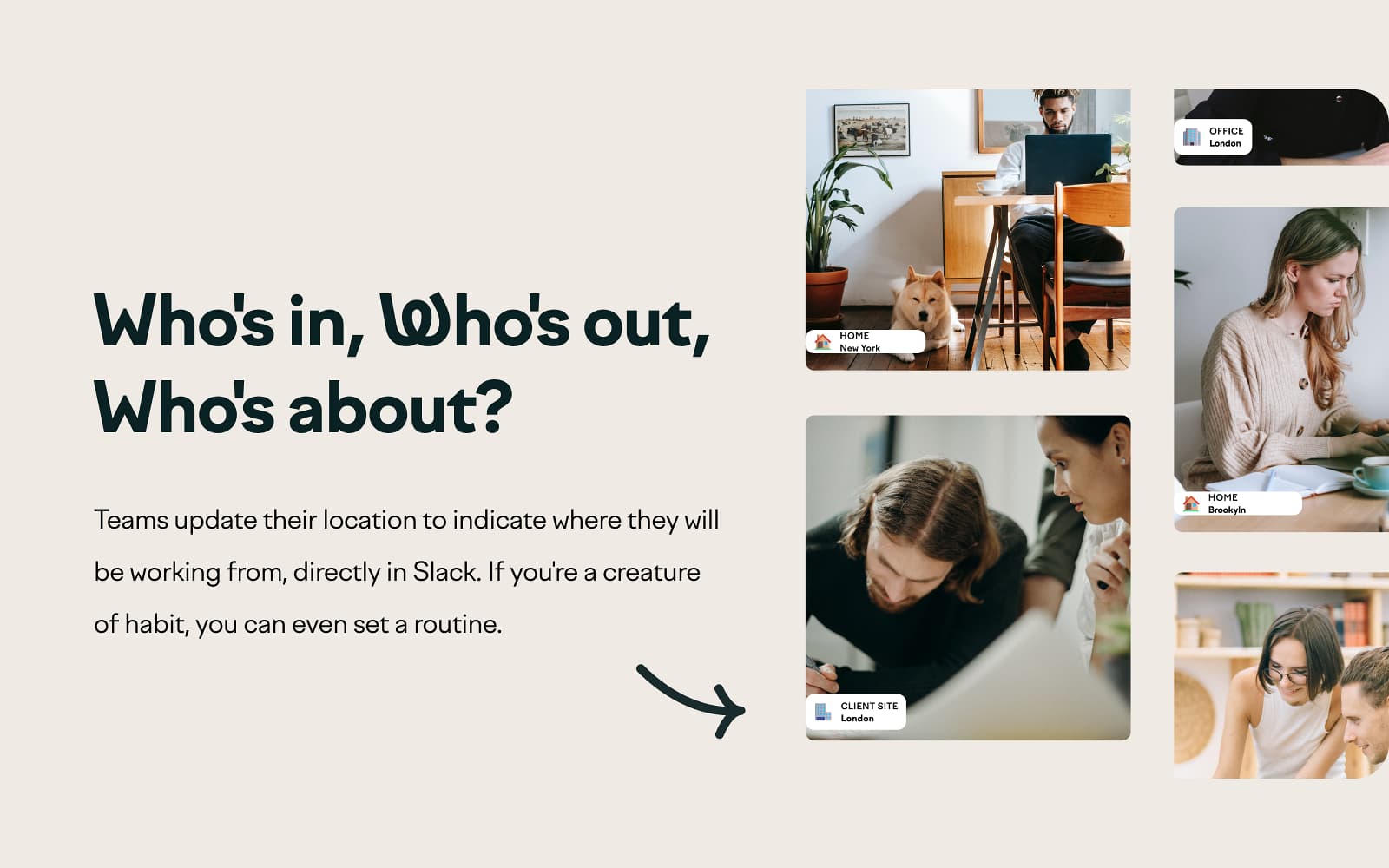
Officely is a desk booking and office management tool designed for hybrid teams. It helps coordinate who is working from the office on any given day, book desks, and see office capacity at a glance, all within Slack. If your team is hybrid, an employee can use Officely to see which of their teammates are planning to be in the office. Ultimately, building a more connected workplace.
Why It’s a Top Productivity App: Officely enhances hybrid team productivity by streamlining office management and fostering efficient in-person collaboration, making it an essential tool for any team looking to optimize their workspace.
Why Managing Projects in Slack with Chaser is Better
Chaser is basically the only project and task management tool built for Slack. Instead of forcing your team to switch context, log in to other software apps, and carry message information from Slack to those apps, Chaser brings project management directly into the conversations where work actually happens.
From external collaborator task management to general ticketing and issue tracking, here’s how Chaser’s core features create a more efficient and accountable workflow.
Tasks
If you’re doing task management within Slack, easily create a task by typing /chaser in any channel or DM. You can assign it to one or more people and set a due date using natural language (example, "by next Friday"). That task is then instantly logged and tracked.
Reminders
If you’re using Slack for project management, Chaser’s automated reminder system is your secret weapon against missed deadlines. It automatically reminds assignees before a task is due, on the due date, and when it becomes overdue.
It also keeps the task creator in the loop, notifying them if a task isn't acknowledged or completed on time. This proactive follow-up eliminates the need for manual nagging and fosters a "set it and forget it" culture of accountability.
Dashboard & Reports
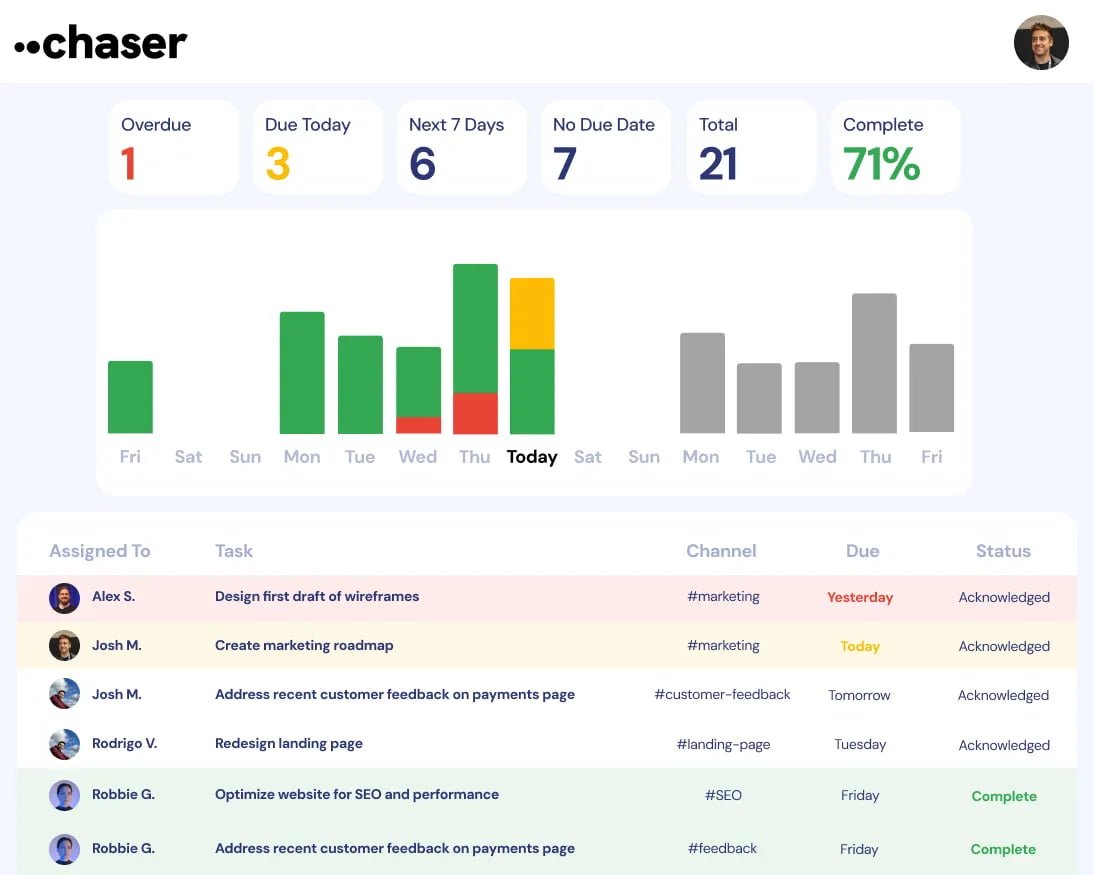
Need project and task visibility in Slack? You got it. Chaser provides that visibility at every level.
In-channel status reports give the entire team a weekly overview of what’s on track and what needs attention, fostering shared responsibility.
On top of that, the web dashboard offers a bird's-eye view of all tasks across all projects and team members. All stakeholders get visibility without interrupting the team for updates.
By embedding these powerful features directly into Slack, Chaser reduces friction and increases visibility. Ultimately, your team spends less time managing work and more time doing it.
How to Choose the Right Team Productivity Tools
With thousands of options out there, the best team productivity tools aren’t the ones with the longest feature list — they’re the ones your team will actually use. Before you commit to any of the apps above, it’s worth weighing a few things.
First, look for tools that work where your team already works. Apps that live inside Slack avoid the constant context switching that quietly drains hours every week. Second, favor tools that are quick to adopt; if something needs a week of training, adoption stalls before it starts. Finally, pick tools that fit your existing workflow rather than forcing your team to rebuild around them.
Start with your biggest bottleneck, choose one tool that clears it, and build from there. Pairing the right apps with a few good team productivity habits and Slack tricks is what turns a busy workspace into a genuine productivity hub — instead of just another pile of apps to manage.
Final Thoughts
The 17 apps listed here represent the best-in-class tools for transforming your Slack workspace into a true command center for your organization.
Each app offers a unique way to enhance your team's workflow. You should start by identifying your biggest productivity bottlenecks and experiment with one or two of these integrations.