How to Build a Content Production Workflow (With Examples)
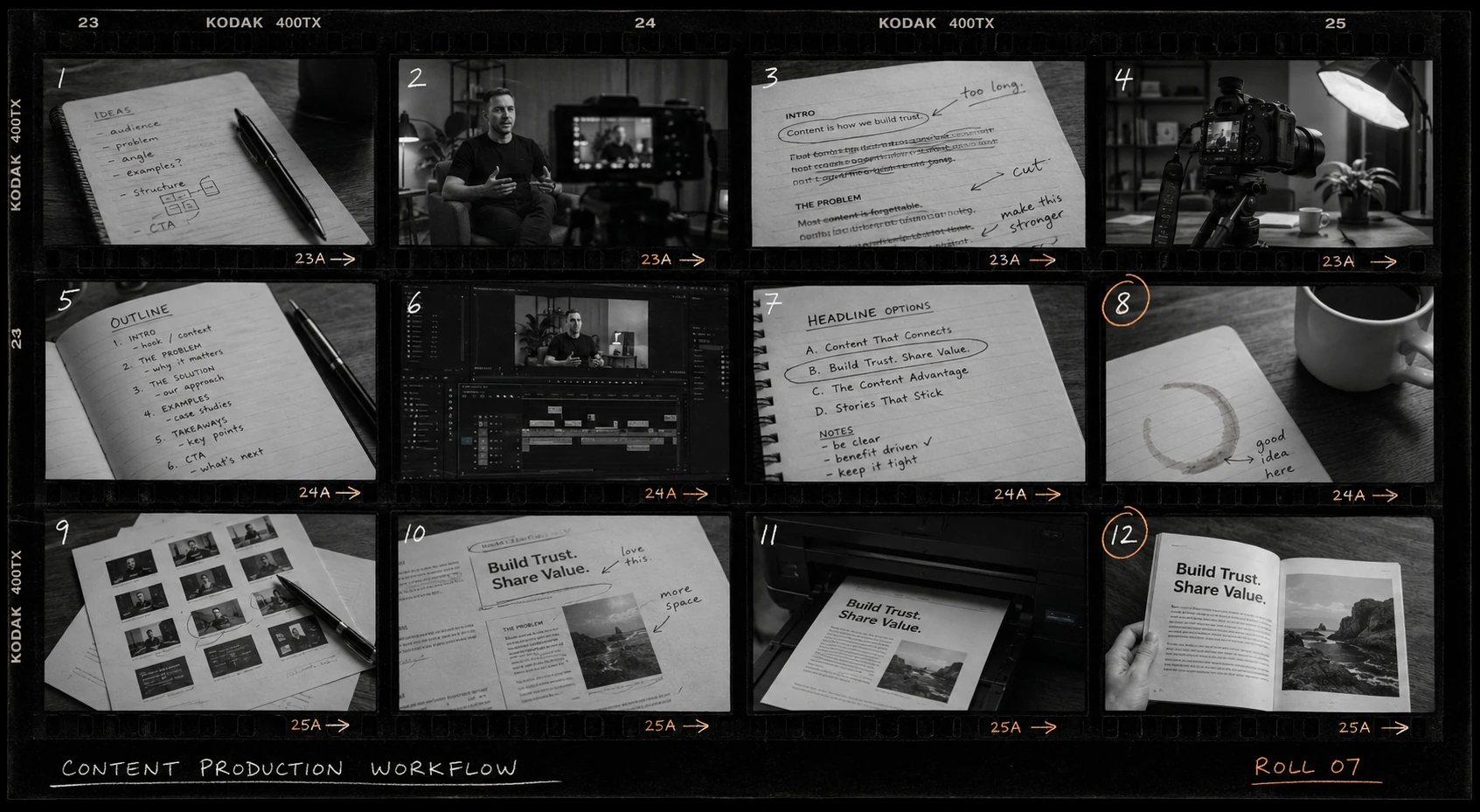

A content production workflow is the sequence of steps a piece of content moves through on its way from idea to published page: someone writes the brief -> someone drafts -> someone edits -> someone signs off -> ....
The same five or six steps repeat for every blog post, newsletter issue, or video.
Writing the steps down, with an owner and a date on each, is what lets a team publish on a schedule. This post walks through the standard stages and shows two example workflows modeled on how real teams run them.
The stages of a content production workflow
The Content Marketing Institute's 2026 B2B research found that 97% of marketers now have a content strategy, and among teams whose results improved over the past year, the most commonly cited reason was strategy refinement (74%), ahead of any new technology. The thing being refined is, for most teams, exactly this sequence:
- Ideation and planning.
- Briefing.
- Drafting.
- Editing.
- Design.
- Approval.
- Publishing.
- Distribution and repurposing.
Roles map onto the stages. On a three-person team one person covers several roles: the workflow stays the same, there are just fewer handoffs.
Shopify's guide to content workflows draws a useful line between task-based and status-based workflows. Task-based workflows track every individual step ("submit draft to editor"); status-based ones track which stage a piece is in ("In editing").
Two example workflows
A marketing agency producing client blog content
Say an agency publishes four posts a month for each client. A workable per-post workflow looks like this:
- The account manager writes the brief from the agreed content calendar and confirms the angle with the client (day 1).
- The writer drafts (days 2–5).
- The editor does a structural and voice pass and returns it to the writer for fixes (days 6–7).
- The draft goes to the client for approval, with three business days allowed — client review is reliably the slowest step, so the schedule has to absorb it (days 8–10).
- The designer produces the header image and any diagrams while approval is pending (days 8–10).
- The agency publishes in the client's CMS and sends the link (day 11).
- Social copy goes to the client's channels, and the post gets logged in the monthly report (day 12).
There's more on the broader setup in this guide to project management for agencies in Slack, and the same logic applies at the start of an engagement — covered in this post on agency client onboarding in Slack.
An in-house team running a weekly newsletter
A two- or three-person team sending a newsletter every Tuesday runs a tighter loop:
- Thursday: the content lead picks the stories and writes a skeleton.
- Friday: the draft is done, with subject-line options.
- Monday morning: edit pass and link check.
- Monday afternoon: the marketing manager reads the final version and approves the send.
- Tuesday, 9 a.m.: the issue goes out.
- Wednesday: the best-performing story gets repurposed into a LinkedIn post.
A video pipeline works the same way with different stage names — script, shoot, edit, thumbnail, publish, clip — and usually a longer drafting stage. In every variant, the workflow only holds if each step has one owner and one date.
Running a content production workflow in Slack
The structure that works: one channel per content stream (or per client, for an agency), and one thread per piece. The thread starts when the piece enters the calendar and collects everything — the brief, the draft link, feedback, the approval. Slack's threads exist for exactly this kind of contained discussion.
The workflow itself runs as a checklist deployed into each thread with Chaser. You build the checklist once, with each step assigned to a person and dated relative to the publish date, then deploy it into the thread with one command whenever a new piece starts.
Placeholders make the template generic: include a {Post title} variable and "Edit pass" becomes "Edit pass — Q3 churn guide" the moment you deploy it. There's a fuller walkthrough of building these in this guide to Chaser templates in Slack, and the broader picture of tracking work this way in this guide to task management in Slack.
A sample checklist for one blog post
A reasonable default for a standard post, with every date set relative to the publish date:
| Step | Assignee | Due |
|---|---|---|
| Brief approved | Maya (content lead) | 10 days before publish |
| Draft due | Dave (writer) | 5 days before |
| Edit pass | Maya | 3 days before |
| Design assets | Priya (designer) | 2 days before |
| Final review | Sam (marketing manager) | 1 day before |
| Publish | Dave | Publish day |
| Promote | Priya | 1 day after |
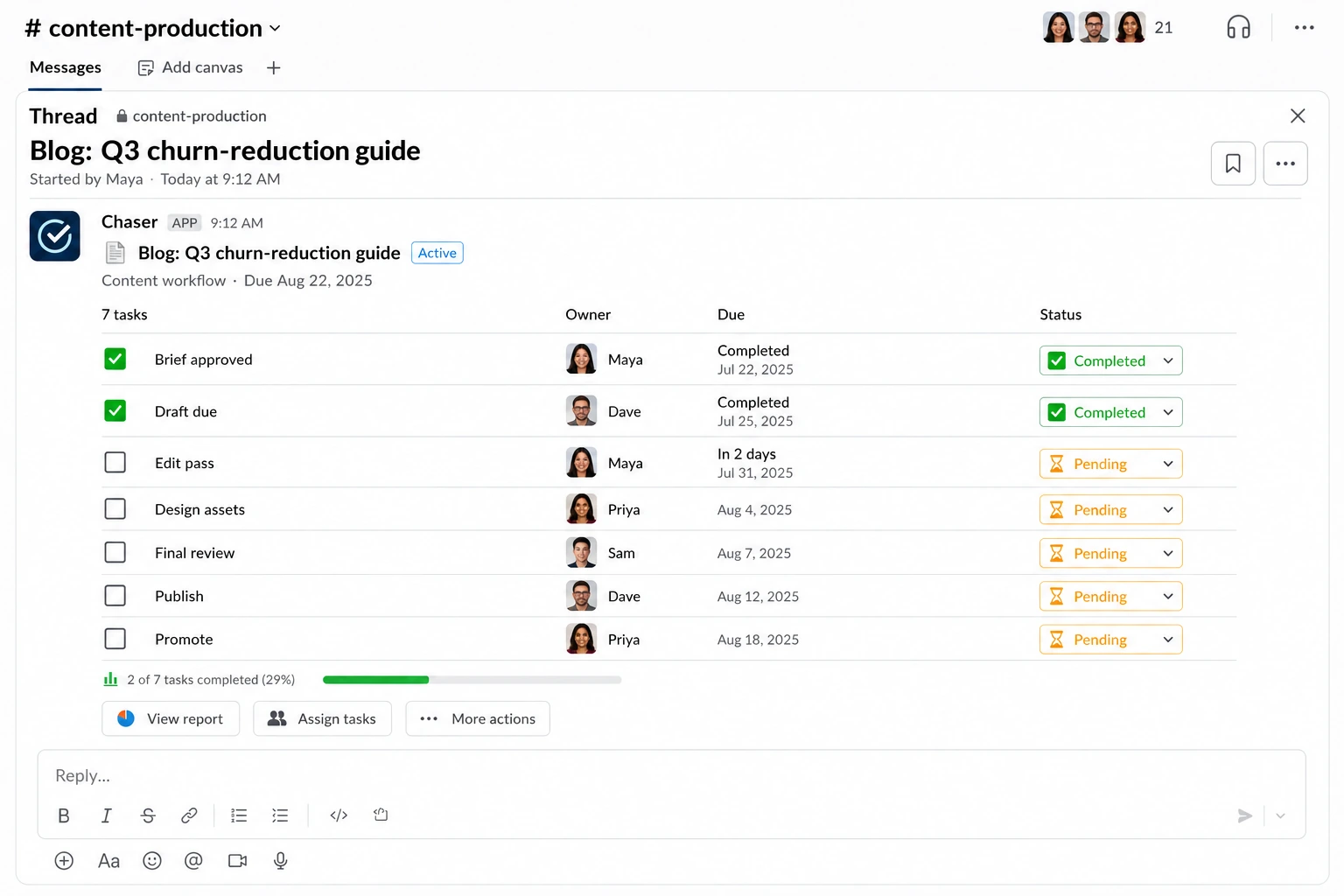
Adjust the offsets to your reality: agencies add a client-approval step with three business days, video teams stretch the gap between brief and draft. The point of relative dates is that one decision — the publish date — sets every step's deadline at deploy time.
Final thoughts
A content production workflow doesn't need to be elaborate: stages, owners, dates, written down somewhere the team actually looks. The teams that publish consistently are running some version of the checklist above, whatever tool it lives in. If your team's coordination already happens in Slack, running the checklist there — is the version with the least overhead to maintain.
You can try Chaser for free and see how it fits the way your team already works in Slack. Get started and add Chaser to Slack, for free.


