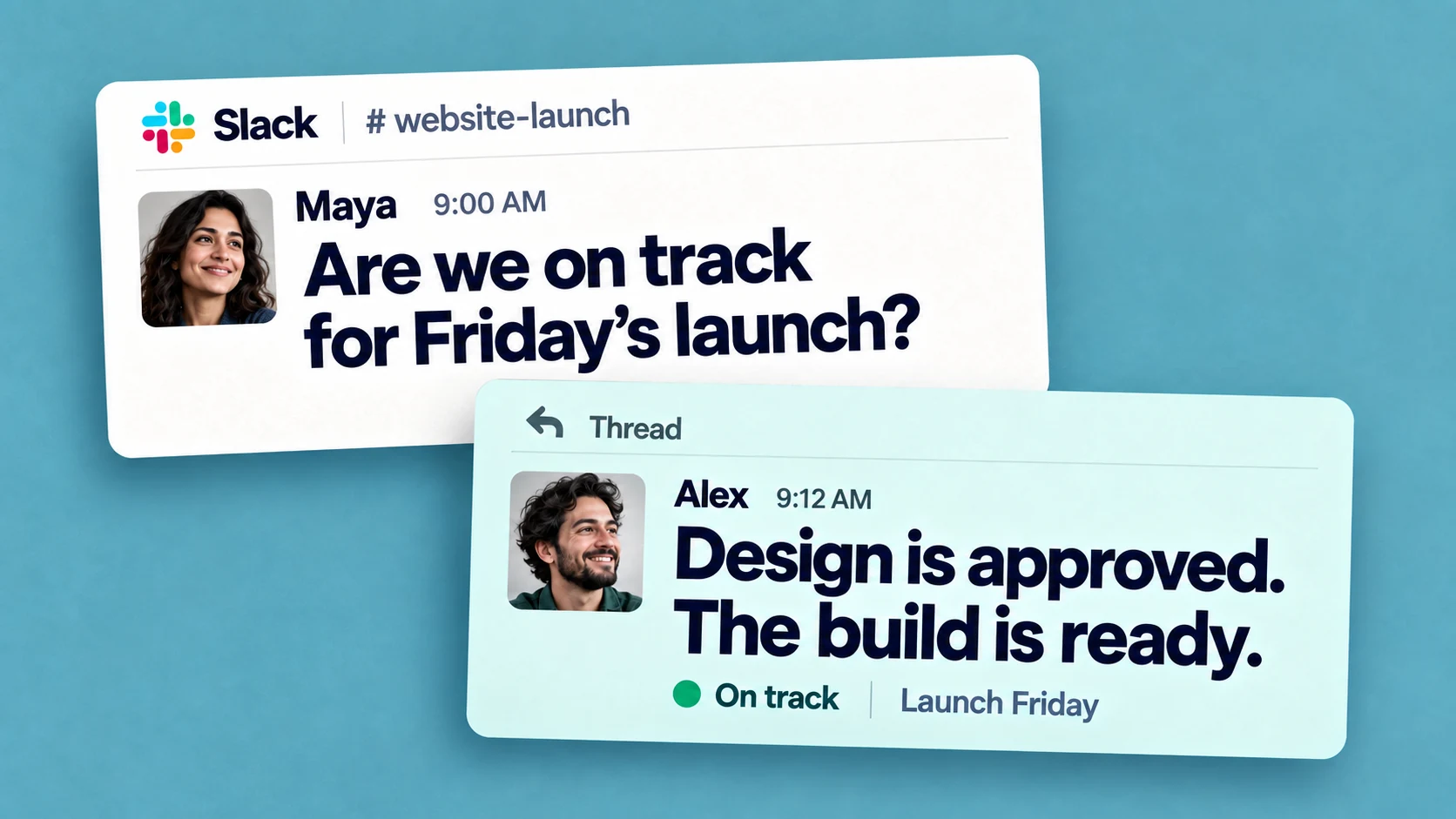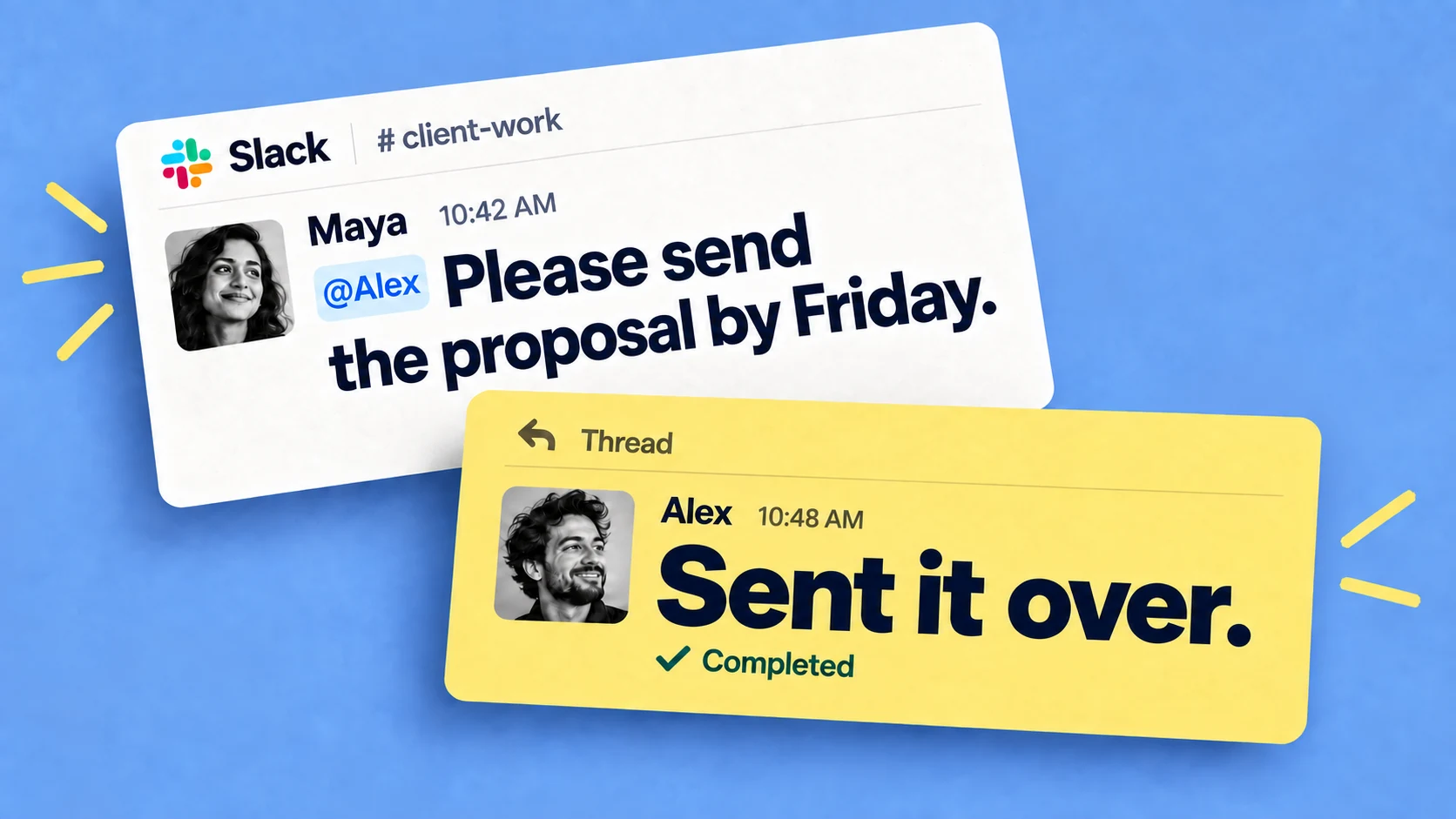
Most agencies coordinate their work in Slack — the briefs, the revisions, the steady stream of "hey, can you also…" — and then try to track it somewhere else, in Asana, Monday or ClickUp. Work goes missing in the gap between the two. This post is about closing that gap: running project management for agencies inside Slack, where the team already works, so tasks get tracked and chased without anyone adopting a separate tool.
The gap between Slack and the board
It usually goes like this: you set a rule that work requests go in the project tool, not in Slack. People ask in Slack anyway. Half the team never opens the board. Tasks end up buried in threads and you become a human reminder, following up on everything to keep things moving. It only gets harder as you grow, because more clients and channels mean more places for things to fall through.
The cost of that tool-switching is real and measured. Harvard Business Review found people flip between apps and websites around 1,200 times a day, roughly four hours a week just reorienting, which is the same drag we covered in why context switching hurts team productivity.
Why a separate tool struggles to stick
Monday, Asana and ClickUp are capable tools, but they sit outside Slack, where your team already works. Using one means leaving the conversation, switching apps, and keeping a board current that half the team never opens. Adoption slips, the board goes stale, and the real work drifts back into Slack DMs where nothing gets tracked. We hear the same thing from agencies all the time: everyone's already in Slack, and the board sits empty. So rather than trying another board, the approach here is to keep the work, and the follow-up, in Slack. There's more on the general version of this in how to use Slack for project management.
Project management for agencies, inside Slack
With Chaser, you turn any Slack message into a task in one click, or type /chaser to create one. Assign it to one person or several, and add a due date in plain language like "due next Friday." No one needs to sign up or log into Chaser — just assign a task to anyone in your Slack and they're in, including people you work with through Slack Connect.
Then Chaser does the part you've been doing by hand:
- If a task goes unacknowledged, it sends the assignee a quiet DM in case they missed it.
- If a task goes overdue, it posts a nudge in the task's own thread.
The reminders land where the task lives, so work keeps moving without you following up.
For the wider view, Chaser posts a regular status report to each channel on a schedule you set, and gives you a dashboard across every client and channel — what's on track, what's due today, what's slipping — without logging into anyone's account. If you're running several clients at once, that cross-channel view is the same idea we go into in managing multiple projects in Slack.

Set up your repeatable workflows as checklists
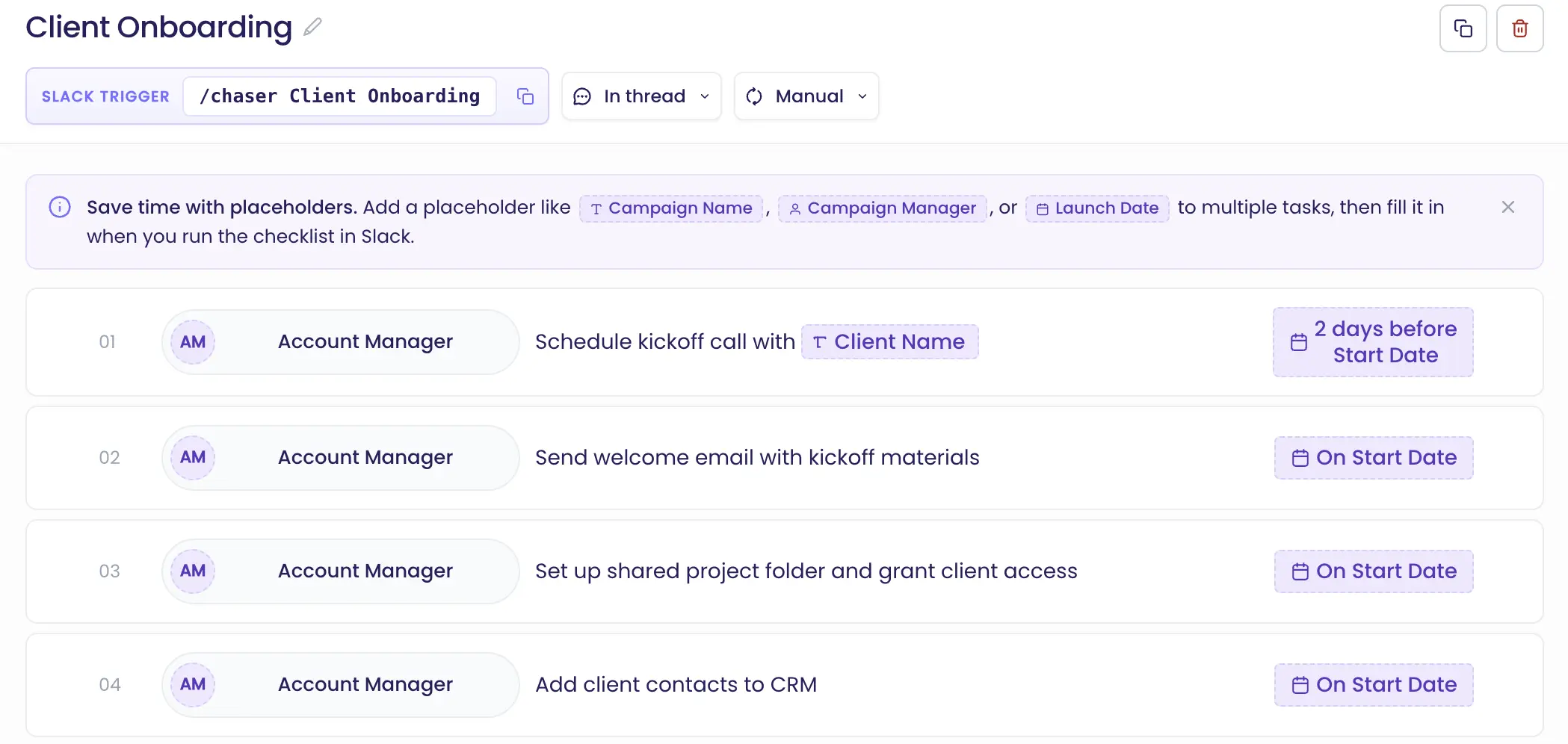
Every client project runs through the same steps — onboarding, kickoff, launch. With Chaser's checklists you build that sequence once and trigger the whole thing with a single command whenever a new project starts. Each step gets its own owner and deadline, and you can set deadlines relative to a key date, like "3 weeks before launch": you pick that date when you trigger the checklist, and Chaser sets every step from it.
Add a placeholder like {Client} and every task picks up the name, so "Prepare contract" becomes "Acme Corp, Prepare contract" the moment you trigger it. Sign a client, run the onboarding checklist, and every task, owner and deadline is created at once. There's a full walkthrough in our guide to templates.
Recurring work that runs itself
Agencies usually have a handful of important routine tasks like monthly invoice or weekly client reports. Set these up once and Chaser makes sure it gets done every time.
To create a repeating task on Chaser, just use natural language to describe the schedule while creating the task. Chaser’s AI understands things like "every Monday," "the first Monday of every month," "every other Tuesday."