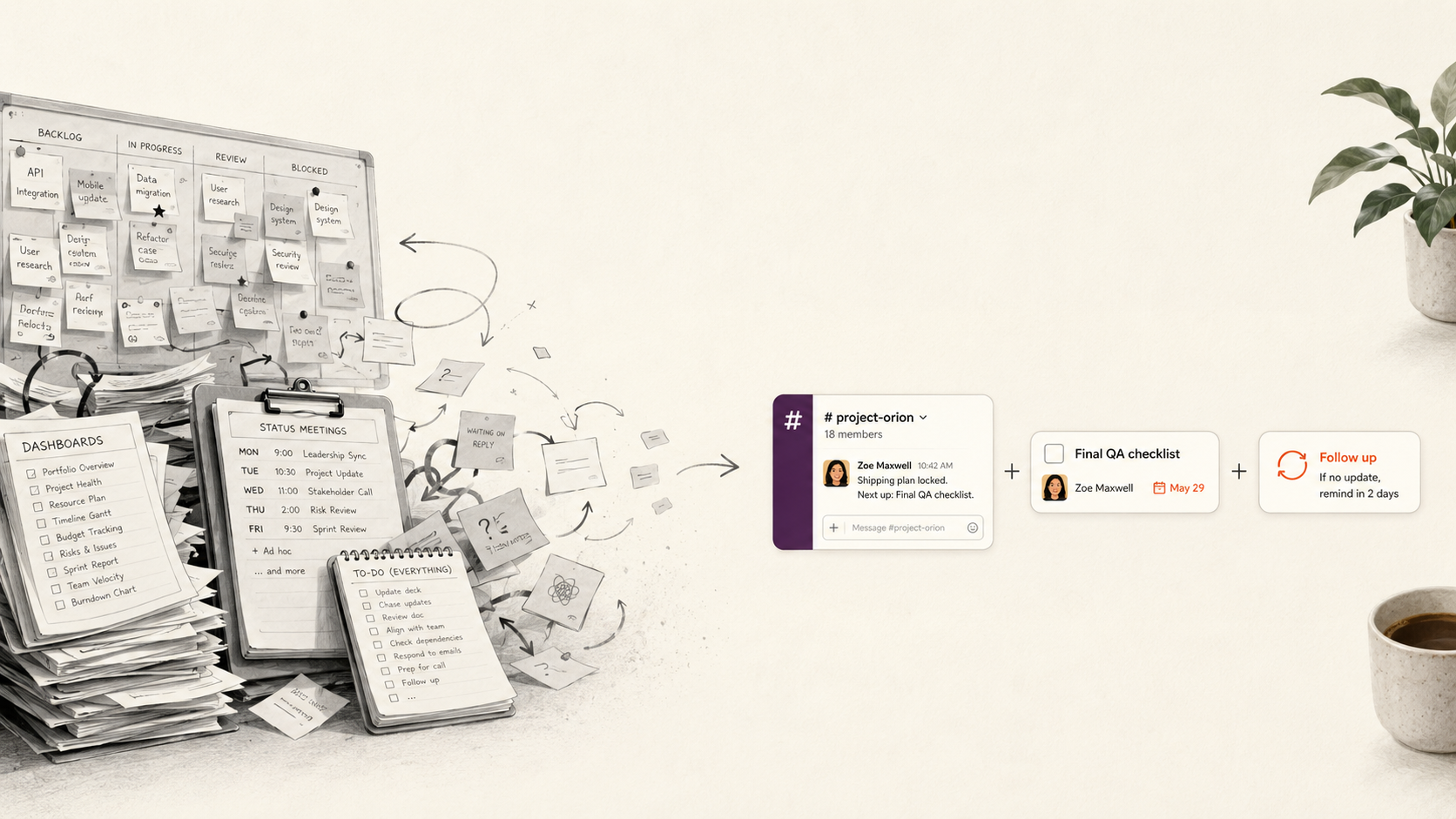

Run a project at most companies and you inherit a familiar kit: a tool with a board, tasks assigned with due dates, and a weekly call where everyone reports status. Someone keeps the board current between the calls. Often, it's more than the work needs, and the upkeep becomes a job of its own.
Simple project management is the opposite of that. You start from the least structure that keeps everyone clear on who's doing what by when, then add more only when a specific problem makes the case for it.
This post covers what a project actually requires, where the standard tooling adds cost without adding much, and how to run the whole thing in Slack where your team already works.
What project management usually involves
"Project management" here just means managing the workflow of any group of people working together. It doesn't have to be a project with a fixed start and end date: ongoing team work counts too.
Stripped down, most setups are doing four jobs:
- A plan — who owns what, and when each piece is due.
- A place to track it — a board, a sheet, or a list people can check.
- Status updates — some way for the team and its managers to see where things stand.
- Followup — someone following up on whatever hasn't moved.
None of that is wasted on a big program with real dependencies and a hard launch date. The question worth asking is how much of it your particular project needs, because each piece carries upkeep, and that upkeep is easy to underestimate while you're setting things up.
Signs the process has outgrown the work
A few concrete symptoms tell you the apparatus has gotten heavier than the project warrants:
- You keep the board updated and still ask for status in person. I
- Onboarding someone to the process takes its own session. I
- Most of the tool's views go unopened.
- Updating the tool is a separate chore from doing the work.
What is Simple Project Management?
Take the upkeep seriously and most projects come down to three requirements. Get these right and you have working project management, whatever tools are or aren't involved.
- A current answer to "who's doing what by when."
- One place the discussion lives.
- A way to make sure each thing gets picked up.
What's not on the list: Gantt charts, dependency modeling, portfolio roll-ups. Those solve real problems on large programs, but they add overhead, and for most teams that overhead isn't repaid. The same point comes up in this framework for choosing a project management tool, or skipping one, which makes the case that formal dependency tracking is worth it far less often than people assume, and that "no shared tool at all" is a legitimate answer for some teams.
Run it where the team communicates
If the conversation about the work already happens in Slack, that's the medium to build on. A request like "can you have this ready by Thursday?" arrives as a message, along with the questions and decisions around it: so the lightest setup keeps the work attached to that conversation directly.
To achieve that, use Chaser for Slack: turn a Slack message into a task from the message menu, assign an owner, and set a due date, all in the thread where the request came up. From there it follows up on its own.
The reporting side lives in Slack too. Chaser keeps a dashboard of open tasks you can read inside Slack, and it posts a short status report to a channel showing what's done, in progress, or stuck — the status that would otherwise be the reason for a weekly meeting. For the wider setup, there's a complete guide to task management in Slack.

Keeping it simple as the team grows
The pull toward complexity is constant, because every missed task suggests a new rule that would have caught it. A few habits keep the setup from accreting structure it doesn't need.
Keep one channel per project rather than splitting a single effort across several, so the discussion and the tasks stay together. Every task should have a single owner; a group assignment lets each person assume someone else has it. The day-to-day chasing can run on automatic follow-ups instead of a standing meeting.
And when something does go wrong, reach for the smallest fix that addresses it before reaching for a new process. If you're running several projects at once, this guide to managing multiple projects covers keeping them straight without a heavier system.
Final thoughts
Simple project management comes down to a habit of restraint. Name the few things a project really needs, run them where the team already works, and add structure only when a problem earns it. For most teams that already talk in Slack, that's a channel, clear ownership of each task, and something to handle the follow-ups.
You can try Chaser for free and see how it fits the way your team already works in Slack. Get started and add Chaser to Slack, for free.


