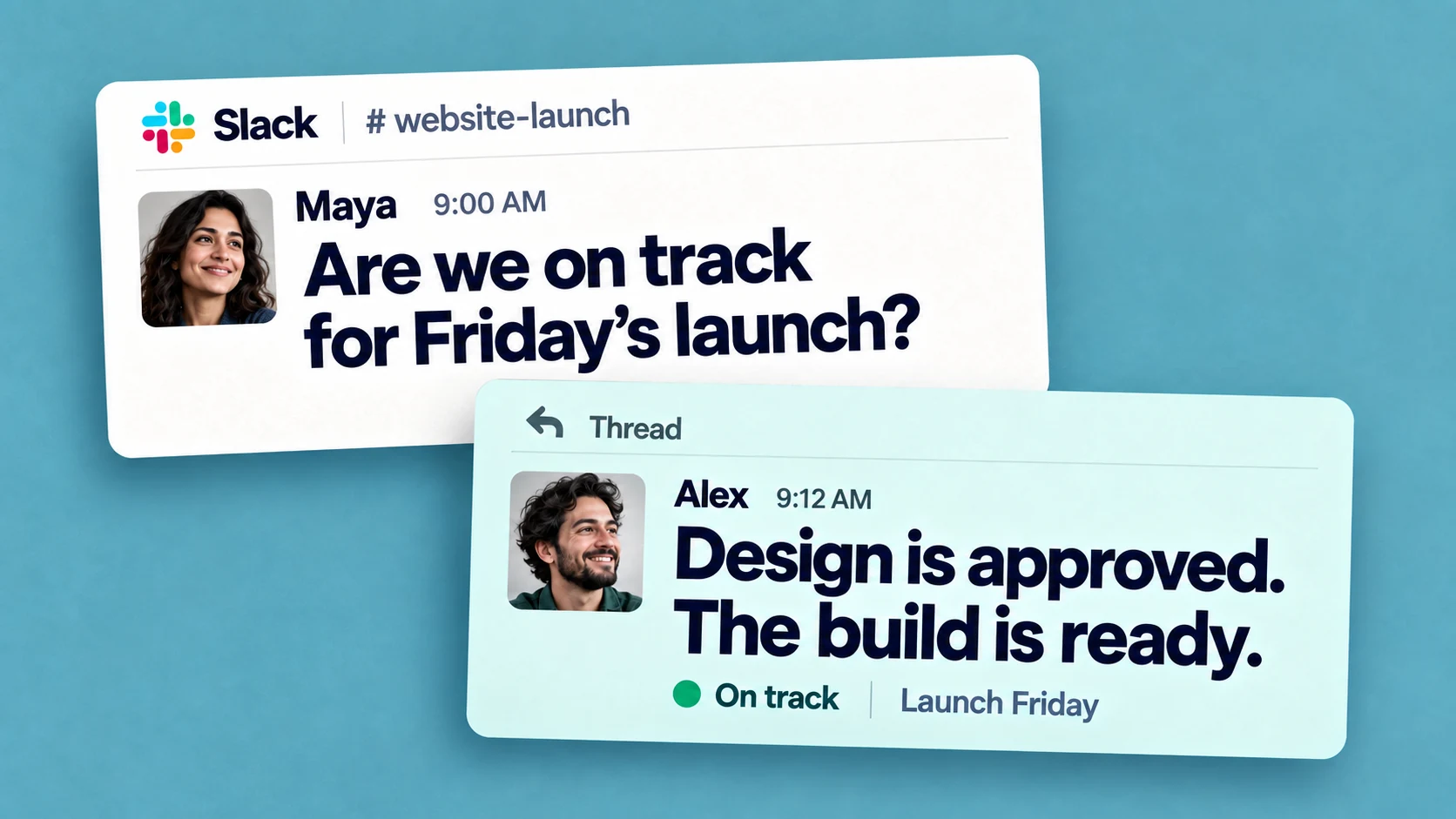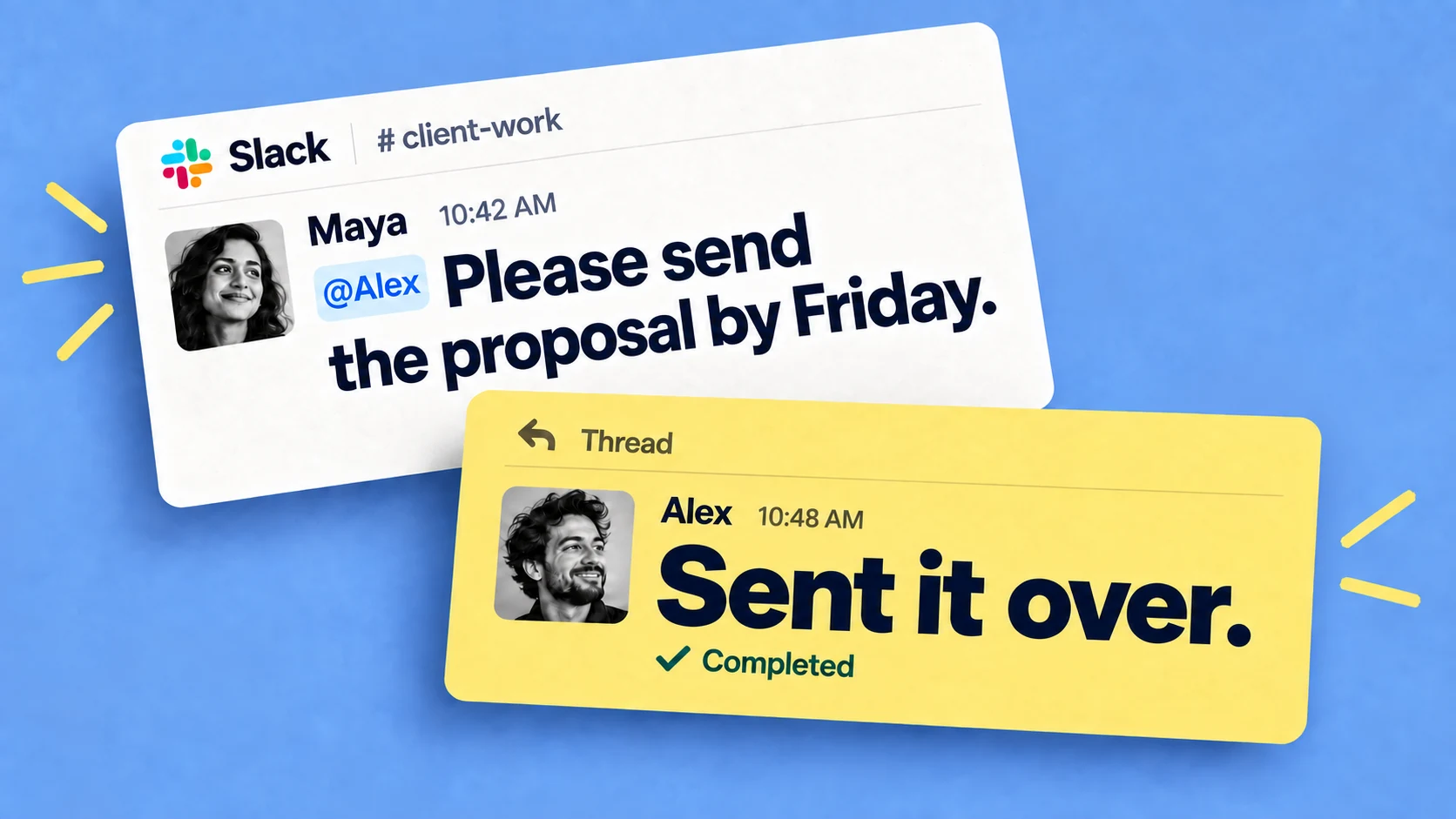
Managing multiple projects is mostly a coordination problem. Te difficulty is keeping everything in view as requests arrive across different channels, deadlines move, and work passes between people. A lot of the job becomes knowing what's open, who owns each piece, and what's due next.
This post covers practical ways to handle that:
- keeping one view of the work
- deciding what to do first
- spreading the load
- standardize the parts that repeat
- and tracking progress without frequent check-ins.
Why managing multiple projects is hard
One project's to-do list fits in your head, several don't. Requests come in while you're focused elsewhere, someone finishes a piece and waits for you to pick it up, a blocker gets raised in a thread that scrolls past.
The work does not usually get dropped because of incompetence. Often it was just never written down anywhere shared, so it relied on one person remembering at the right moment. (e.g. a designated project manager)
Switching between tools adds to the load. Harvard Business Review found the average worker flips between apps and websites around 1,200 times a day, about four hours a week spent reorienting. Running several projects across many tools pushes that higher, which is the subject of why context switching hurts team productivity.
Keep one view of all the work
The first practical step is getting everything into one place you can scan, so you're not rebuilding the picture from memory across projects. That place can be a board, a spreadsheet, a dedicated project tool. What matters more than the format is that people keep it current. A view nobody updates is worse than no view, because it looks authoritative while being wrong.
The problem with a separate tool, no matter how good it is, is that it's one more thing to open and maintain. If a team already lives in another app all day, a project tool in a different tab tends to fall behind.
Decide what to work on first
With several projects live, more lands on you each day than you can finish, so some triage is unavoidable. Two questions handle most of it: what's genuinely due soon, and what's holding other people up. A small task you've been sitting on can block multiple people, which bumps it up the list regardless of its size. It also helps to keep priorities written down rather than re-decided each morning, so the important work doesn't lose out to whatever's loudest at the time.
Keep an eye on workload
Across multiple projects it's easy to overload one person without noticing: they can look fine on your project while being stretched across three others. Spotting it takes a view of what each person is carrying everywhere, not just within one project. A shared list or a tool with reporting can show that; a stack of separate per-project boards can't, because no single place adds it up.
Standardize the parts that repeat
A lot of multi-project work is the same sequence over and over: onboarding a client, kicking off a campaign, closing the books each month. Rebuilt from memory each time, a step eventually gets missed. Turning a repeated process into a checklist or template — set up once, run on demand — removes the retyping and the missed steps together. Most task tools do some version of this; in Chaser you set the sequence up once and launch it from a single command, with owners and due dates attached, filling in details like the client name as you go (more in our guide to templates).
Make progress visible async instead of having a meeting
When you can't see where things stand, the fallback is to ask: a standup, a weekly sync, a steady trickle of "any update?" messages. Those meetings are usually a workaround for missing visibility. In a survey of over 200 managers for why status meetings signal weak accountability, the stronger teams tracked progress in a shared place and kept meetings for decisions. A current shared view does most of what a status meeting does, without the meeting. Chaser posts that view to a channel on a schedule — what's done, in progress and stuck — so the update happens without anyone writing it up.
Manage Projects in Slack
If your team already coordinates in Slack, the natural place to track all work is Slack itself, rather than a separate tool people have to remember to open. Slack gives you channels that map to projects, threads, mentions, and /remind for personal nudges — but no shared view of who owns what, and no automatic follow-up.
That's the gap Chaser fills, and for a Slack-based team it's the setup I'd reach for. It turns a message into a task with an owner and due date, keeps open work on one dashboard across every channel, and chases assignees so you don't have to. Projects, priorities, recurring tasks and scheduled status reports give the team a practical system for keeping work organized and moving.
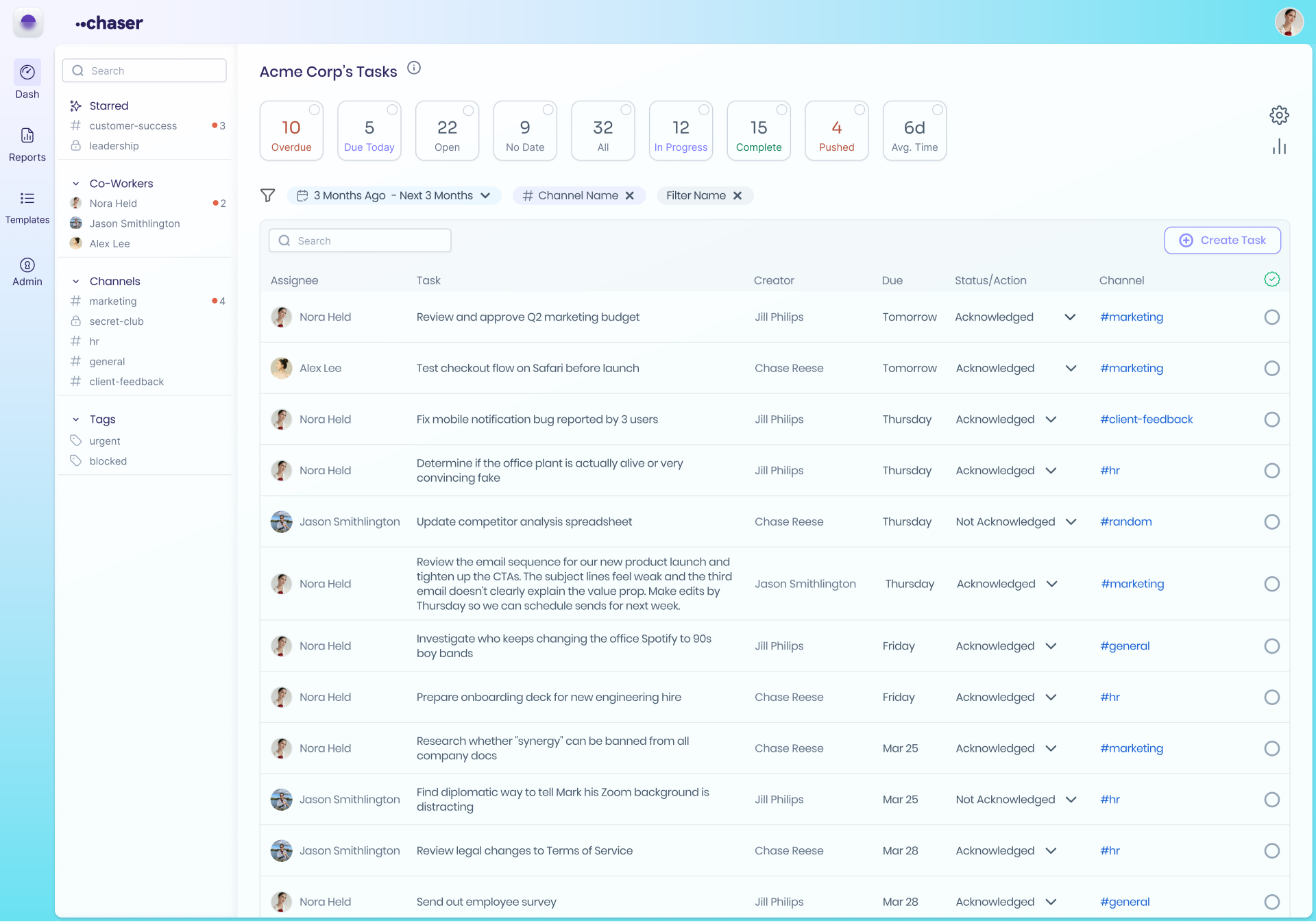
There's more on both the manual and automated ways to run this in how to use Slack for project management.
When you need heavier project management
Teams can use Asana, Monday, ClickUp or Jira for their preferred planning views and Chaser for the execution layer: capture work from Slack, assign owners and due dates, and keep progress current with automatic follow-up and cross-channel reporting.
Final thoughts
Managing multiple projects comes down to a current view of the work, a clear way to order it, attention to who's overloaded, and progress you can see without a meeting to surface it. The tool matters less than whether the team keeps it up to date. Pick whatever fits how your team already works, and keep the overhead low enough that maintaining it doesn't turn into a project of its own.
You can try Chaser for free and see how it fits the way your team already works in Slack. Get started and add Chaser to Slack, for free.

Josh Martow is the co-founder and CEO of Chaser. Drawing on his experience leading products and teams, he writes about task management, workflow automation, and making Slack work better for growing businesses. His focus is practical: helping teams clarify ownership, cut down on follow-ups, and turn conversations into completed work. More articles by Josh Martow
Send this article to someone who’d like it.