AI Project Management: The Tools and Agents Worth Knowing in 2026

Getting work done with AI has gone through a number of distinct stages:
1. Prompting. Ask a model a specific question, get an answer, paste it where it's needed.
2. Agentic automation. AI handles whole steps on its own — triaging tickets, drafting replies, processing data.
3. Goal-driven loop: an agent that runs for hours or days, working toward an outcome or keeping a system in a given state.
The next frontier is orchestration — using AI to coordinate people, teams, and processes so a complete project gets delivered. That's AI project management.
Chat is the interface
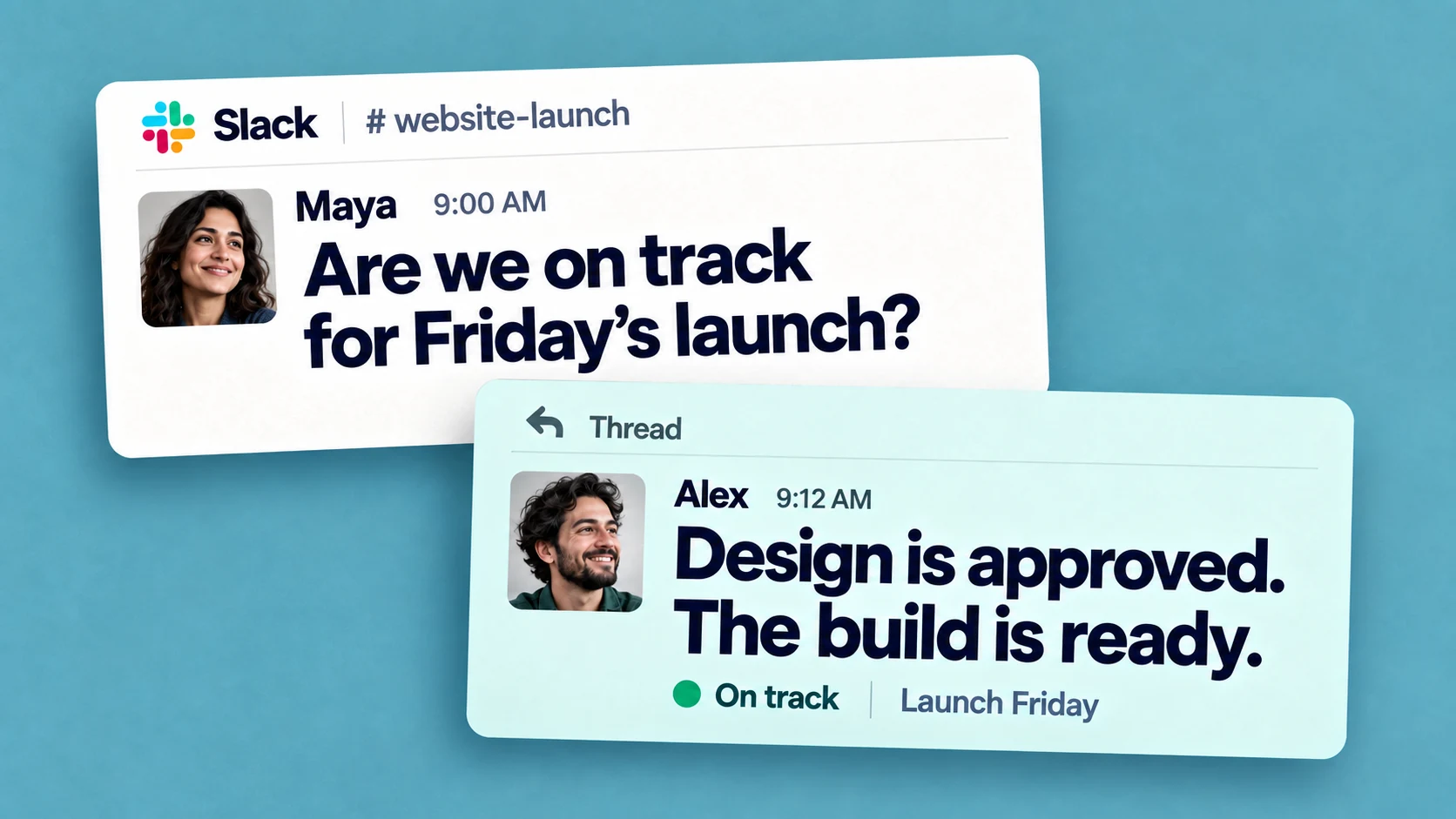
ChatGPT reached hundreds of millions of people with nothing more sophisticated than a chat box, and the project management space is converging on the same surface. Every tool worth using now integrates with the work chat, for a simple reason: a plain-language message to a colleague — human or AI — has no learning curve and nothing new to install.
Microsoft's Satya Nadella has gone as far as arguing that traditional business applications will collapse in the agent era, with their logic absorbed by AI agents. Whatever the timeline, the direction is visible today. Learning a sprawling interface — a Salesforce, a full office suite — carries a real cognitive cost that a plain-language request doesn't. When AI can build or operate the interface on demand, that cost gets harder to justify.
The same pull extends to meetings: an swarm of AI assistants joins video calls to take notes and extract action items. Chat itself works in real time or at each person's own pace, and which mode fits which kind of work is a separate question — covered in this guide to synchronous vs asynchronous communication.
AI project management tools: what the platforms offer
Established platforms have all added AI, with features clustering around the same jobs: drafting and summarizing, answering questions about project data, and flagging risk.
AI is absorbing the administrative layer, while decisions about scope, priority, and who does what stay with people.
AI agents for project management
General-purpose assistants like Claude and ChatGPT can now connect to work tools through the Model Context Protocol (MCP), which lets them read and update real project data. Alongside them, dedicated "AI coworker" products like Viktor take a delegated task and carry it through to a finished result. A closer look at several of these is in this review of Slack AI tools.
The practical requirement for all of them is visibility. An agent that assigns work, moves dates, or files tasks needs to do it where the whole team can see and correct it — which is a big part of why the setups that stick run inside the work chat.
Where Chaser fits
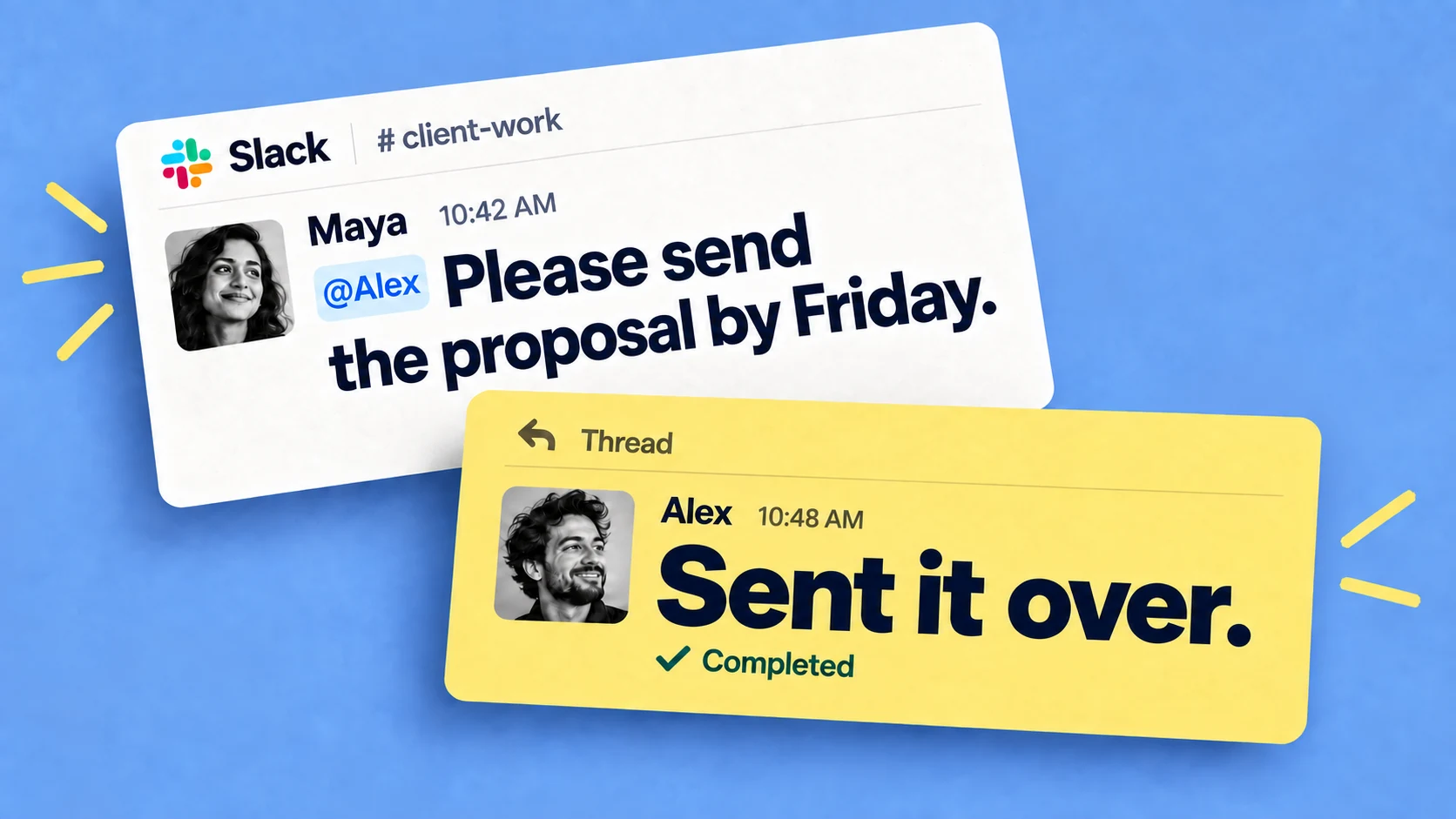
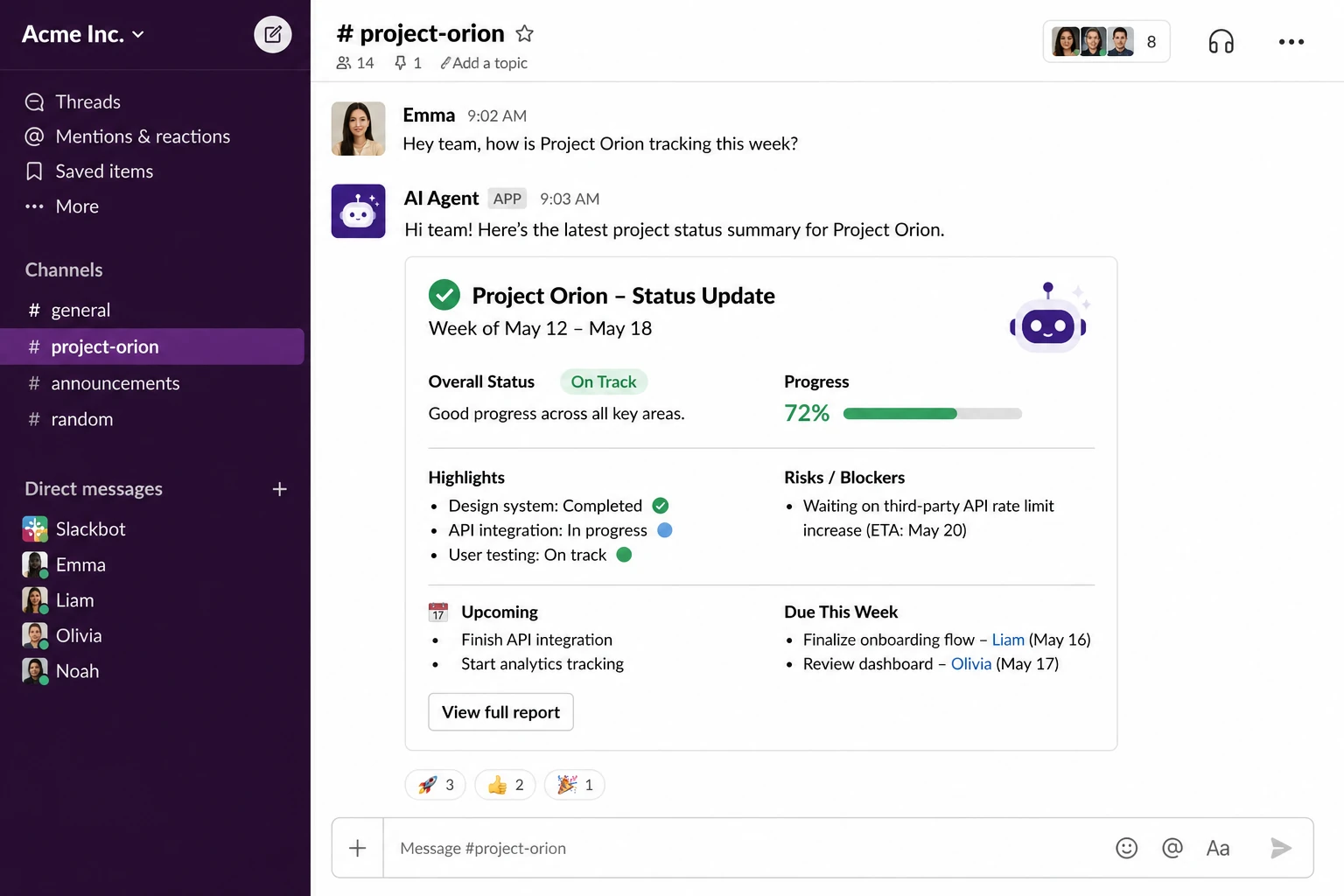
Chaser is task and project management built on the Slack platform. Tasks are created straight from messages, carry an owner and a due date, get chased with automatic reminders, and roll up into status reports posted to the channel.
Its approach to AI keeps a human in charge of deciding what gets done. Through Chaser's MCP connection, agents like Claude and ChatGPT can create tasks from a discussion, assign them to the right people, update due dates, and pull status reports across the team.
For a team that coordinates in Slack, this is the most direct way to get AI project management working right in the chat, without adopting another platform.

Claude Tag: a shared AI worker in Slack
Claude Tag is Anthropic's shared AI agent for Slack, launched in 2026 for Claude Team and Enterprise customers. It isn't project management software; it's a worker. Tag @Claude in a channel with a request in plain terms, and it breaks the job into stages, works through them with the tools it's been given, and posts the result in the thread. One Claude is shared per channel, so anyone can see what it's working on and pick up where a colleague left off.
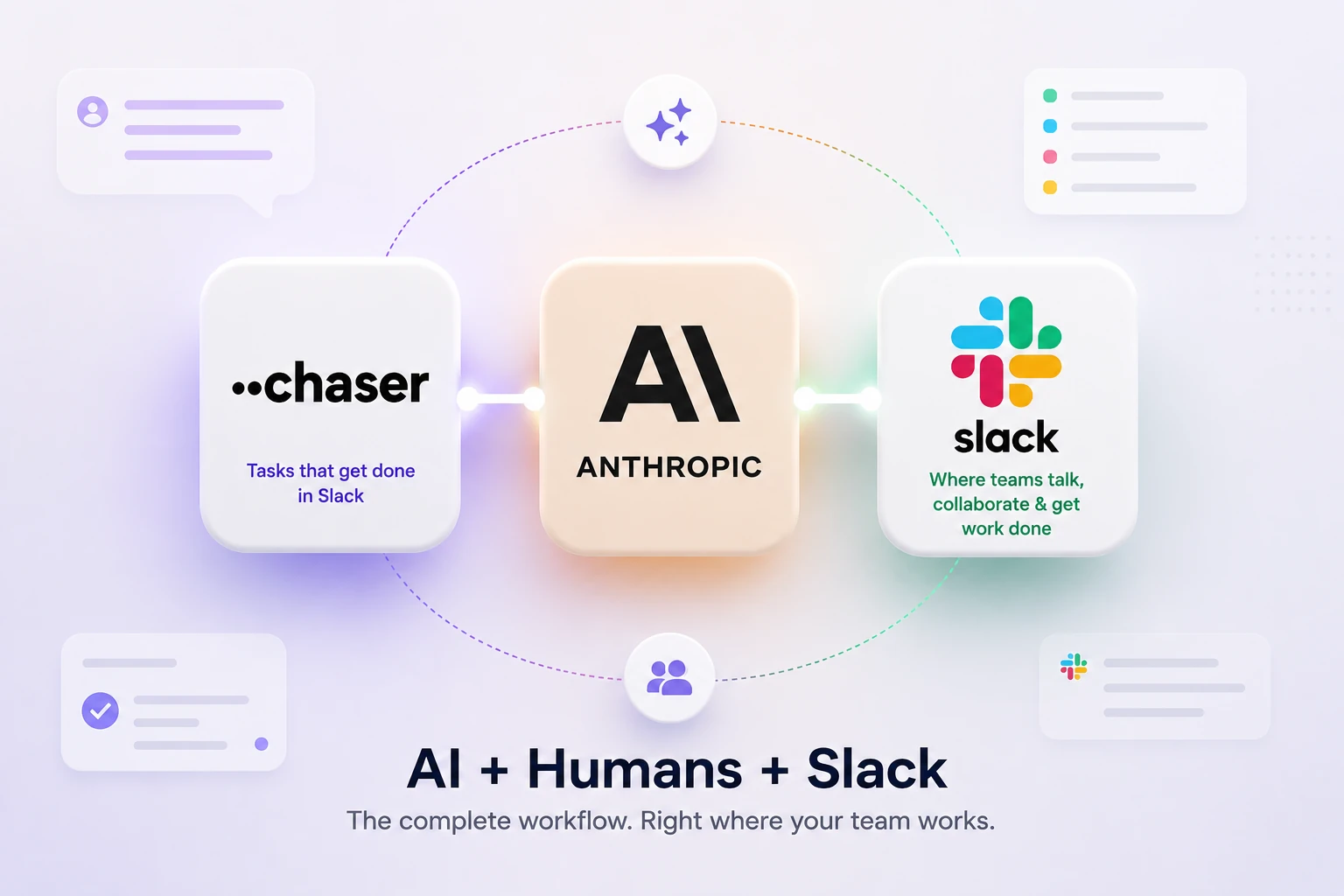
Claude Tag can be connected to Chaser and assign tasks with owners and due dates right in Slack. In that setup, Slack carries the conversation, Claude Tag does the work it's handed, and Chaser keeps the record of who owes what by when. The three cover coordination end to end without anyone leaving the chat.