Project Management for Freelancers: Hiring One, or Being One

Upwork's Freelance Forward study counted 64 million Americans doing freelance work in 2023 — 38% of the workforce. The hiring side usually has a project management tool set up, and the freelancer usually isn't in it.
This guide covers project management for freelancers from both perspectives: how to track a contractor's work when you're the one hiring, and how to stay on top of several clients' work when you're the freelancer.
Project management for freelancers you hire
Agencies and product teams bring in freelancers all the time: a designer for a six-week rebrand, a developer to cover some overflow work or a copywriter for a single campaign. The engagements are short and people come and go, so any setup that needs onboarding sessions or paid seats doesn't really work.
Adding a contractor to your own project management tool costs more than it looks. A Monday.com or Asana seat takes money and admin time to set up and later revoke and the contractor has to learn how your team uses it. Also, most platforms show far more than the one project they were hired for — other boards, member lists, internal discussion.
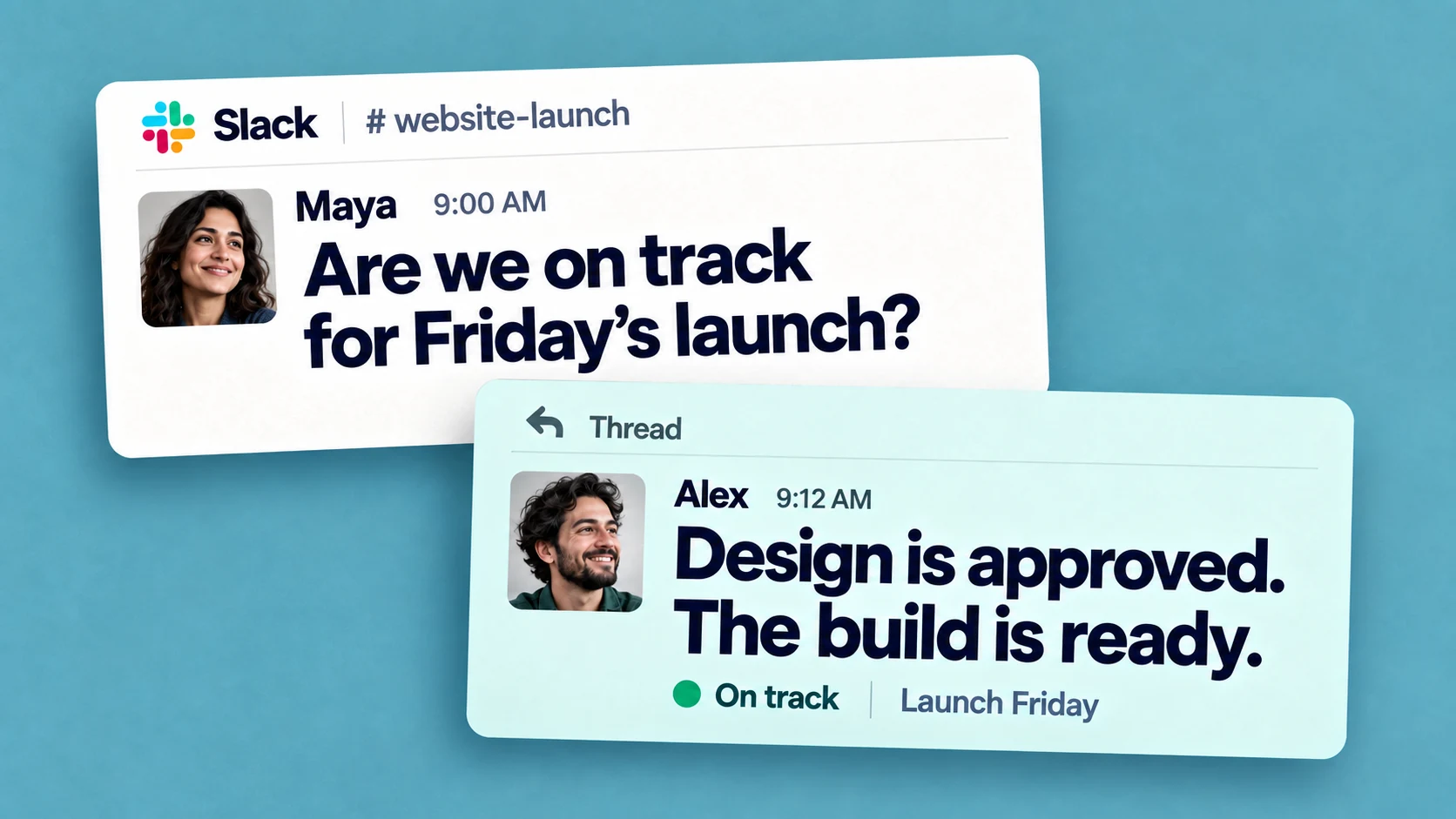
Slack already solves the access side of this. On paid plans you can invite a contractor as a single-channel guest — free, up to five guests per paid member — and they see exactly one channel. A multi-channel guest works the same way across several channels, though Slack bills them as a regular member. And if the contractor runs their own Slack workspace, a Slack Connect channel shares one channel between the two organizations.
Track deliverables in the same channel
Chaser for Slack is the best way to manage work with freelancers and contractors without giving them access to your internal systems: it runs entirely inside Slack and inherits Slack's access boundary. A guest can be assigned tasks, get reminders, and complete work only in the channels you've shared with them.
Single-channel guests and external Slack connections use Chaser free, with no account to create and no seat to buy. You turn the brief into tasks in the channel, each with an owner and a due date. The contractor gets the same in-Slack views as everyone else.
[IMAGE: a task list in a shared client channel in Slack, showing owners, due dates, and statuses]
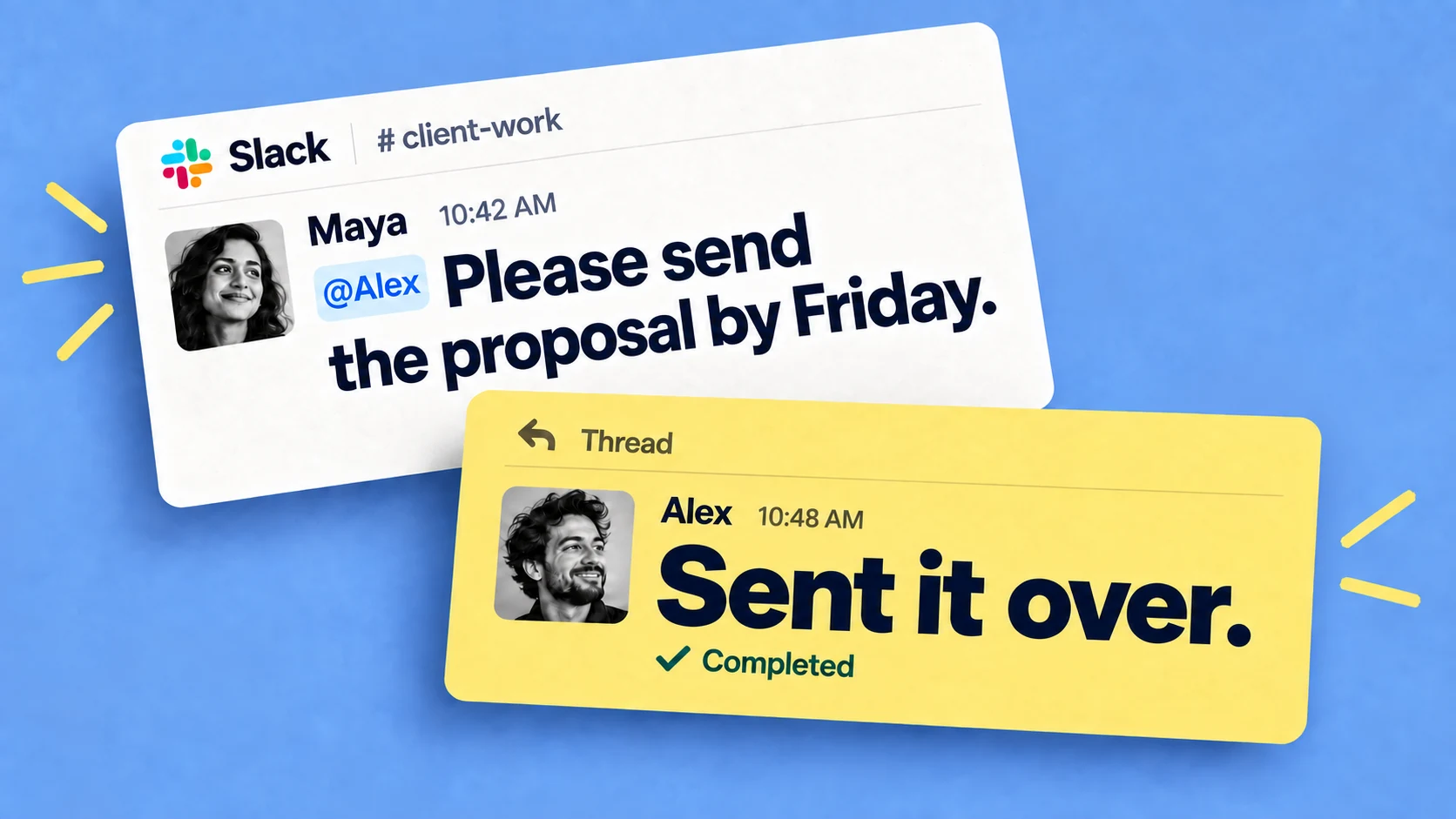
Chaser reminds the assignee as a due date approaches and keeps following up if it passes; A status report posts to the channel on a schedule showing what's done, what's in progress, and what's stuck.
For offboarding, when the engagement ends, you deactivate the guest account. There's no tool seat to reclaim and no access review to run.
Project management when you're the freelancer
A freelancer is a one-person team. You do the work AND you run the coordination around it (scoping, deadlines, invoicing) across several clients at once.
Every client brings their own stack
One client runs Asana, another is on Monday.com, a third tracks everything through email and a spreadsheet. Some give you a seat in their tool and some don't, so you end up a guest in three systems with three sets of conventions. Learning each one is unpaid overhead. And the requests that come up in calls and DMs often never reach any of those boards, which is why you need your own list no matter what.
Meet each client in a shared Slack channel
The lightest common ground is Slack. If a client invites you into their workspace as a guest, you get one channel where discussion, files, and decisions already happen. If you run your own Slack workspace, Slack Connect lets you set up a shared channel between your organization and theirs. Both sides need a paid plan, and each side keeps control of its own workspace.
Chaser works across Slack Connect channels, and whichever organization installed it, people on the other side use it free. Statuses are customizable, so the list can carry the states freelance work actually moves through, for example "Drafting", "Waiting on feedback", "Approved".
- Automatic reminders watch the due dates in every client channel
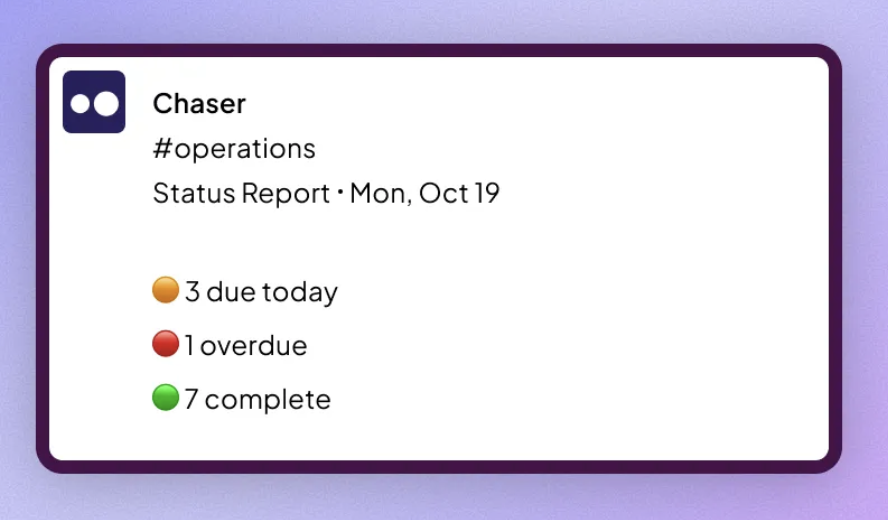
- A status report posts to each client's channel on a schedule, so clients see progress without asking
- If you bill hourly, you can log time against tasks in Slack and keep the hours next to the work they belong to.
You can try Chaser for free and see how it fits the way you already work in Slack. Get started and add Chaser to Slack, for free.