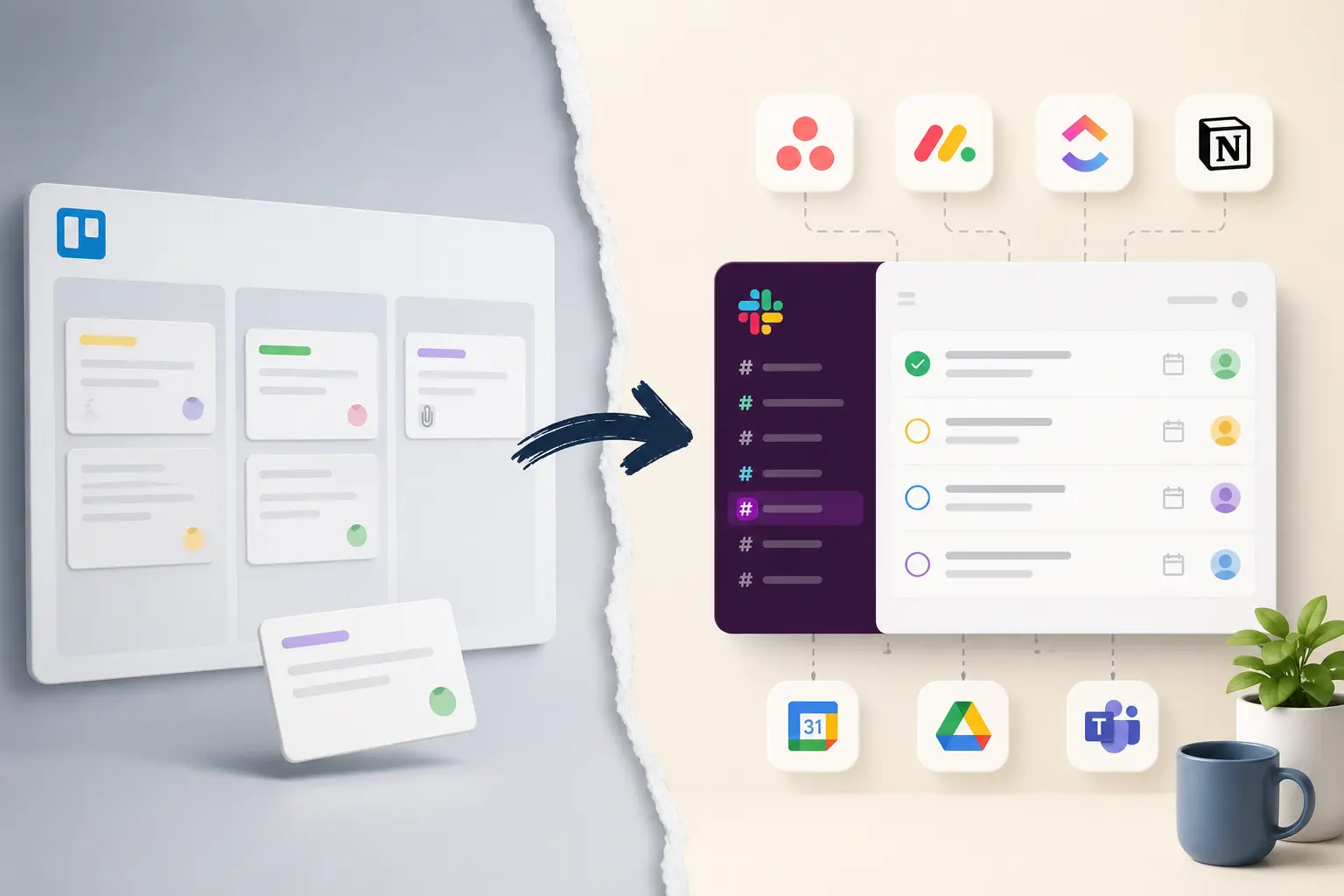
Trello is a Kanban board: lists of cards you drag between columns. It's simple and visual, which is why it caught on, and also why teams eventually want something else. The alternatives mostly go in one of two directions — they add depth Trello doesn't have, or they move task tracking to where the team already spends its time.
This is a rundown of the main options, what each does well and badly, and how to weigh them.
What Trello does well, and where it stops
Trello's strength is that anyone can read a board in a few seconds. Columns for stages, cards for tasks, drag a card to the right as it progresses. It's quick to set up and needs little training, which makes it a good fit for content calendars, hiring pipelines, simple sprint boards and personal to-do lists.
The limits show up as work gets more involved. There's no real timeline or dependency view without add-ons (Trello calls them Power-Ups), reporting is light, and a card only reflects reality while someone keeps it updated. Teams usually start looking around when they need more structure than a board gives, or when the board has quietly gone stale because nobody maintains it.
The main Trello alternatives
The common alternatives fall into a few groups.
Asana, Monday.com and ClickUp are the heavier all-rounders. They do what Trello does and add timelines, dependencies, custom fields, workload views and reporting. That power comes with more setup and a steeper learning curve, and they can feel like too much for a small team that just wanted a tidier board.
Notion isn't a task tool at heart — it's a docs-and-database app that many teams shape into a board or task list. It's flexible and good if you want notes, wikis and tasks in one place, but you build the system yourself, and it's lighter on built-in reminders and task automation.
Jira is aimed at software teams: sprints, backlogs, issue workflows. It's powerful for engineering and heavy for most other kinds of work. Linear and Height are newer, faster issue trackers popular with product and engineering teams — clean and opinionated, but also tilted toward software.
Slack-based task tools like Chaser take a different angle. Instead of a separate board, they add task tracking inside Slack, where a lot of teams already coordinate. It still comes with a visual dashboard, high level overview and robust reporting.
How to choose
A feature checklist usually isn't what decides it, since almost all of these can hold a list of tasks. A few questions narrow the field faster:
How complex is the work? Dependencies, multiple teams and detailed reporting point to Linear or Jira. Straightforward execution doesn't need them.
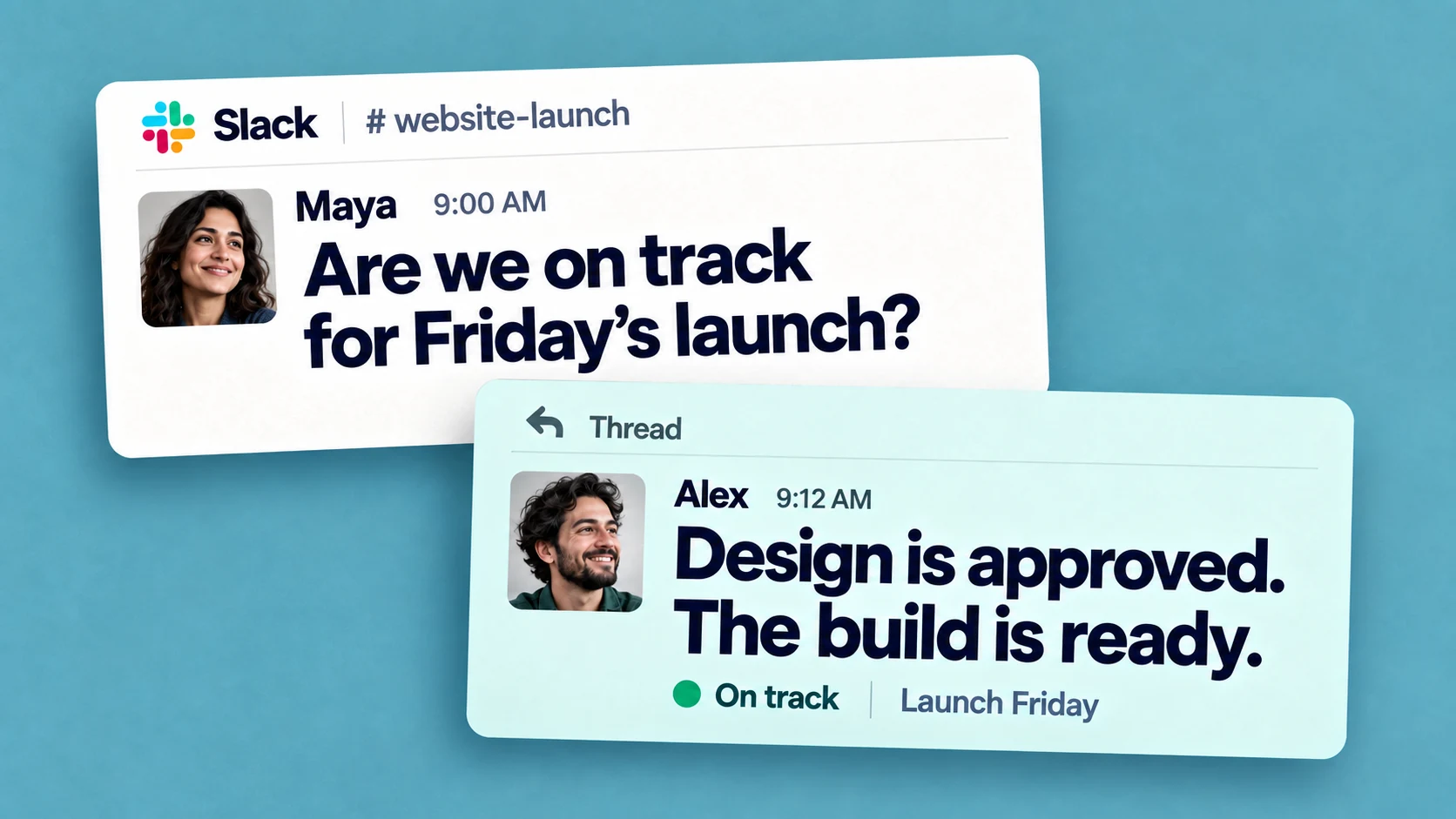
Where does the team already work? A tool people have to remember to open tends to drift; one that sits where they already are gets kept up more reliably.
Who has to use it? The more people involved, and the less technical they are, the more adoption matters relative to features.
If the work in question is mostly your own rather than a team's, the calculation is different again; our roundup of task management software for individuals covers that case.
Why boards go stale, whichever one you pick
The most common reason teams replace a board has little to do with a missing feature. The board stopped matching reality, because keeping it current was an extra chore stacked on top of the actual work. Whatever tool you choose, a few things keep it from drifting:
Capture work where it's decided, so a task doesn't depend on someone re-entering it later.
Keep a single source of truth, rather than a board plus a spreadsheet plus a trail of DMs.
Make updates cheap — the more steps it takes to mark something done, the less often it happens.
Use reminders, so following up doesn't rest on one person's memory.
This is also where the cost of switching tools shows up. Harvard Business Review found people flip between apps and websites around 1,200 times a day, roughly four hours a week spent reorienting, and a board in yet another tab adds to that. We went into it in this piece on context switching.
If your team already works in Slack
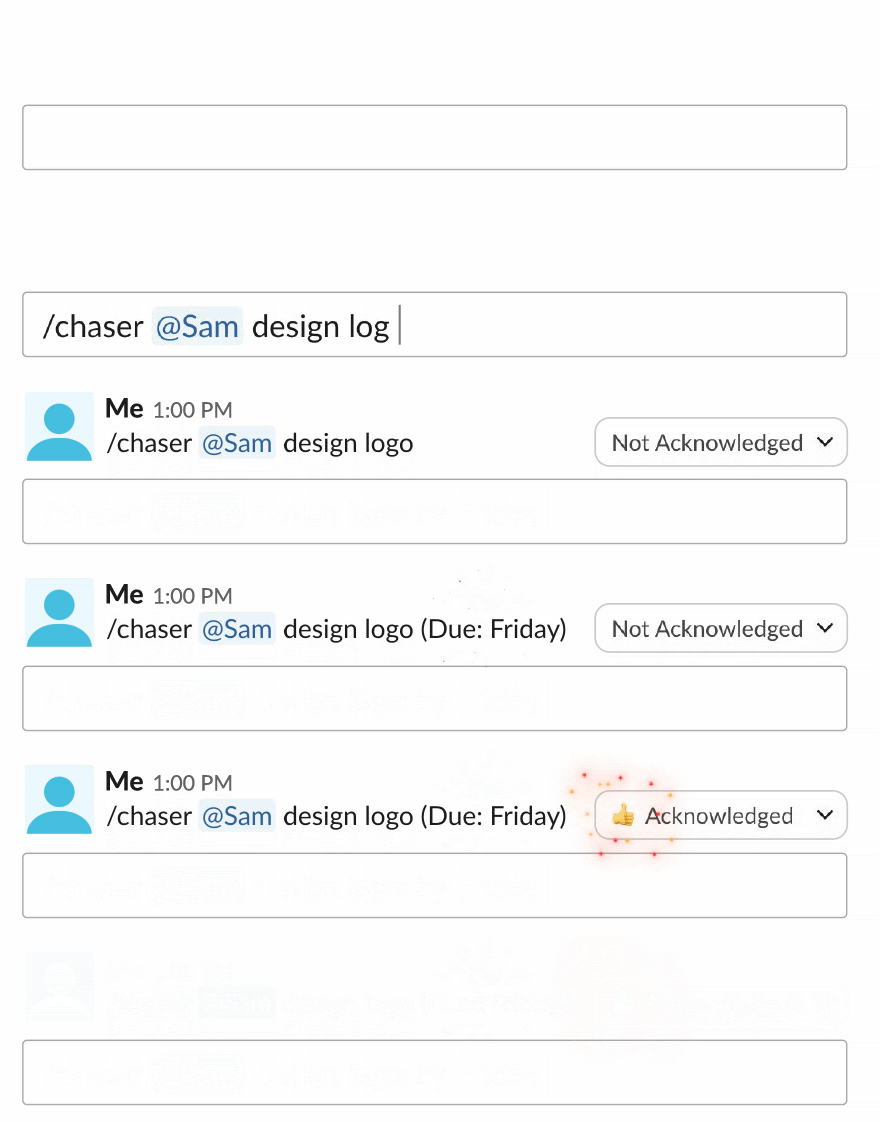
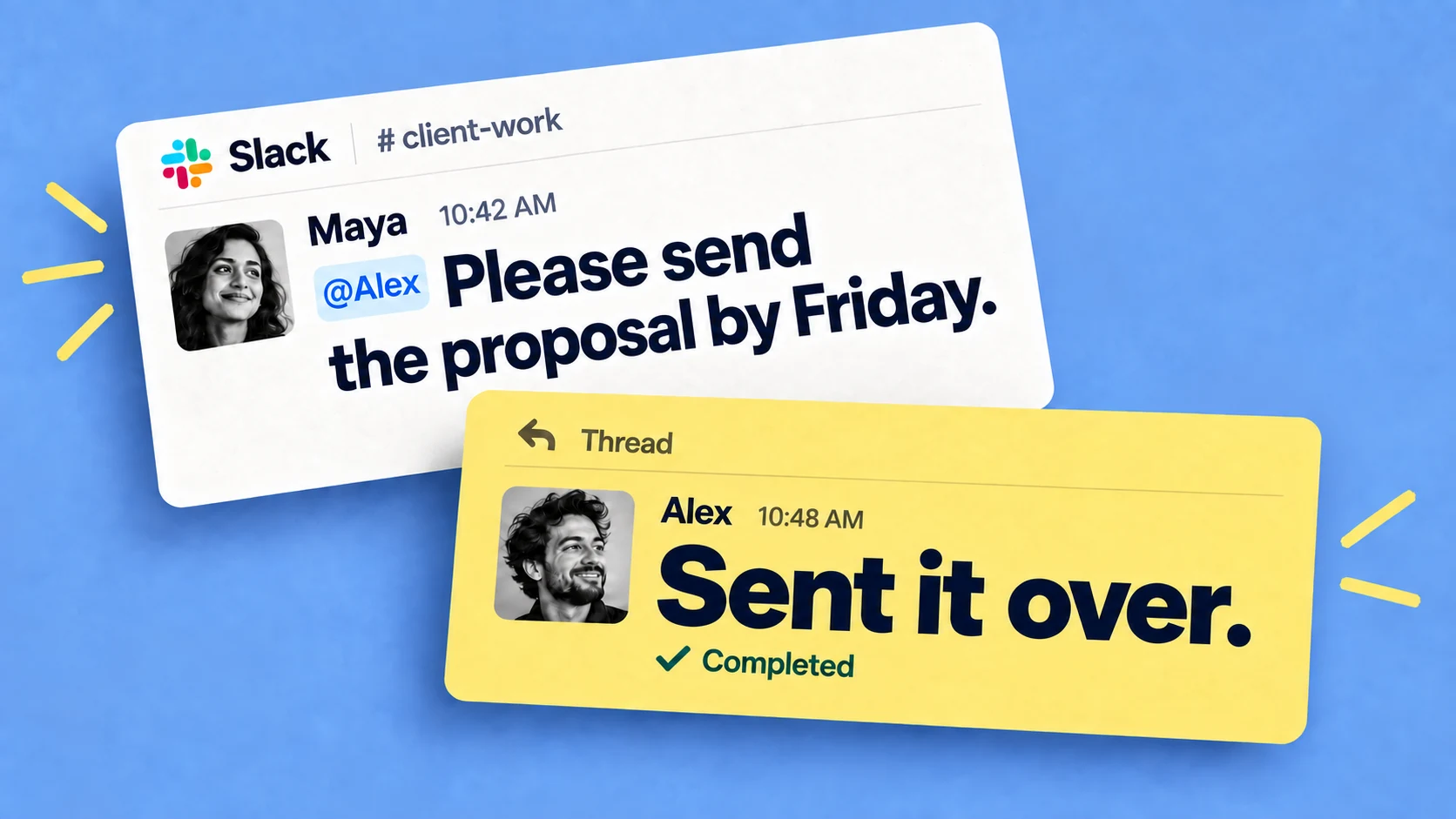
If most of your coordination already happens in Slack, Chaser for Slack is worth a look. Since it puts tasks where the conversation is instead of in a separate tab. You turn a Slack message into a task with an owner and a due date, it tracks the task on a dashboard inside Slack, and it reminds the assignee automatically. It also handles recurring tasks and reusable checklists.
Chaser keeps task management inside Slack: turn any message into an owned task, add a due date, organize work by project, priority or status, and let automatic reminders keep it moving. Dashboards and scheduled reports give the team a clear view across channels while the conversation stays attached to the work. Is Slack good for task management? goes deeper on the workflow.
Final thoughts
The best Trello alternative depends on whether you want a board or a list, how complex the work is, and where the team already spends its day. Board-focused tools are strong for visual workflows, while Chaser is strong for turning Slack conversations into owned, visible work with automatic follow-up. The option people keep current will deliver the most value.
Josh Martow is the co-founder and CEO of Chaser. Drawing on his experience leading products and teams, he writes about task management, workflow automation, and making Slack work better for growing businesses. His focus is practical: helping teams clarify ownership, cut down on follow-ups, and turn conversations into completed work. More articles by Josh Martow