
An initiative like a product launch or a migration project needs several departments, and the work may span several tools: engineering tracks work in Jira while support runs on Monday.com and marketing dept plans in Notion. Even teams that share a tool use different processes, e.g. “in review” can mean afternoon on one team and a two-week cycle on another.
In a Harvard Business Review study of 95 teams in 25 corporations, Behnam Tabrizi found nearly 75% of cross-functional teams are dysfunctional, failing on at least three of five measures from budget and schedule to alignment with the company's goals.
This post covers how to run cross-functional collaboration in Slack - the one tool everybody is already using, and how Slack Connect extends the same setup to work with other companies.
Work happens in Slack
Whichever tool a team uses for tracking, the conversation happens in Slack: often requests arrive as messages and requirements are discussed in threads. Plenty of real work never reaches a PM tool at all: someone agrees to do it in a thread, and the thread is the only record.
For cross-team work, that makes Slack the practical place to manage a joint project, since nobody from another team needs a new account or an onboarding session to post in a channel. (There's a complete guide to using Slack for project management).
A working setup for cross-functional collaboration in Slack
- One channel per initiative. Put everyone from every function in it — the engineers, the marketer, legal who reviews the copy.
- A predictable name.
- One named owner per work item.
- One thread per work item. Keep the requirements, the discussion, and the outcome in the item's thread, so anyone joining late can read one thread.
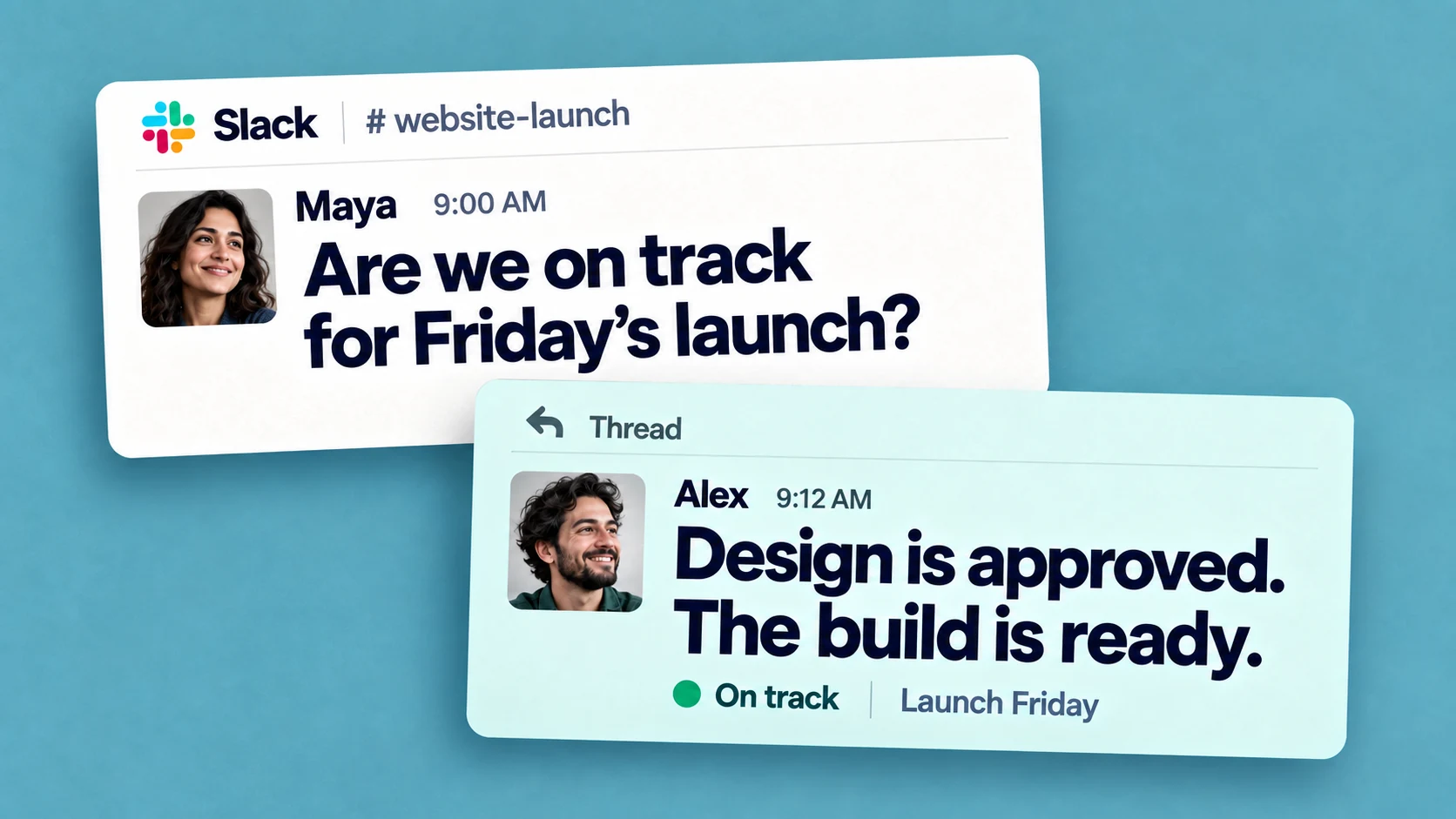
- A written status cadence. A short update posted every Friday, covering what shipped and what's blocked. It can replace the standing meeting; this post on status meetings and what 200+ managers do instead covers the alternatives.
The written update matters most when something changes mid-project. If engineering's ship date moves two weeks in Jira, the change is visible there within the hour, while marketing and support might otherwise hear about it at the next sync, after the email campaign is scheduled and the help articles are half-written against the old behavior.
None of this requires anyone to change their team's internal tracker. Engineering can keep Jira for sprint work; the shared channel is where the joint project gets coordinated.
How to track action items in Slack
The only problem with above is Slack has no structure around action items. A task agreed in a thread looks exactly like every other message, there's no view of open items across channels, and nothing follows up with an assignee when a due date passes (no notifications).
Slack's /remind is good for personal nudges, but a reminder fires once, won't repeat if it's ignored. This guide to setting up Slack reminders covers the limits. Slack's Lists, on paid plans, can hold a task list per channel, but there's no reporting that cuts across lists and channels.
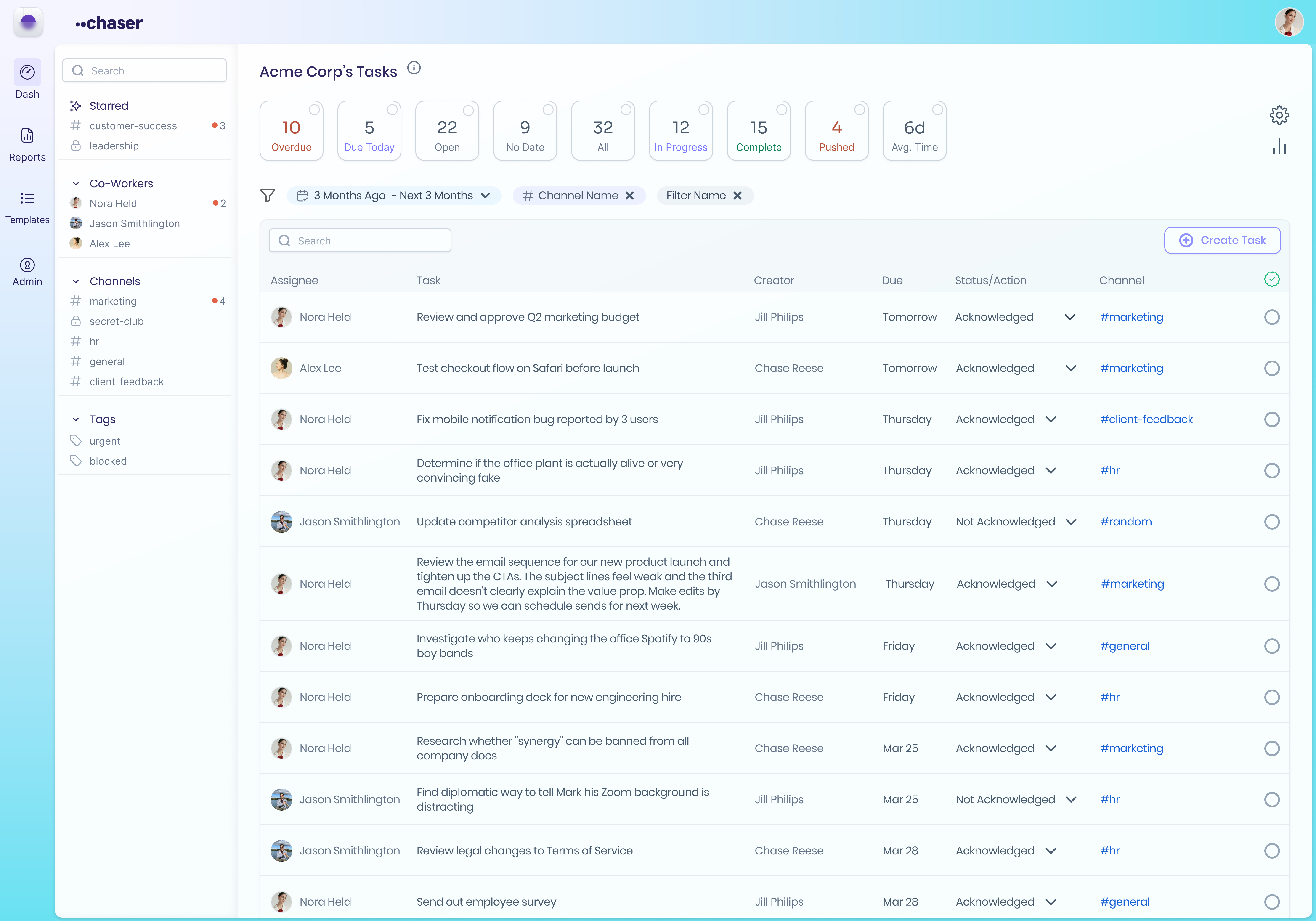
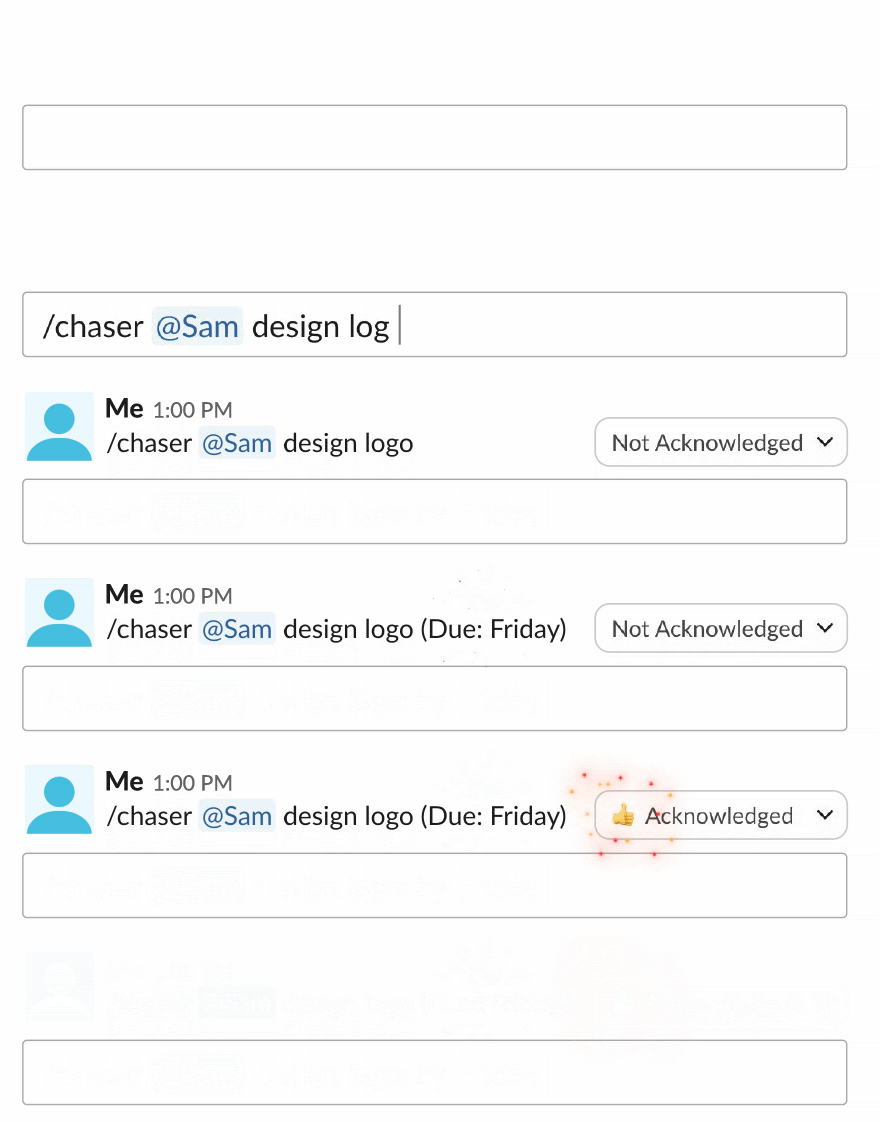
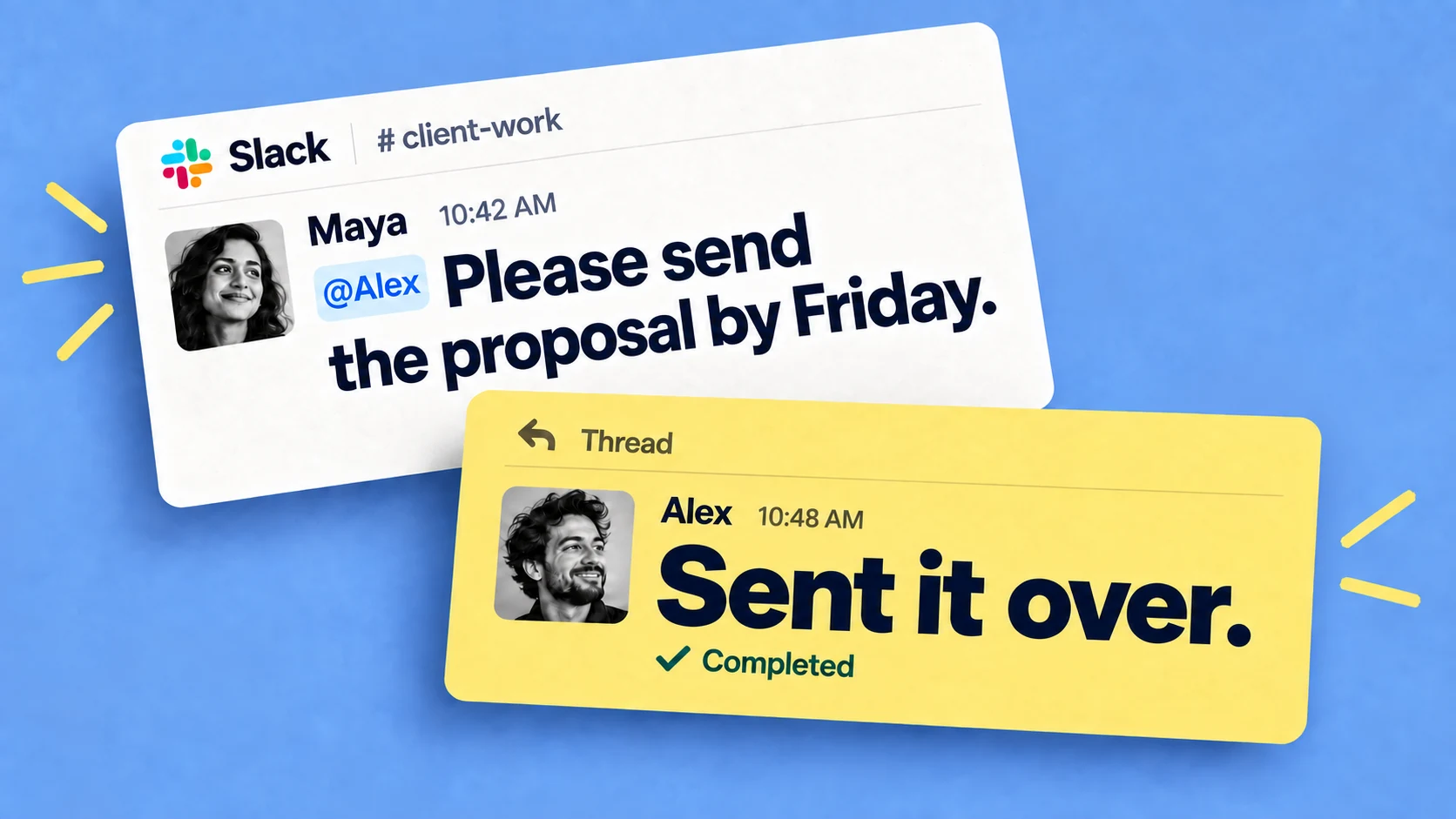
Chaser for Slack fills this gap. It's a task manager that runs entirely inside Slack: any message becomes a task with one owner and a due date, and Chaser reminds the assignee automatically as the deadline approaches.
For visibility across teams, every open task from every channel shows up on one dashboard inside Slack, and scheduled status reports post to the channel, which takes care of the Friday update. Tags and reports let you slice the same list by project, team, or person, so it's easy to spot a workstream with twelve open items and one assignee.