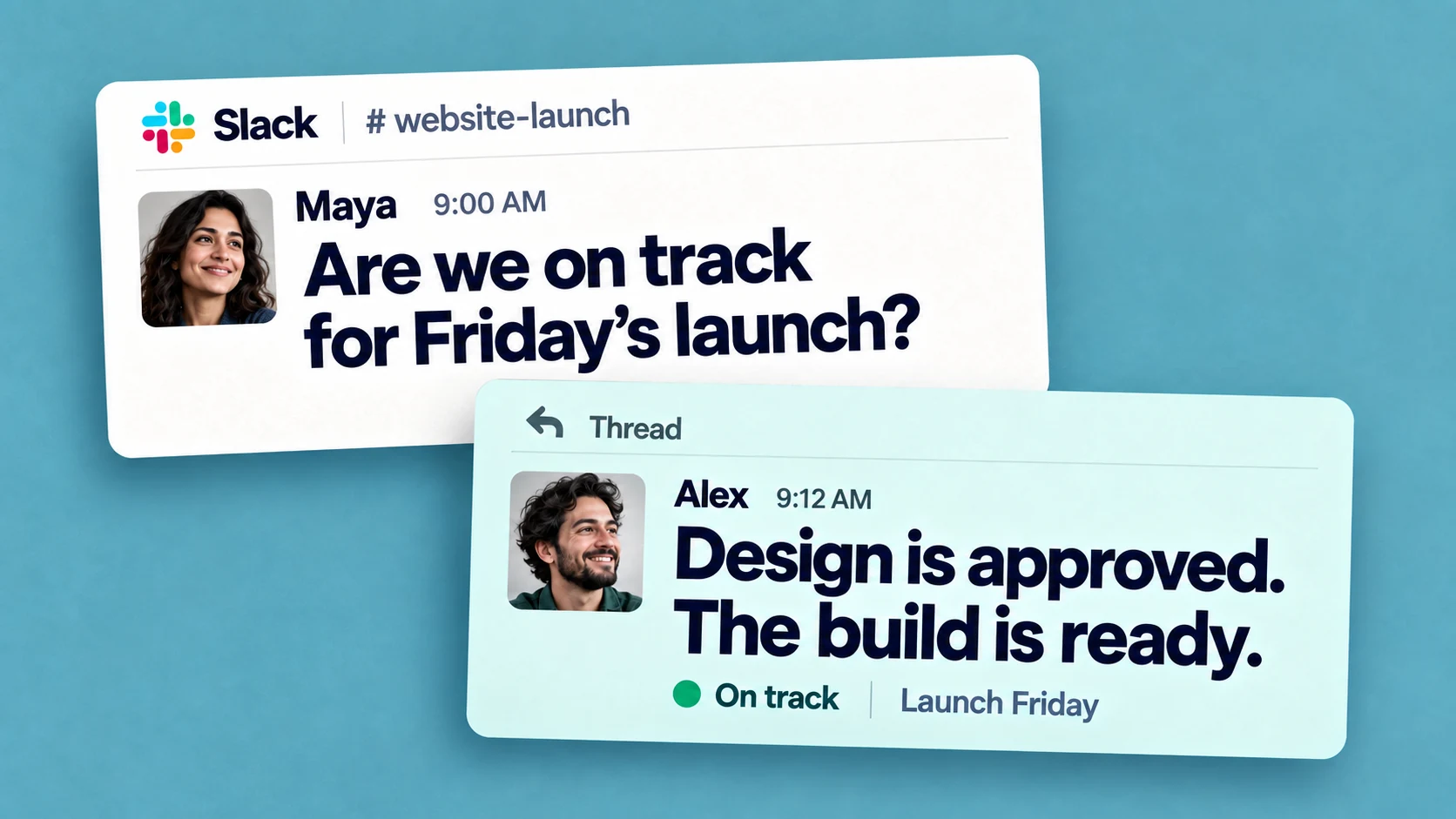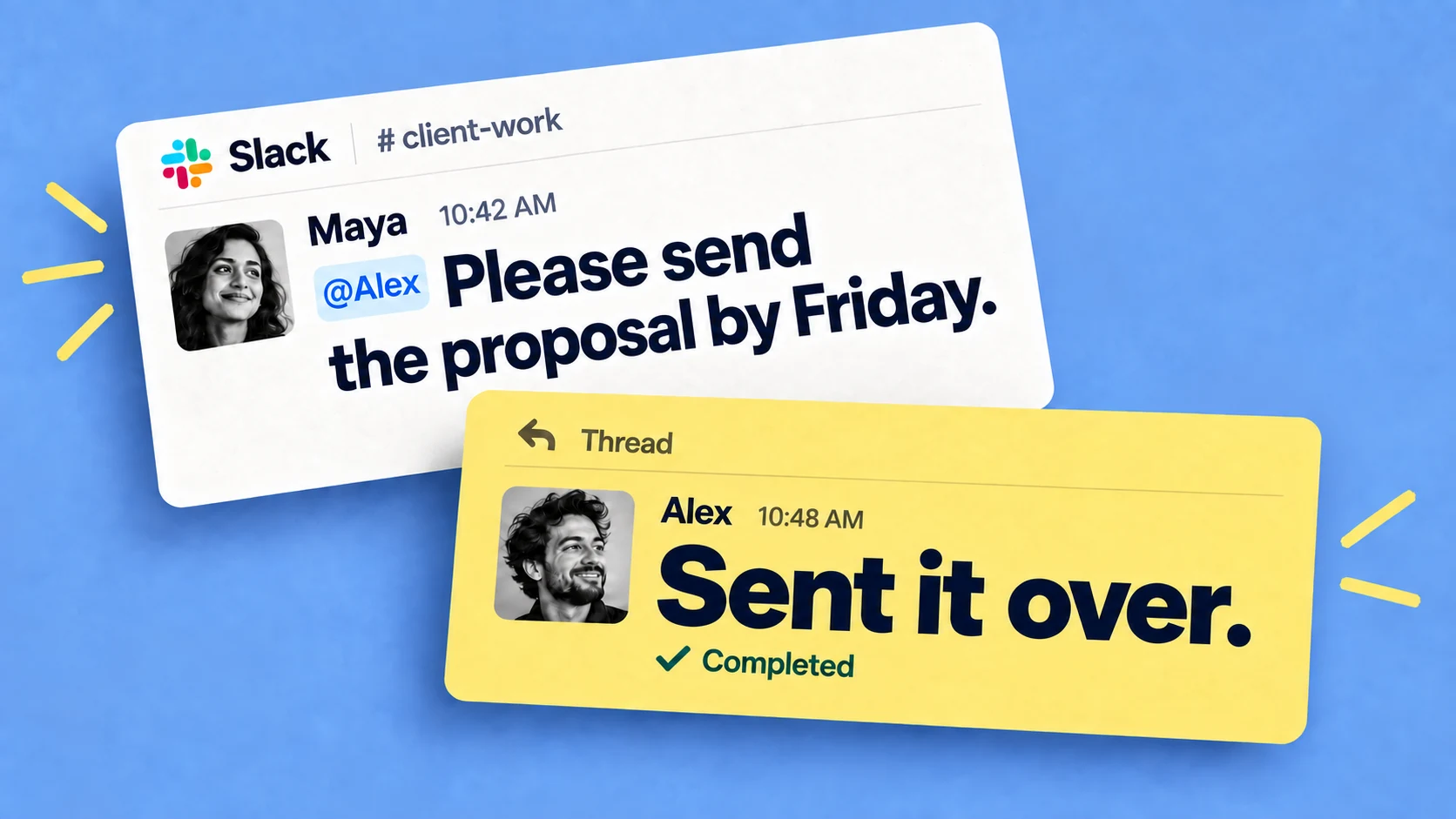
Slack has an analytics dashboard in the admin area. It reports messages sent, files uploaded, daily active members, and where conversations happen - the split between public channels, private channels and DMs.
Drill into a channel and you can see its membership, how many messages were posted, how many people posted them, and reactions added. On paid plans there's more detail across channels and members, plus CSV export.
It helps answer questions like:
- Is Slack adoption growing across the company?
- Which channels are active and which are going quiet?
- Is most of the talking happening in public channels or in DMs?
If you're rolling Slack out or keeping an eye on workspace health, the native dashboard answers all of that, and it's worth checking before buying anything.
Measuring work that happens in Slack
A channel that sent 50% more messages this quarter might be a team shipping more, or it might be a project that needs a lot of discussing - the count of messages alone can't tell you which.
Slack's analytics don't read message content, so they can't report what was assigned, what's overdue, or what's blocked.
Using AI assistants to analyze Slack data
The obvious next idea is to point an AI tool at the raw messages: an export, a script, or one of the AI and Slack MCP setups that can read workspace data. The reason this doesn't work in practice is because of the data format: in a Slack channel, a decision, a deadline, a blocker, a joke and a lunch order all look like the same kind of message.
Ask an AI to summarize a week of that and the summary comes back vague, because nothing in the stream says which messages mattered. Anything that analyzes the workspace later can only work with what was recorded at the time.
Mark the messages that matter
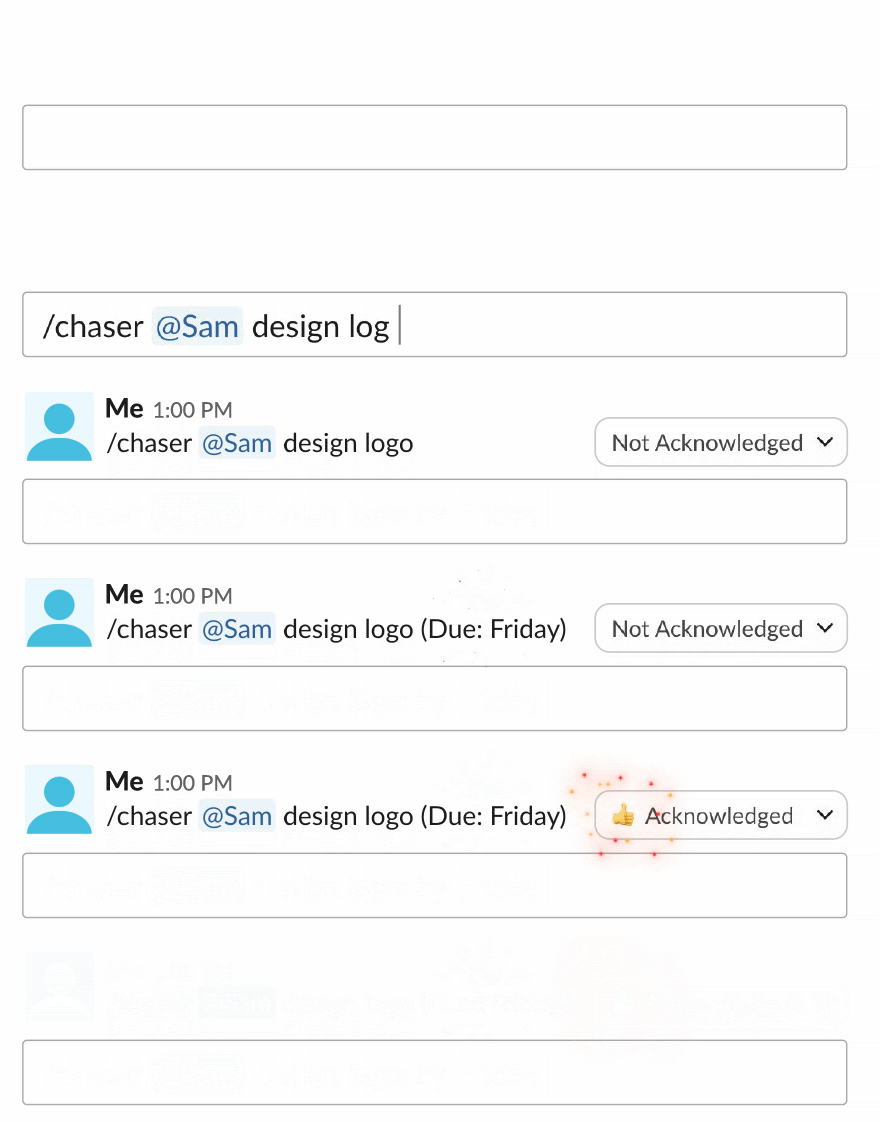
The practical fix is to capture work as it happens instead of reconstructing it afterward. When a message is a request, a deliverable, an approval or a follow-up, turn it into a task right there. Chaser does that from any Slack message without leaving the conversation, and a task carries what a plain message doesn't: an owner, a due date, a status, a completion state, and a history of changes. There's more on the day-to-day of this in our task management guide.
Do this for a few weeks and you have a clean dataset underneath the noise — not every message, just the ones that represent something someone agreed to do.
Reporting on that work in Chaser
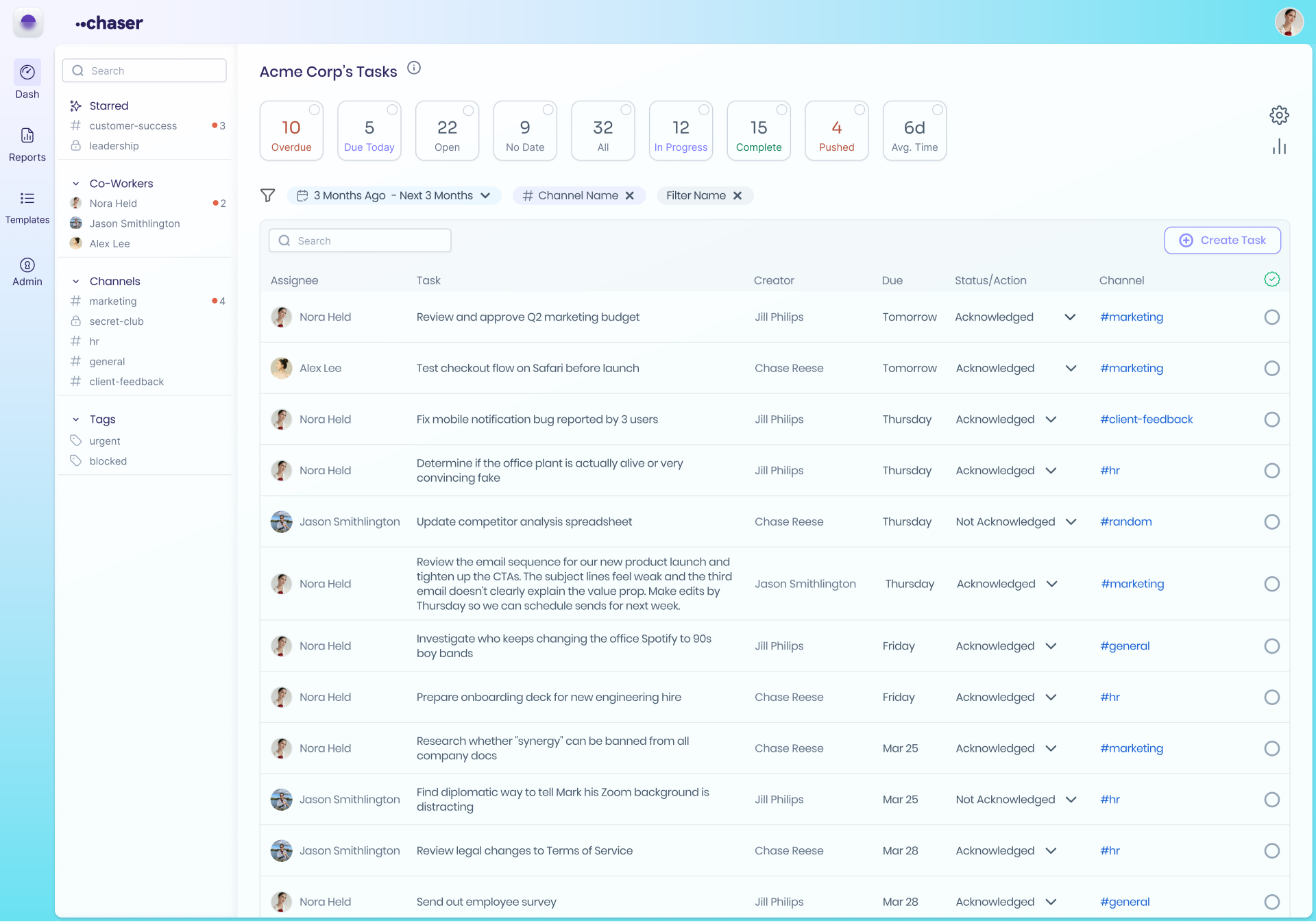
With tasks in place, Chaser's dashboard becomes the reporting layer. You can see open, overdue and completed tasks, filtered by owner, status, and the channel or project a task came from. Since Slack channels tend to map to clients, teams or workstreams, that filtering reports work by area rather than message volume by area. The automatic status reports Chaser posts to a channel are a lighter version of the same data: a regular summary of what's done, in progress and stuck, with nobody compiling it by hand.
Some reports this makes easy to pull:
- Open tasks by channel, to see which client or project is carrying the most unfinished work.
- Overdue tasks by owner, to spot where things are stalling.
- Completed tasks by week, as a measure of throughput rather than chatter.
- Recurring checklist completion — did every step of the month-end close actually happen.
- Approvals that have been sitting open too long, which is where a lot of processes stall in practice.
- Task creation versus completion over time, to see whether the team is closing as much work as it takes on.
Custom analytics with the API, MCP, Zapier and Sheets
Chaser makes task data useful beyond the dashboard too. Its API, incoming webhooks, MCP connection for AI tools like ChatGPT and Claude, and Zapier integration let teams build custom reports, send completed tasks to Google Sheets or a BI tool, and trigger downstream work when a task closes.
AI summaries also work much better at this stage: ask "what's overdue across the support channels" against structured task records and the answer comes back specific, because the records are clean.
Final thoughts
Slack's native dashboard is the right tool for workspace-health questions — adoption, channel activity, where conversations happen — and it's already included. For analytics about the work itself, the data has to exist first: mark the messages that represent real tasks, give them an owner and a due date, and report on those. Chaser makes that marking quick enough that it actually happens, and the reporting follows from there.
You can try Chaser for free and see how it fits the way your team already works in Slack. Get started and add Chaser to Slack, for free.

Alex Steshenko is the co-founder and CTO of Chaser. Drawing on his experience building products and leading teams, he writes about task management, workflow automation, and helping growing businesses get more out of Slack. His focus is practical: making ownership clear, reducing manual follow-ups, and helping teams turn everyday conversations into completed work. More articles by Alex Steshenko
Send this article to someone who’d like it.