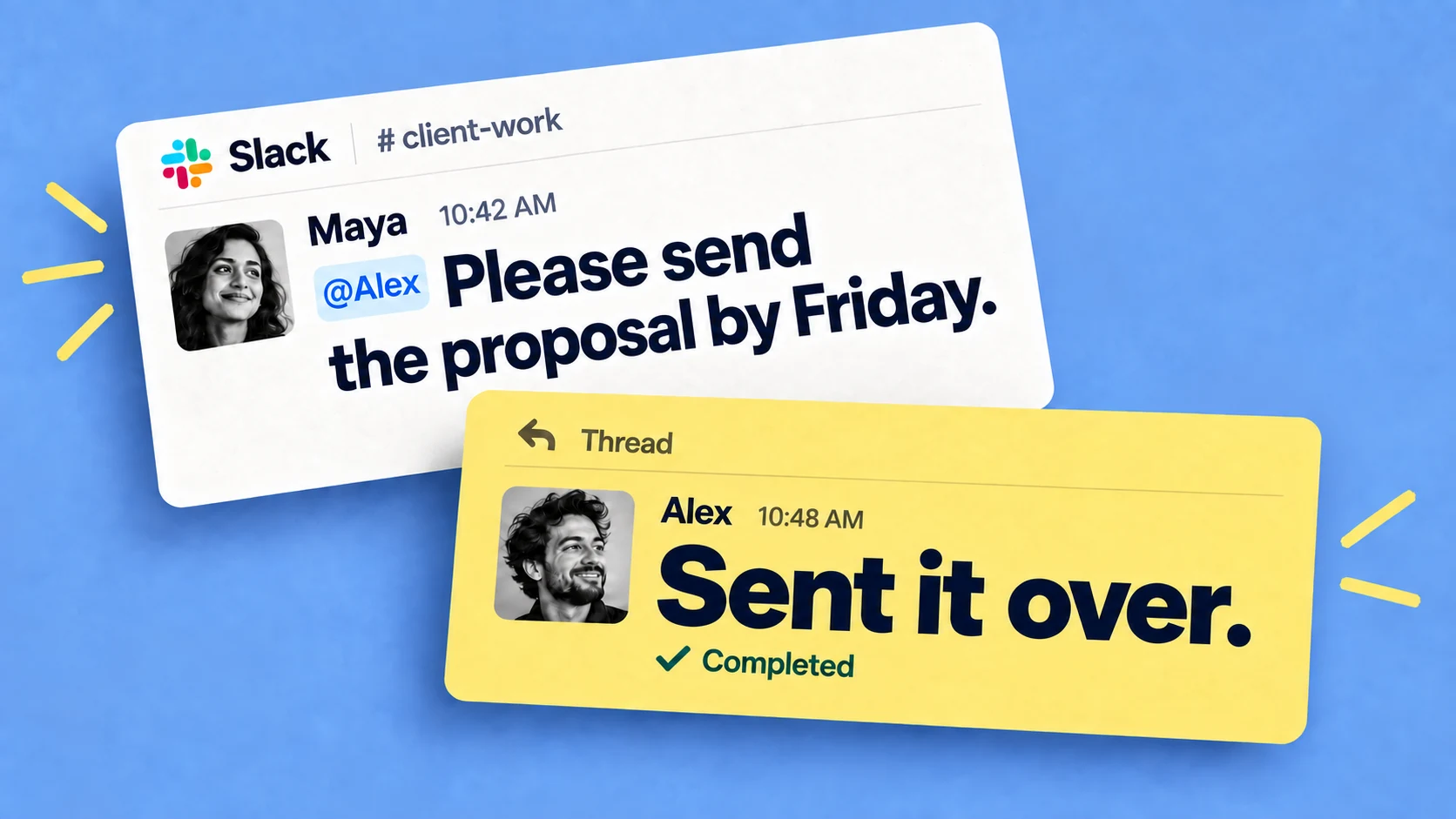

Things that require review and approval looks different in every company, but in some shape or form this exists in every business:
- Creative and content work. Page designs and social media posts pass at least one reviewer before publishing.
- Money. Invoice approvals, purchase orders, expense claims.
- Contracts and legal documents. A statement of work, an NDA, a change to standard terms.
- Code. On most engineering teams, a pull request needs an approving review before it can merge.
Managing review & approval
Often there is no set process: the request arrives in a Slack channel, or an email with a PDF and "can you take a look?", and from then on everything depends on the approver following through with it.
A few changes to the process itself can reduce waiting time:
- Shorten the approver list. Every name added to a request adds a wait.
- Decide what needs formal approval at all. A wording tweak to next week's social post doesn't need the sign-off a contract change does.
- Put a deadline on every request. "By Thursday" gives a reviewer something to plan around, while an open-ended request gets pushed behind everything that has a date.
- Collect feedback in one round. A reviewer who sends comments as they occur to them restarts the cycle each time -> ask for all the comments in one batch and make one revision from them.
Approval workflow tools
Tools like Monday.com and Asana can run approvals as a formal workflow. You set up an intake form, define the stages a request moves through, route it to the right approver based on type or amount, and keep a record of who approved what and when. This comparison of Asana and Monday.com goes into how the two differ.
For high-volume or regulated approvals, define the required routing and recordkeeping first. Chaser supports clear ownership, due dates, status, reminders and searchable Slack threads, and teams can pair the workflow with the recordkeeping controls their organization requires.
The trade-off is overhead: someone has to design and maintain the workflow, and everyone involved has to learn the tool and remember to check it. Approvers who spend their day elsewhere log in only when prompted, so a request can sit for days simply because nobody has opened the tool.
Running the review and approval process in Slack
An approval request posted in Slack reaches the approver in a tool they already have open, with no extra login and nothing new to remember to check. There's more than one way to run reviews there.
Ask in the channel
The simplest version is just using Slack itself and engineering teams do it every day: someone posts "Can anyone approve my pull request?" with a link in the team channel, and a teammate who's free picks it up on the spot. If your team reviews code this way, Chaser's guide to the GitHub Slack integration shows how to connect the two so PRs turn into trackable tasks.
There are no forms and no routing; whoever has a spare minute responds. The problem with this though is
- Nobody is free at that moment and the message scrolls up as new conversation arrives
- No reminder brings it back.
- No record, so three months later nobody can say when the design was approved or by whom
Track approvals in Slack
When an approval needs a reminder behind it and a record afterwards, Chaser runs it as a task inside Slack. The request is one line, typed wherever the conversation is already happening:
/chaser @John Can you approve this page design?
/chaser @Gemma Can you review the copy for the July newsletter by Thursday?
That creates a task assigned to John or Gemma with a due date, and Chaser reminds the assignee automatically until it's done, so the requester never has to send the "just bumping this" message. If several people have to sign off on the same thing, the task can be assigned to the whole group and tracked per person until everyone has approved.
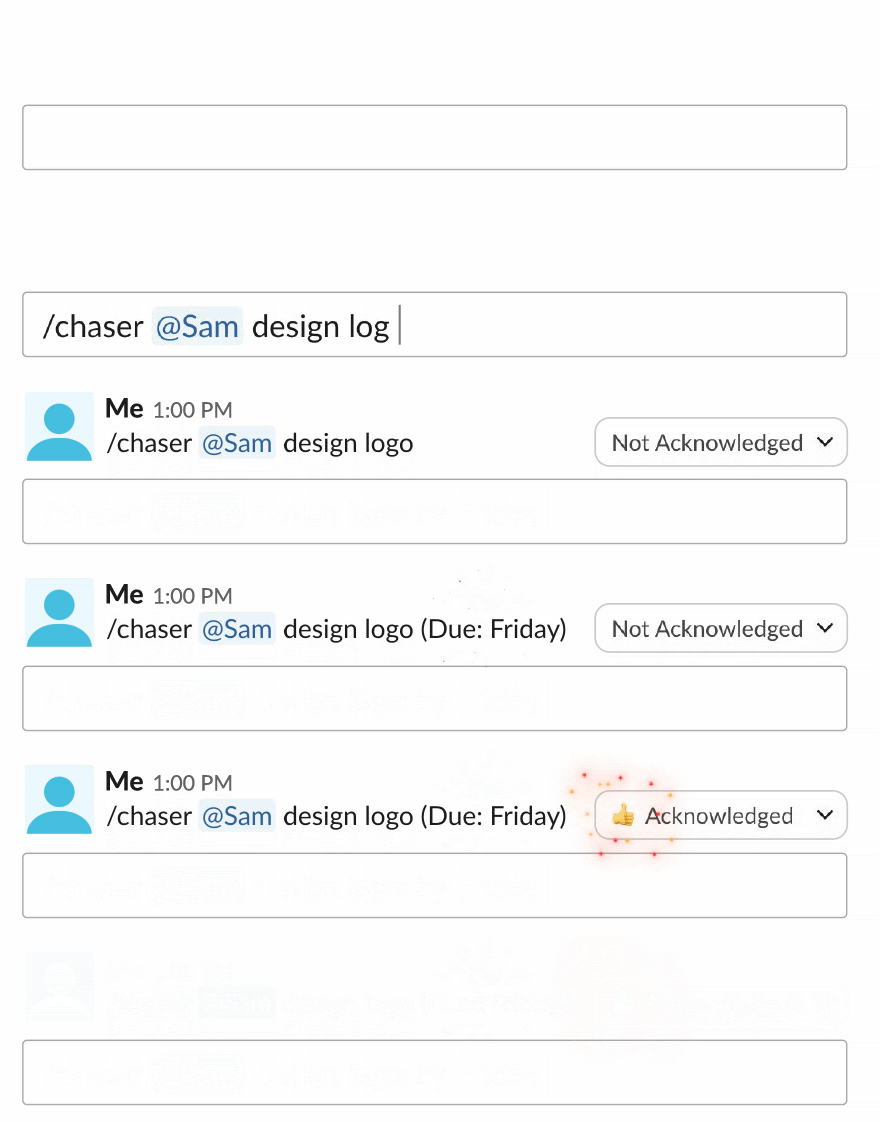
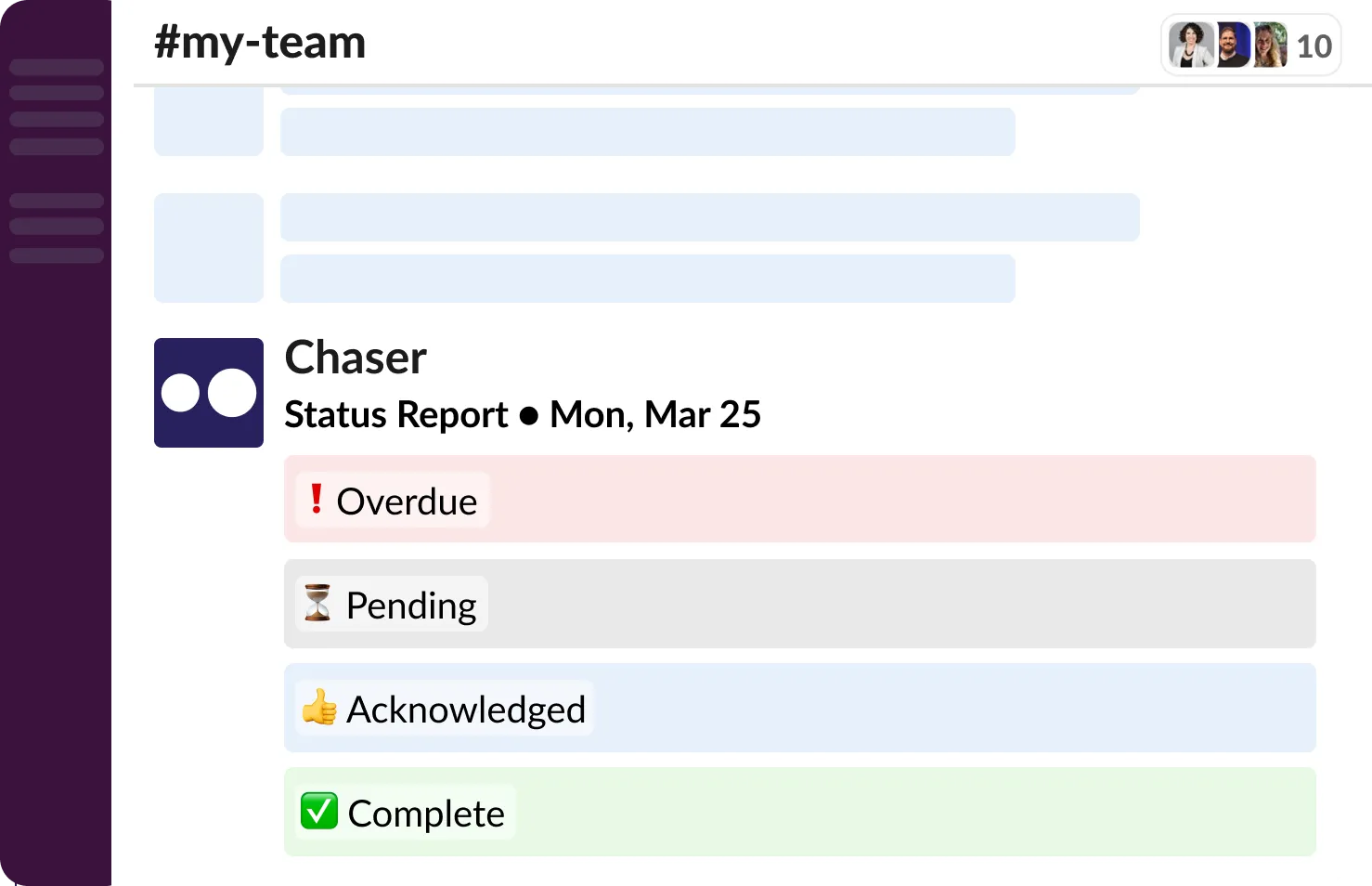
Task statuses can be set up to match a review flow, for example "In review," "Changes requested," and "Approved." Automatic status reports post to a channel showing what's waiting and on whom, and the team reports can be filtered by assignee, status, or project when you need to look back at what was approved in a given month.
Client sign-off can run the same way. Chaser works in Slack Connect channels, so an agency can assign the approval task to the client contact in the shared channel and the reminders go to the client directly. External connections can use Chaser at no cost, so the client doesn't need to buy anything.
Final thoughts
The right level of formality depends on what's being approved. Chaser brings the process into Slack with assigned reviewers, due dates, automatic reminders, configurable statuses, team reports and a visible record in the original conversation. That gives teams a consistent way to move designs, newsletters, invoices and other approvals forward without adding another place for approvers to check.
You can try Chaser for free and see how it fits the way your team already works in Slack. Get started and add Chaser to Slack, for free.