

Every team past a couple of people spends some effort keeping track of who's doing what by when. That coordination is what managing work means, and on a lot of teams it already happens in Slack, since that's where the requests and decisions are. This coordination doesn't produce anything on its own. Updating a task list or chasing someone for a status doesn't ship the product or serve the client.
It's the tax you pay for working as a group instead of alone, and the less of it you can get away with, the better.
This post covers what managing work involves, how to size it to your team, and how to do it in Slack with as little overhead as possible, including when a tool like Asana or Monday earns its place and when it just adds something else to keep current.
What managing work actually involves
Strip it down and managing work is a handful of small jobs that show up on almost any team:
- Capturing what needs doing, so it's written down and not just said out loud in a meeting.
- Giving each item a clear owner.
- Agreeing on when it's due.
- Following up to check it's actually happening.
- Letting the people who care see where things stand.
What people often picture instead — Gantt charts, dependencies between tasks, planning resources across projects — is a heavier layer on top, and only some teams need it.
A software team coordinating a release benefits from that machinery; a five-person team handling a steady flow of requests usually doesn't. It pays to know which one you're actually doing before you go shopping, and Chaser's guide to choosing a project management tool walks through that decision, including the case for no tool at all. For the hands-on version of the basics above, this guide to task management in Slack covers the setup.
Managing work is overhead, so keep it light
Because managing work creates no value on its own, the goal is to spend as little time on it as you can while still keeping everyone clear on who's doing what. That sounds obvious, but it cuts against the instinct to reach for a powerful tool and fill it with detail.
The time adds up. The McKinsey Global Institute estimated that knowledge workers spend about 28% of the workweek on email and nearly another fifth of it searching for information or tracking down colleagues — a large share of the week going to coordination rather than the work people were hired for and a lot of it is the system you chose making you feed it.
Why Slack is a low-overhead place to manage work
Managing work in Slack has a structural advantage: it's already where the work gets discussed so tracking the work in the same place skips the two biggest overheads: getting everyone onto a second tool, and switching back and forth to it.
Slack has a fair amount built in for this. Reminders, set with the /remind command, are good for personal nudges and simple recurring prompts. Lists add structured tracking with assignees, due dates and custom fields on paid plans. Workflow Builder automates routine sequences, like a request form that posts into a channel. Saved items and canvases hold things you want to come back to.
Automating the follow-up
The single biggest chunk of management overhead is tracking who owes what and pinging them until it's done. Automate that and most of the day-to-day admin disappears, because it's the part that otherwise needs a person sitting on top of it.
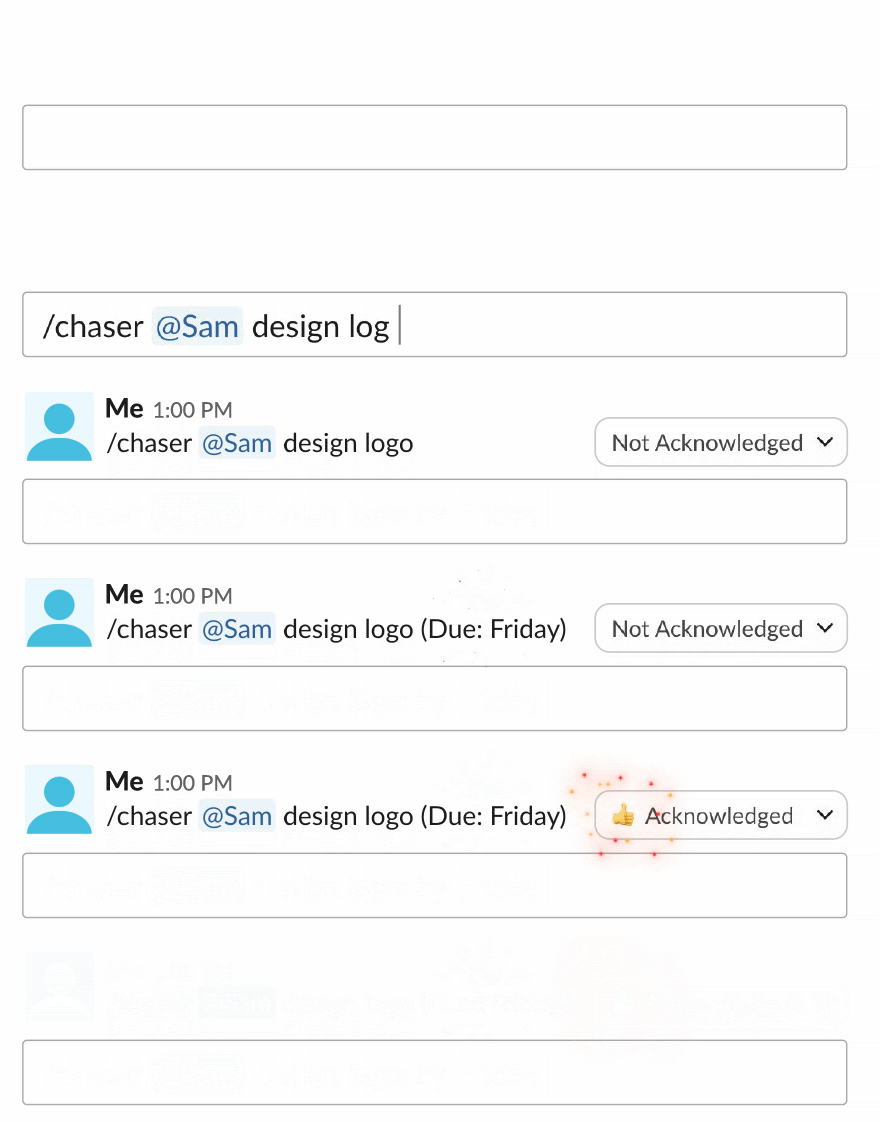
This is the gap Chaser for Slack is built for. It's task and project management that runs inside Slack: you turn any message into a task with an owner and a due date, and the follow-ups then happen on their own.
Chaser reminds the assignee as the deadline approaches and keeps nudging while the task stays open, so nobody has to do the chasing by hand.
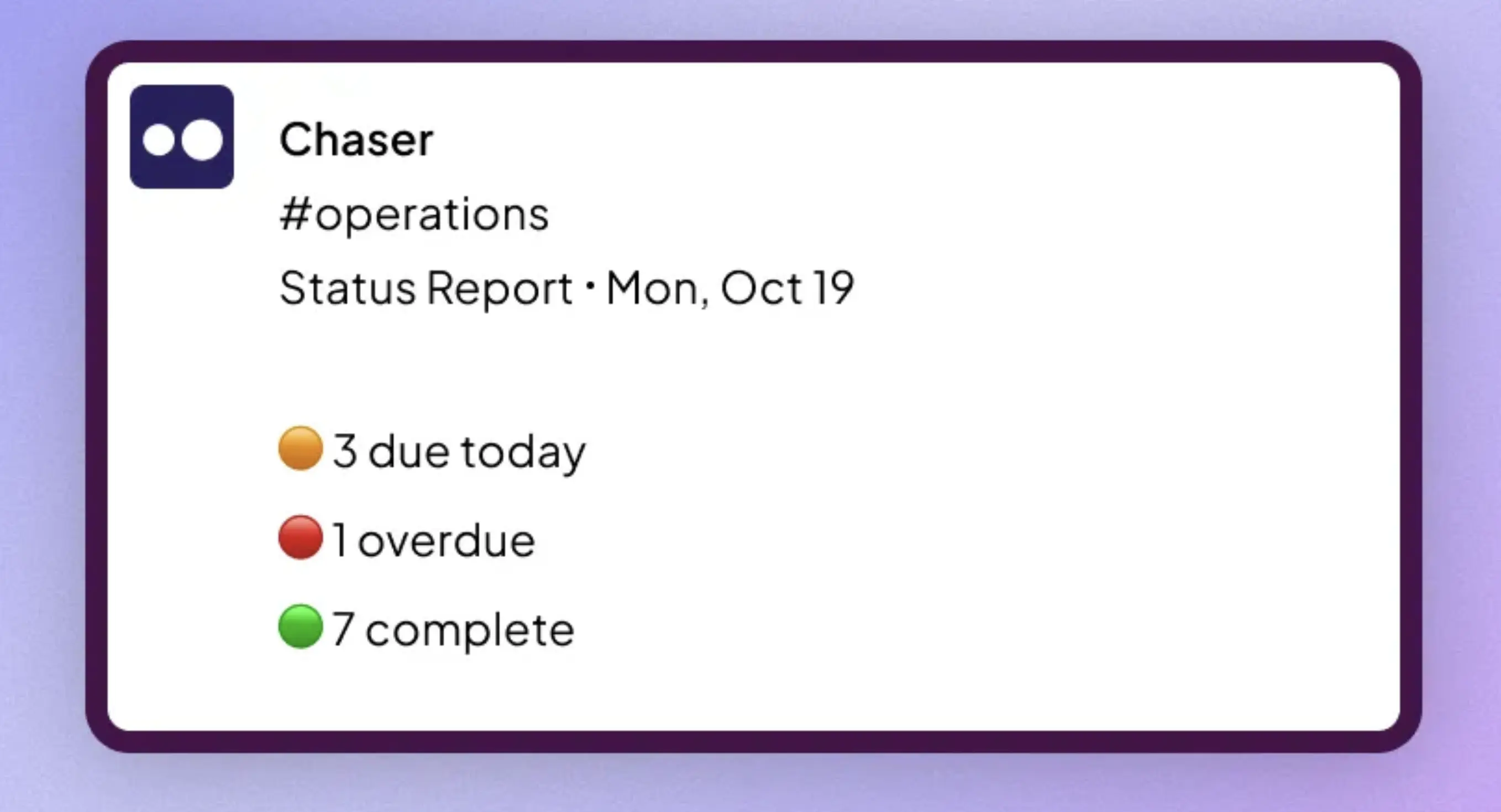
Status reports post to a channel on a schedule, showing what's done, in progress, or stuck, which means you can drop most of the status-update meeting — this survey of 200+ managers on status meetings makes the case for that. A dashboard inside Slack shows every open task without anyone compiling it, and recurring tasks and reusable checklists handle the repeating work, so you're not retyping the same list each week.
Chaser is built around the way Slack teams execute work: turn messages into assigned tasks, set due dates, automate follow-ups, and see progress across channels from one dashboard. That keeps planning and accountability in the same place as the conversation, making it easy for the team to capture and update work throughout the day.
Final thoughts
Managing work is a means to an end, and that end is just the work getting done. The setup worth aiming for is the lightest one that still keeps everyone clear on who's doing what by when, sized to your team, and ideally living where the work is already discussed so it costs as little attention as possible. For most teams that spend the day in Slack, that means doing the tracking there too, and automating the follow-up so it doesn't fall to a person.
If your team runs its day in Slack, you can try Chaser for free and see how it fits the way you already work. Get started and add Chaser to Slack, for free, or book a demo for a live walkthrough.




