Task and Project Management in Slack
Task tracking where your team already works, so they’ll actually use it.






Everything you need to track work in Slack



Task management your team will actually use
See how Chaser saves you hours every week
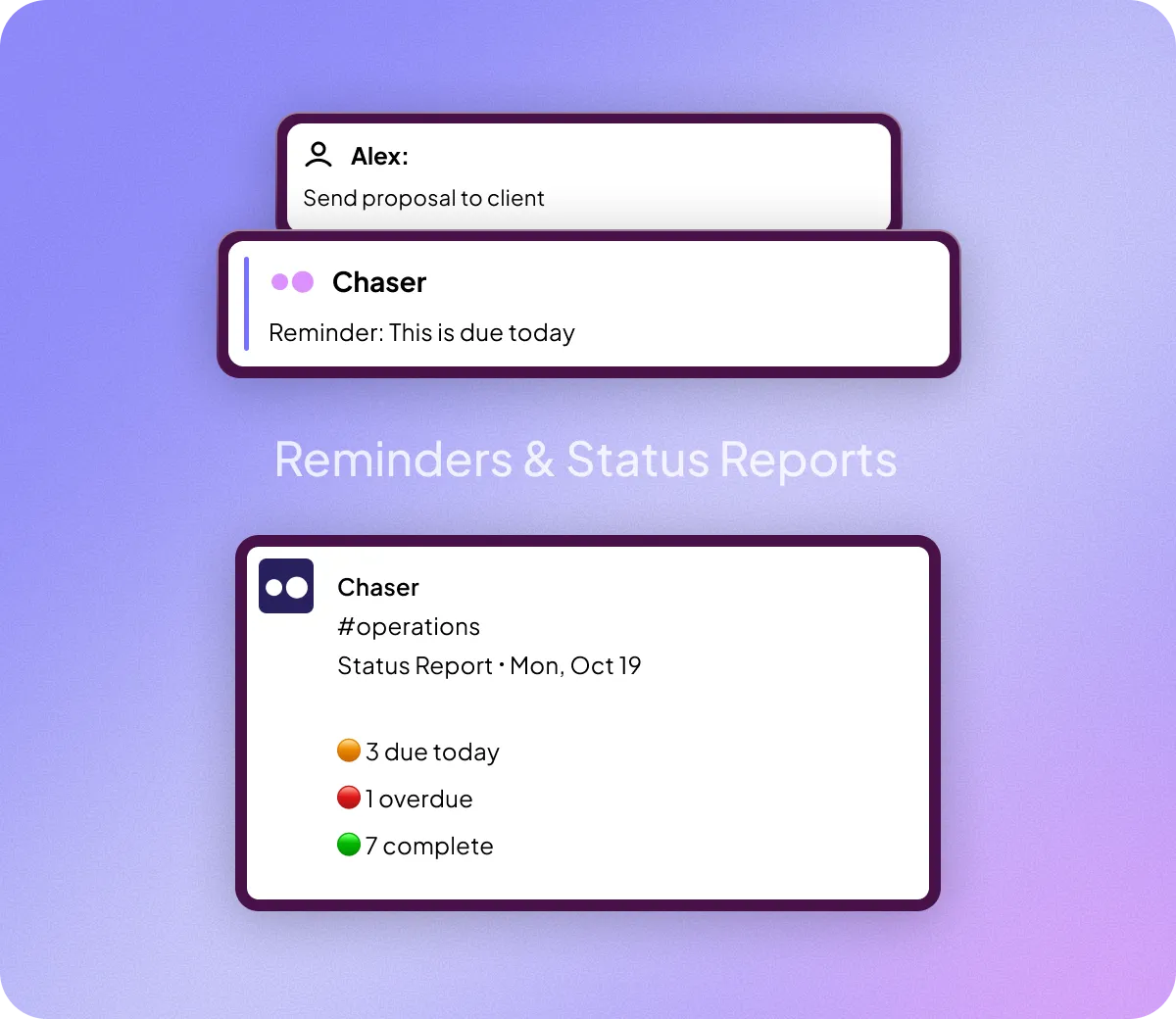
Works with everyone in your Slack — no logins, no onboarding
Assign, manage and track tasks in Slack
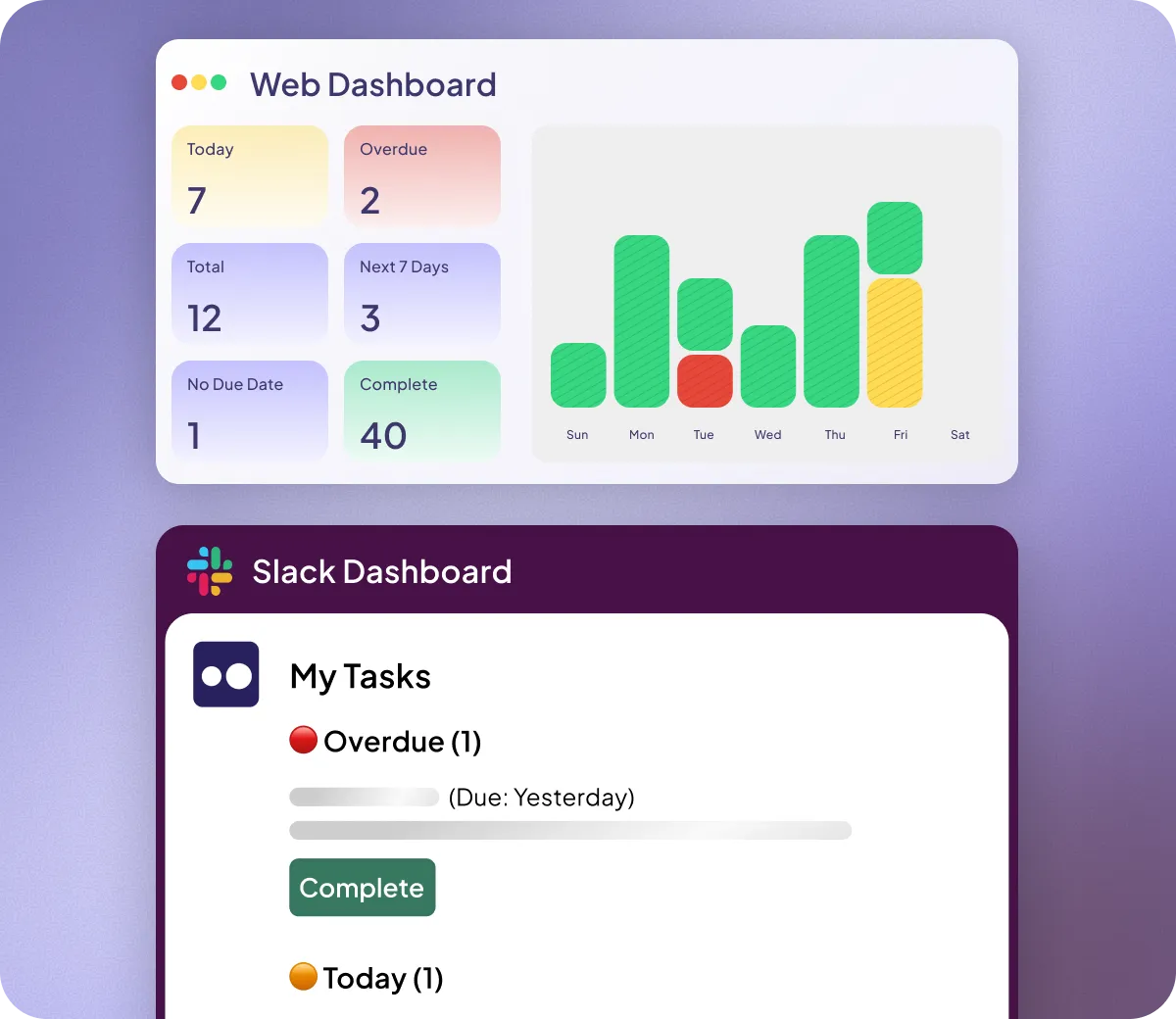
Team-wide visibility on the dashboard


Manage the whole project where you already work
Complete project management in Slack. Track tasks, assign work, and manage projects without leaving the platform your team already uses—no separate tools required.
Built for teams that live in Slack
What our customers are saying

“The biggest indicator is ‘will your team actually use it?’ And they do. They enjoy using it – ultimately that’s the most important thing.”
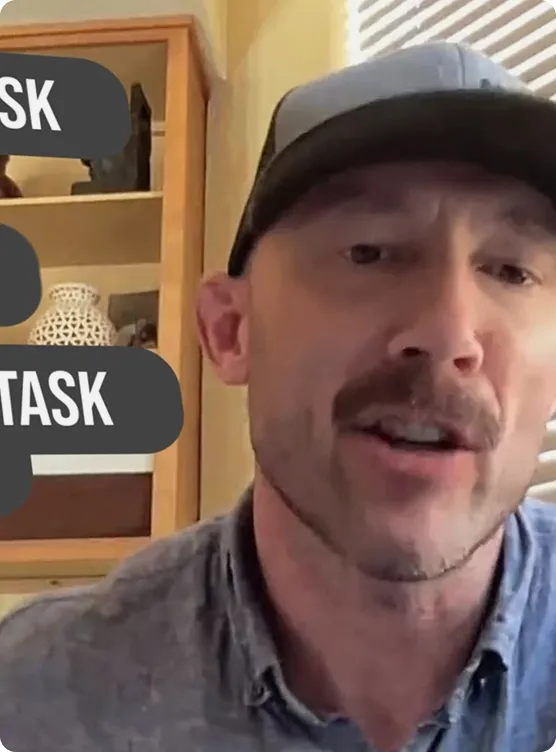

“I’ve used Chaser more in one week than I have used Monday.com in two years”

“We were surprised at how quickly teams got used to it. Within a couple days we were totally up and running.”


“People who are notoriously bad at getting things done are now getting things done.”

“Chaser made it so streamlined. Everyone knows what they have to do.”
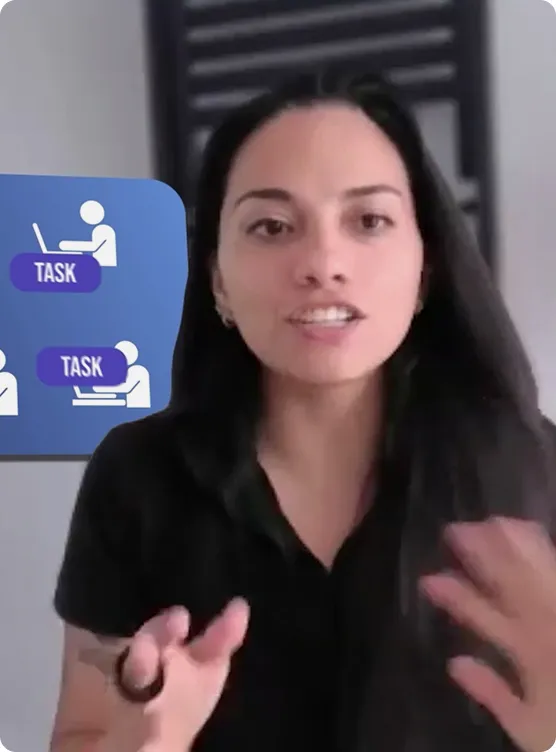
“The most intuitive thing ever”

“There’s no learning curve that users have to go through. It’s been one of the easiest things for the team to pick up. In that simplicity is where team adoption thrives. ”


“I was working like a caveman before because there’s no tool like this”
See for yourself
See how Chaser can upgrade your Slack with task tracking, ownership, and follow-ups, without slowing your team down.

Frequently Asked Questions
Other tools sit outside your daily flow. Chaser lives in Slack, making task tracking easy for your team and giving you a clear view of what’s due, what’s late, and what needs attention.
How is Chaser different from Monday, Asana, or ClickUp?
Chaser is purpose-built for teams that already live in Slack.
While Monday, Asana, and ClickUp are powerful tools designed for deep project planning in standalone apps, Chaser keeps everything inside Slack—so your team doesn’t have to change how they work or learn a new system.
What are Chaser’s top features?
Check out Chaser’s top features on the Features Page.
Does Chaser require any setup?
Simply add Chaser to Slack and you can instantly start creating tasks.
No one needs to sign up and no training is required. Chaser will explain itself to anyone that gets a task!
What’s included in the free trial?
The free trial offers unlimited access for unlimited seats for 14 days. No credit card needed!
How does project management in Slack work with Chaser?
Here’s what happens when your team starts using Chaser:
- Tasks can be created in the middle of your conversations in Slack.
- Your dashboard shows all tasks, grouped by the channel they were made in. This means no more manually creating/deleting project boards and managing who has access – your Slack channels act like “projects” and the members of each channel can see all the tasks.
- Your dashboard shows all tasks, grouped by the channel they were made in. This means no more manually creating/deleting project boards and managing who has access – your Slack channels act like “projects” and the members of each channel can see all the tasks.
- Chaser automatically follows up on any incomplete tasks and generates Status Reports for each channel.
- Assigning to Groups
- Volunteer Requests
- Repeating Tasks
- Reusable Checklists
- Zapier/API integrations
- And much more
What’s the difference between Slack task management and traditional project management tools?
Slack task management is built for execution inside the place your team already works, while traditional project management tools are built for planning inside a separate system.
With Slack-first task management (like Chaser), tasks, updates, and reminders live directly in Slack, so people don’t have to change behavior or switch tabs to stay on track. It’s fast to adopt, easy to learn, and stays up to date because tasks come with automatic reminders and status checks by default.
Traditional project management tools (like Asana, Monday, ClickUp, Trello, etc.) are typically standalone web and mobile apps designed for deeper project planning. They offer more advanced features - things like dependencies, Gantt charts, workload management, and highly customizable workflows - but they often require setup, onboarding, and ongoing maintenance. The biggest risk is adoption: visibility and dashboards are only accurate if the team consistently logs in and updates tasks.
In short: Slack task management wins on speed, simplicity, and engagement, while traditional PM tools win on depth, structure, and advanced planning.
Do I need to get Chaser for everyone in my Slack workspace?
Nope. You choose exactly who gets access — add the people who need it and leave everyone else out.
